
Quick view
This section allows you to configure the appearance of the quick view popup, which provides a preview of product details without leaving the current page. The quick view feature can be enabled or disabled in the Product Card settings.
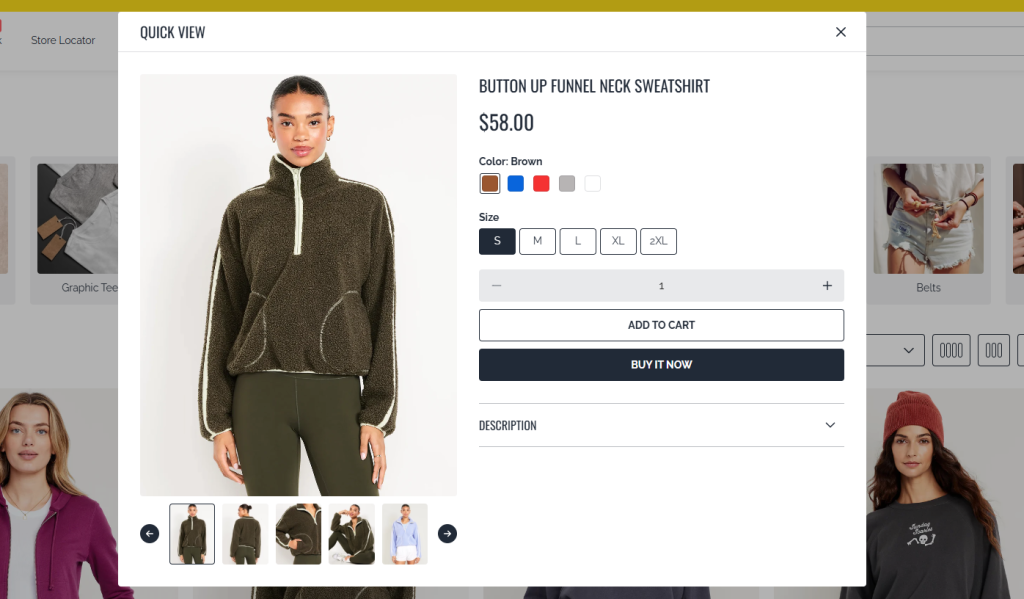
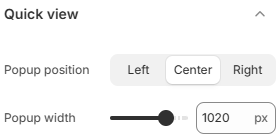
- Popup position: Choose where the quick view popup appears on the screen. Available options include Left, Center, and Right.
- Popup width: Adjust the width of the popup to control how much content is displayed and how prominent it appears.
Make sure the quick view feature is enabled in Product Card settings to use this functionality. Choose a popup position and width that provide a comfortable viewing experience without overwhelming the screen, especially on smaller devices.