
Contact form
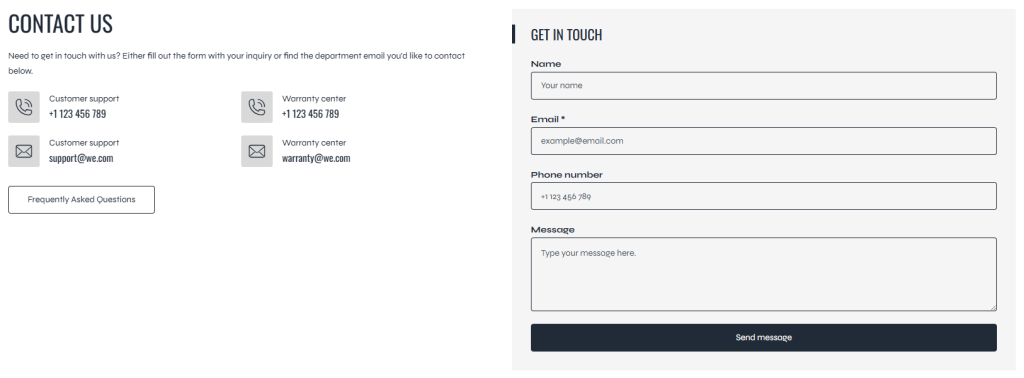
The Contact Form section allows customers to quickly get in touch with the store directly from the storefront. This section is commonly used for customer support inquiries, business contact requests, feedback submissions, or general communication, helping improve customer trust and engagement.
A well-designed contact form can make communication more convenient while maintaining a clean and professional page layout.
Settings
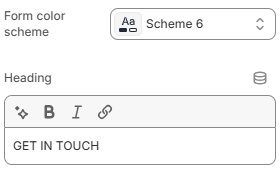
- Form color scheme: Controls the color scheme used for the contact form area, including the background and form element styling, helping the section match the overall store branding.
- Heading: Defines the title displayed above the contact form section.
A well-designed contact form can make communication more convenient while maintaining a clean and professional page layout. The section also supports flexible content blocks, including Heading, Text, Phone, and Email blocks, allowing merchants to display additional contact information and helpful messaging alongside the form.
Block: Heading
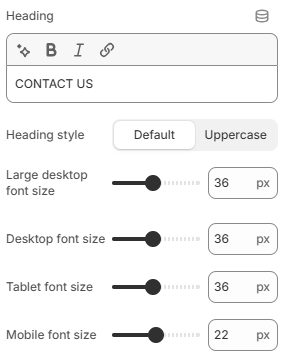
- Heading: Defines the heading text displayed inside the block.
- Heading style: Controls the visual style of the heading text. Available options include Default and Uppercase.
- Large desktop font size: Adjusts the heading font size on large desktop screens.
- Desktop font size: Controls the heading font size for standard desktop devices.
- Tablet font size: Defines the heading font size displayed on tablet devices.
- Mobile font size: Controls the heading font size on mobile devices for better responsiveness and readability.
Using clear headings and a well-balanced color scheme can help improve readability and encourage customers to interact with the form more comfortably. For the best user experience, choose colors that provide strong contrast and maintain consistency with the overall storefront design.
Block: Text
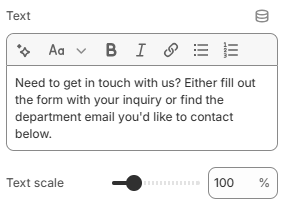
- Text: Adds the main text content displayed inside the block.
- Text scale: Controls the overall text size and visual emphasis of the content.
Block: Phone
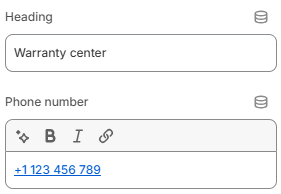
- Heading: Defines the title displayed above the phone information.
- Phone number: Adds the phone number displayed inside the block.
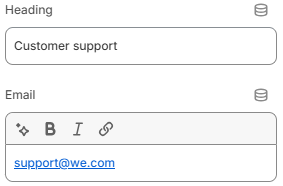
- Heading: Defines the title displayed above the email information.
- Email: Adds the email address displayed inside the block.
The Contact Form section is designed to provide a flexible and user-friendly communication area for your storefront. By combining Heading, Text, Phone, and Email blocks, merchants can create a more informative and organized contact page that helps customers quickly find the right communication channels. For the best user experience, keep contact information clear, use readable typography, and maintain consistent spacing and color styling throughout the section.