
Back to top
This section allows you to enable and customize a button that helps users quickly return to the top of the page, improving navigation on long pages.
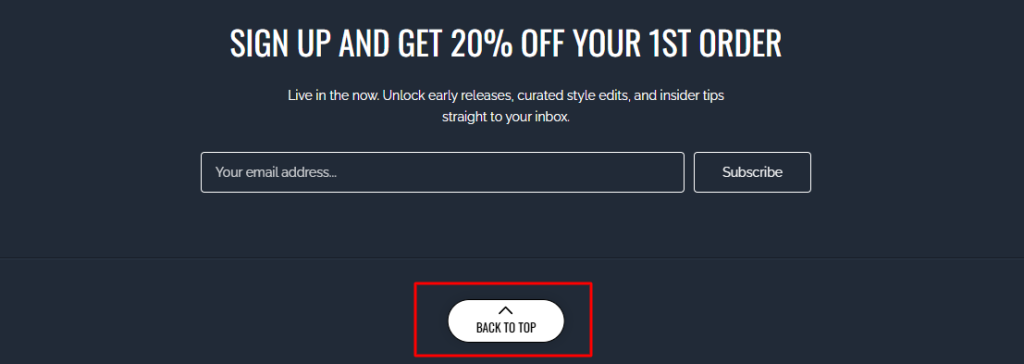
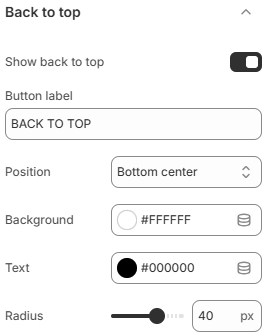
- Show back to top: Enable or disable the back to top button.
- Button label: Set the text displayed inside the button.
- Position: Choose where the button appears on the screen. Options include Top center, Bottom center, Bottom left, and Bottom right.
- Background: Set the background color of the button.
- Text: Define the text color of the button label.
- Radius: Adjust the corner radius of the button to control how rounded it appears.
A back to top button enhances usability, especially on content-heavy pages. Place it in a visible but non-intrusive position, and use clear styling to ensure it stands out while still matching your overall design.