Essential Shopify Apps You Need When Building an Online Store
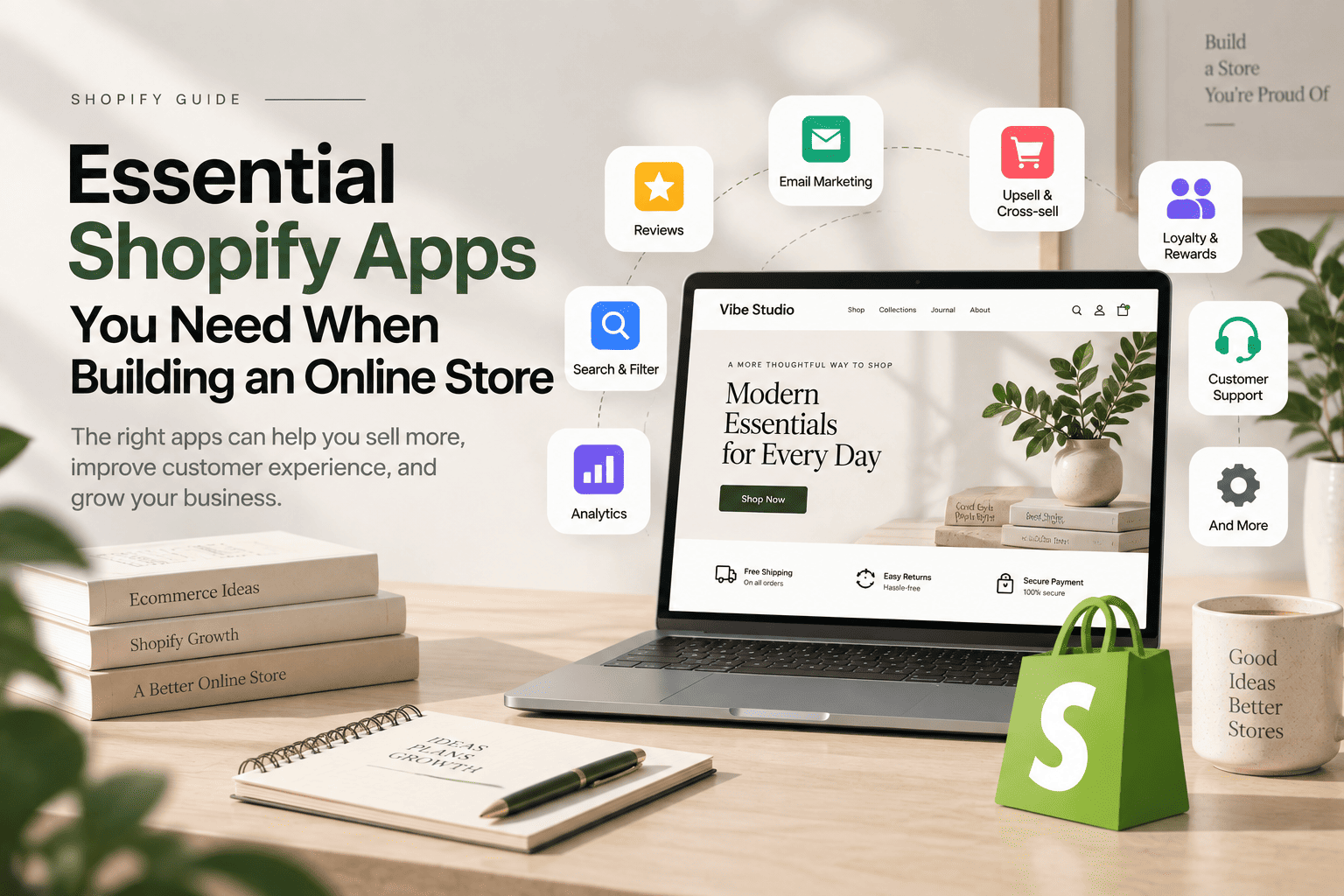
Building a successful Shopify store requires more than adding products and configuring payment methods. Although the platform includes core ecommerce features, essential Shopify apps can expand your store’s functionality, enhance the customer experience, and support long-term business growth.
From product reviews and email marketing to advanced search, customer support, and analytics, the right apps can help you solve specific business challenges. However, installing too many apps can increase costs, create unnecessary complexity, and potentially affect your store’s performance.
The best approach is to combine Shopify’s native features, your theme’s built-in functionality, and carefully selected apps that provide genuine value.
Table of contents
- 1. Product Review Apps
- 2. Email Marketing Apps
- 3. Search and Product Discovery Apps
- 4. SEO and Image Optimization Apps
- 5. Upselling and Cross-Selling Apps
- 6. Wishlist and Product Comparison Apps
- 7. Customer Support and WhatsApp Apps
- 8. Loyalty, Subscription, and Shipping Apps
- 9. Analytics and Tracking Apps
- Shopify Theme Features vs Shopify Apps
- Can Too Many Shopify Apps Affect Store Performance?
- How to Choose the Right Shopify Apps
- A Practical Shopify App Strategy for New Stores
- The Best Shopify App Stack Is Not the Biggest One
- Final Thoughts
1. Product Review Apps
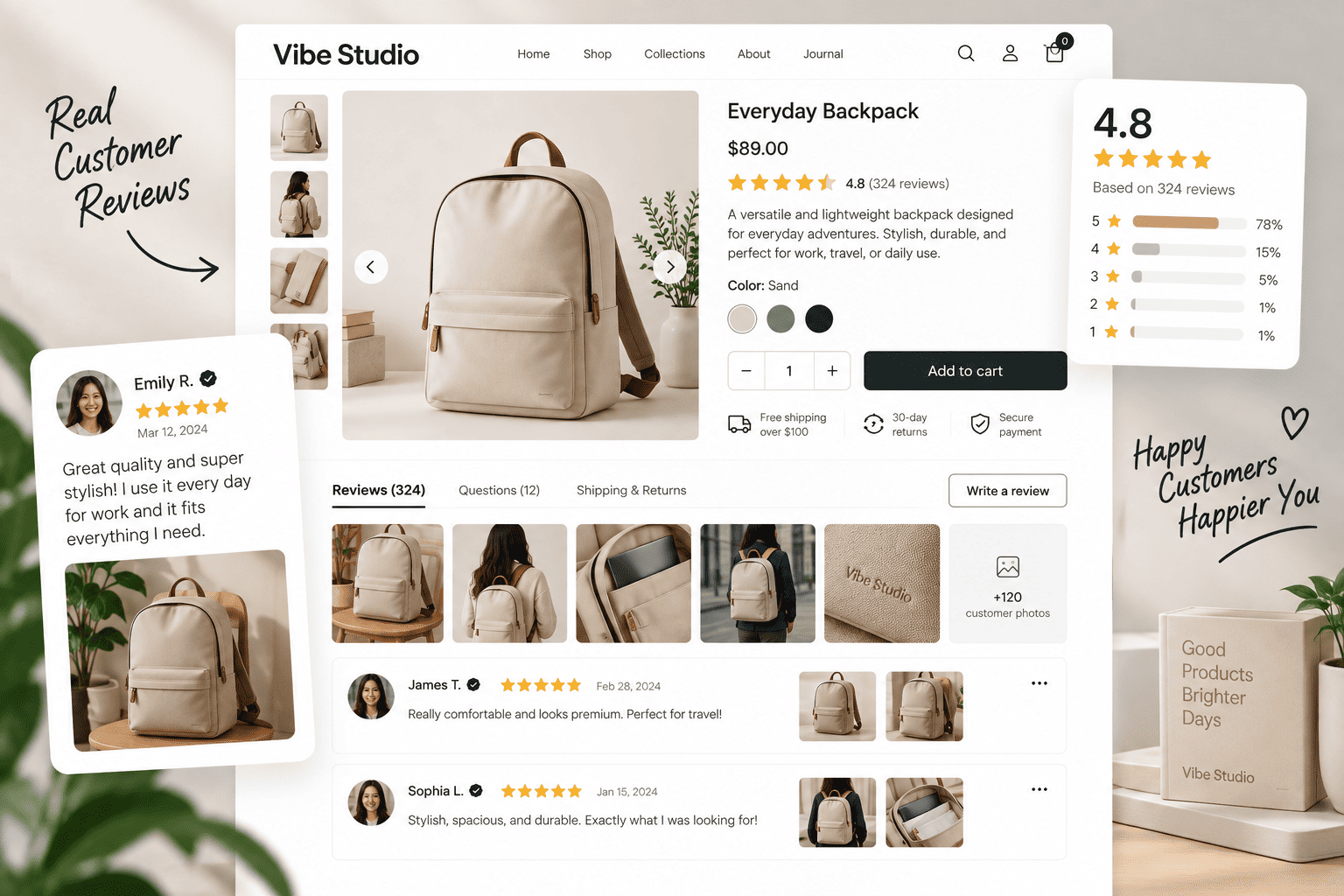
Product reviews help build trust by giving potential customers more information before purchasing. With the right review tools, your store can showcase customer feedback and support more confident buying decisions.
These apps can help you:
- Display star ratings and written reviews
- Collect feedback automatically
- Show photo and video reviews
- Import reviews from other platforms
- Display review widgets on product pages
- Encourage customers to share their experiences
Reviews can be especially useful for fashion, beauty, furniture, and electronics stores, where customers may want to understand product quality and usability.
Before installing a review app, check whether your Shopify theme already supports review sections or app blocks.
2. Email Marketing Apps
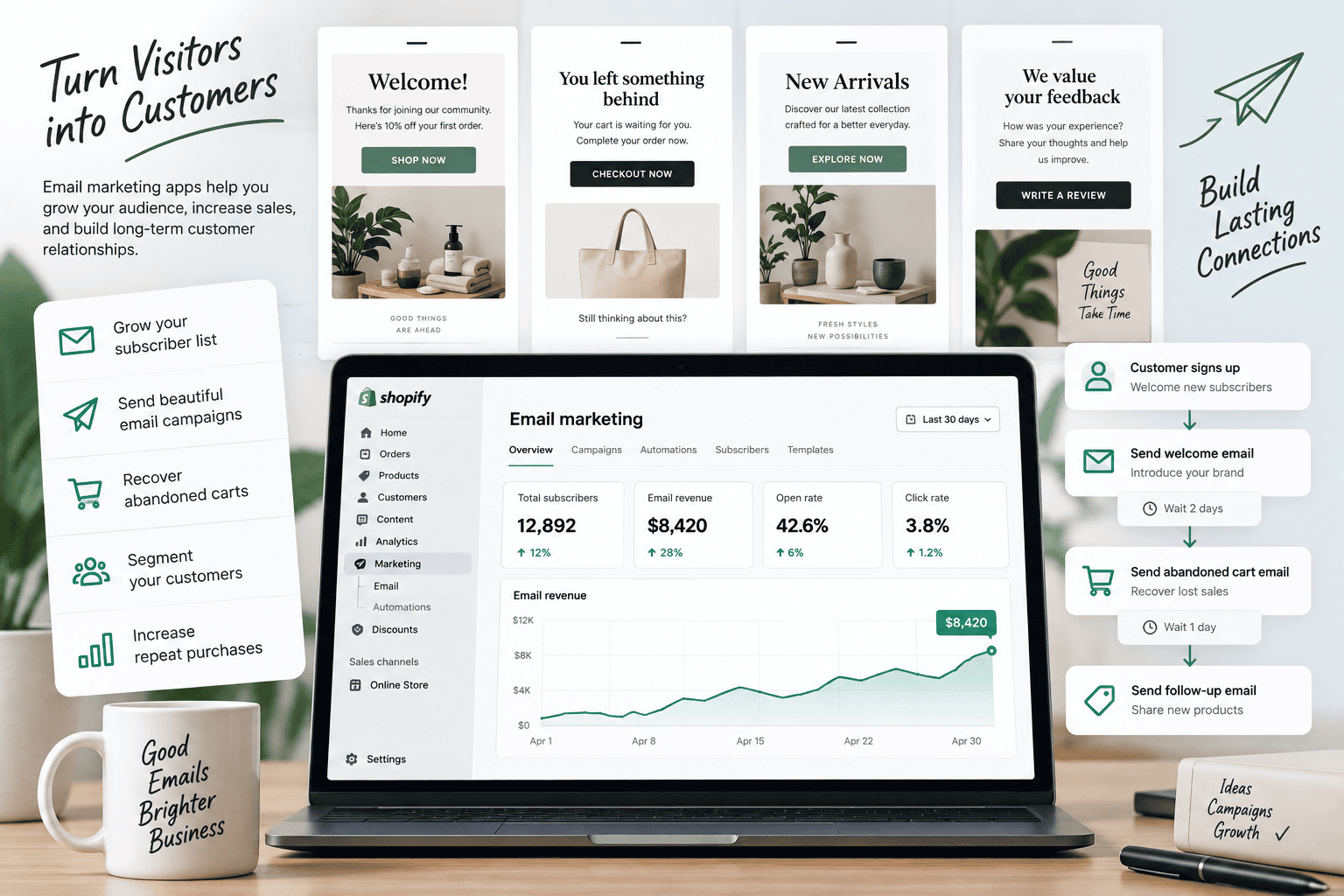
Email marketing allows you to communicate with customers and encourage repeat purchases. While Shopify provides basic marketing features, dedicated email marketing apps can offer more advanced automation and segmentation.
Important email marketing features include:
- Welcome email campaigns
- Newsletter campaigns
- Abandoned checkout recovery
- Post-purchase emails
- Customer segmentation
- Promotional campaigns
- Product recommendations
Your Shopify theme also plays a role in email marketing. Newsletter sections, signup forms, and promotional popups can help you collect subscribers more effectively.
Choose an email marketing app that integrates well with your theme and supports your long-term marketing strategy.
3. Search and Product Discovery Apps
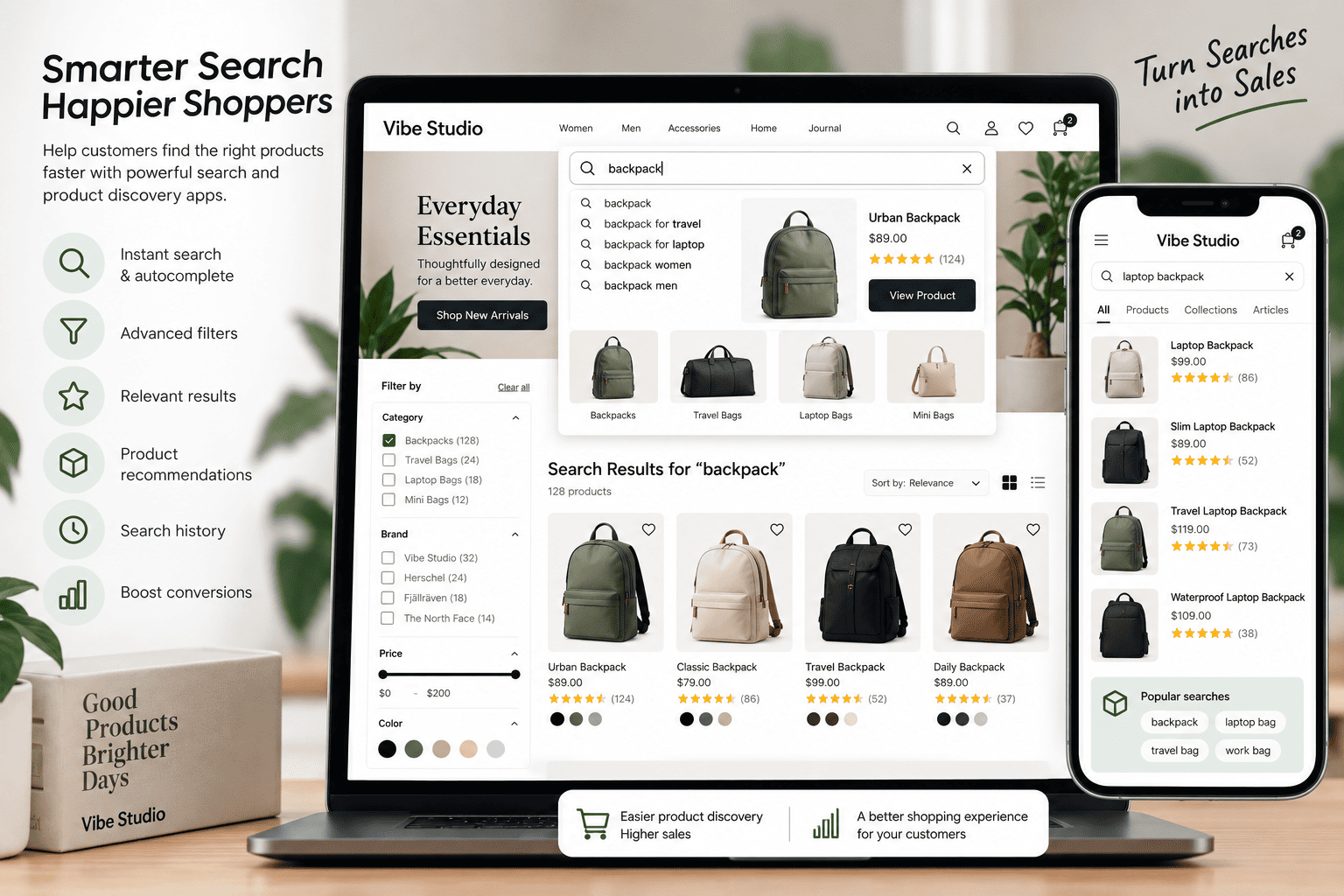
Search functionality becomes increasingly important as your product catalog grows. Shopify’s native search may be sufficient for smaller stores, but larger catalogs may require more advanced product discovery features.
Search apps can provide:
- Predictive search
- Search suggestions
- Typo tolerance
- Advanced filters
- Product recommendations
- Search analytics
- Synonym management
Before choosing one of these essential Shopify apps, test your current search experience on desktop and mobile.
If customers struggle to find relevant products, an advanced search solution may improve navigation and product discovery. However, a small store with a limited catalog may not need an additional search app.
4. SEO and Image Optimization Apps
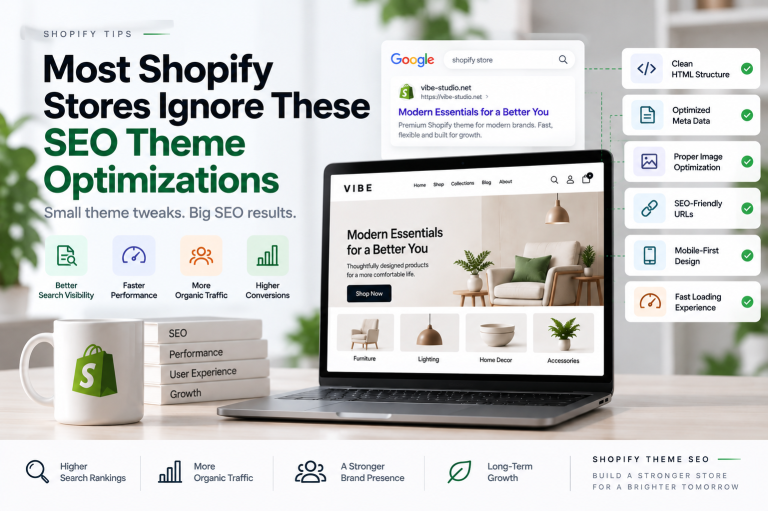
SEO apps can help merchants manage specific optimization tasks, including metadata, image alt text, redirects, and SEO audits.
Some useful features include:
- Metadata management
- Image alt text assistance
- Broken link monitoring
- Redirect management
- SEO audits
- Structured data enhancements
- Bulk editing
However, SEO apps should complement your Shopify theme rather than replace a strong technical foundation.
Your theme should already support:
- Semantic HTML
- Proper heading structure
- Responsive layouts
- Search-friendly content
- Optimized image rendering
- Internal linking
- Mobile usability
Image optimization apps can also help compress images and manage image-related SEO tasks. Before installing one, check whether your theme and Shopify already provide the functionality you need.
Read our guide to Shopify theme SEO optimizations for more information.
5. Upselling and Cross-Selling Apps
Upselling and cross-selling tools help merchants recommend relevant products and increase average order value.
An upsell encourages customers to consider a higher-value product, while a cross-sell recommends complementary products.
For example, a fashion store could recommend a matching belt with a pair of trousers. An electronics store might suggest accessories alongside a laptop.
Useful features include:
- Frequently bought together sections
- Related product recommendations
- Cart drawer offers
- Product page recommendations
- Discount bundles
- Conditional promotions
- Post-purchase offers
The placement of these recommendations is important. Too many offers can distract customers, so your upselling strategy should support the shopping experience instead of making the storefront feel crowded.
6. Wishlist and Product Comparison Apps
Giving shoppers the ability to save and compare products allows them to make more informed purchasing decisions. These features can also encourage visitors to return to your store when they are ready to buy.
Wishlist Features
A wishlist app allows customers to:
- Save products for later.
- Create personal product lists.
- Revisit previously viewed items.
- Receive reminders about saved products.
- Manage saved items through customer accounts.
This functionality is particularly useful for fashion, furniture, and lifestyle stores, where shoppers may need more time to consider their options.
Product Comparison Features
Comparison tools allow customers to evaluate products based on:
- Price
- Materials
- Dimensions
- Specifications
- Features
- Customer ratings
- Availability
Some wishlist and comparison functionality can be developed directly within a Shopify theme using product data, metafields, metaobjects, and custom code.
Before installing additional essential Shopify apps, check whether your theme already supports the required functionality or whether custom development would provide more flexibility.
7. Customer Support and WhatsApp Apps
Customer support tools help visitors ask questions about products, shipping, returns, and orders.
Depending on your business requirements, you may need:
- Live chat
- Contact forms
- FAQ sections
- Help center integration
- Automated responses
- Customer messaging
- WhatsApp contact buttons
A simple WhatsApp button can often be implemented directly through a Shopify theme. You may not need an app if your main goal is to let customers start a conversation with your business.
More advanced features, such as automated workflows, customer support management, or external integrations, may require a dedicated app or custom solution.
Choose a support tool that matches your team’s ability to respond to customer inquiries.
8. Loyalty, Subscription, and Shipping Apps
Some Shopify stores need specialized functionality based on their business model.
Loyalty Apps
Loyalty apps can help businesses reward customers through:
- Purchase points
- Referral rewards
- Customer tiers
- Birthday offers
- Discount redemption
These tools may be useful for businesses with frequent repeat purchases, such as beauty, fashion, and supplement stores.
Subscription Apps
Subscription apps support recurring purchases for products such as:
- Skincare
- Coffee
- Supplements
- Pet supplies
- Household products
Important features include recurring billing, subscription management, customer cancellation, and delivery frequency selection.
Shipping Apps
Shipping tools can help merchants manage:
- Carrier integrations
- Shipping labels
- Delivery rates
- Order tracking
- Local delivery
- Store pickup
- Fulfillment processes
Not every store needs all three types of apps. Select tools based on your business model and operational requirements.
9. Analytics and Tracking Apps
Analytics tools help you understand how visitors interact with your store and where customers leave the purchasing journey.
Useful analytics data may include:
- Store traffic
- Product views
- Add-to-cart events
- Checkout activity
- Conversion rates
- Marketing campaign performance
- Customer acquisition
- Sales results
Shopify already provides reporting features, so review the available data before installing another analytics app.
You should also avoid adding unnecessary tracking scripts. Some apps introduce additional JavaScript or external requests that can increase technical complexity.
Choose analytics tools that provide information you genuinely need for making business decisions.
Shopify Theme Features vs Shopify Apps
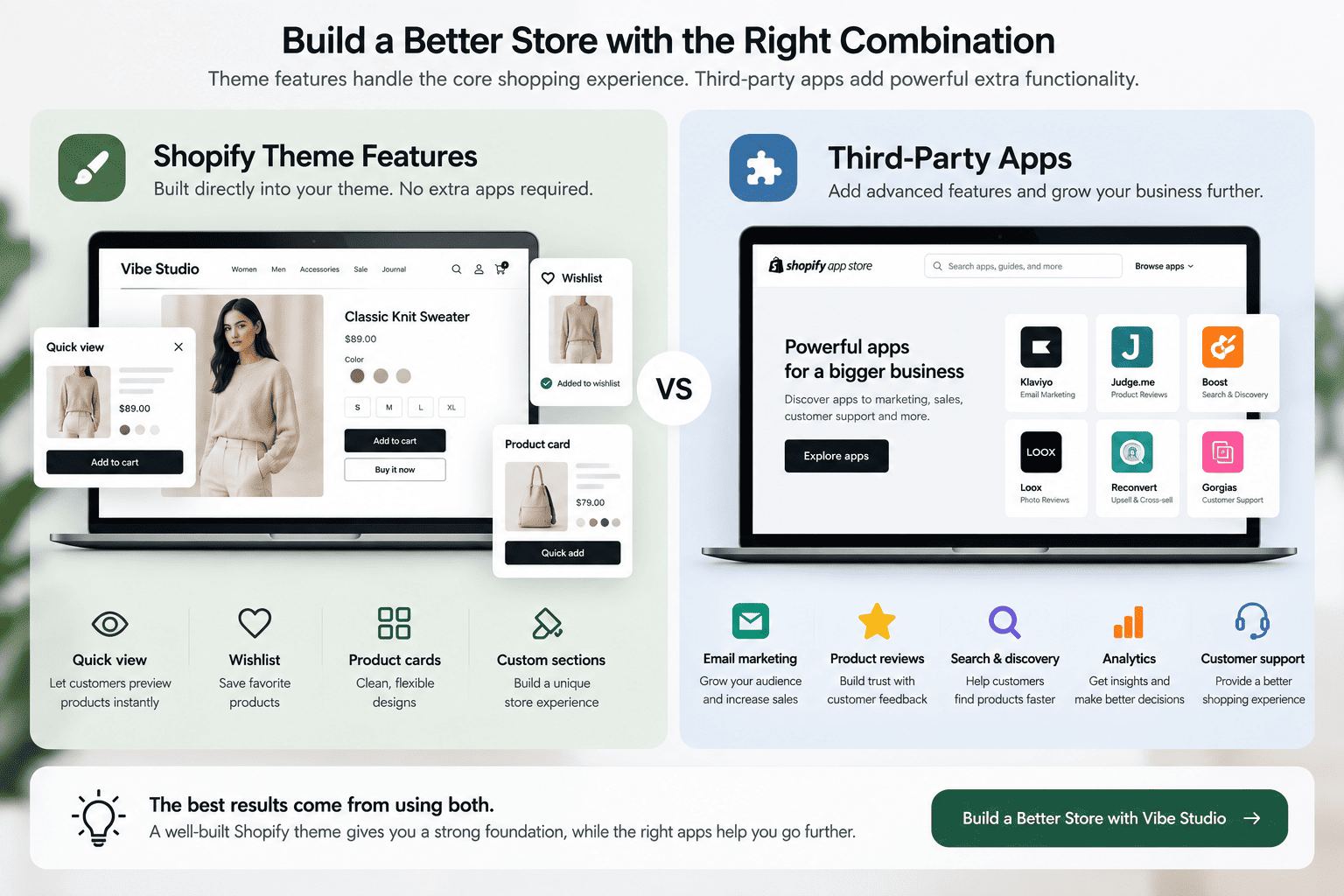
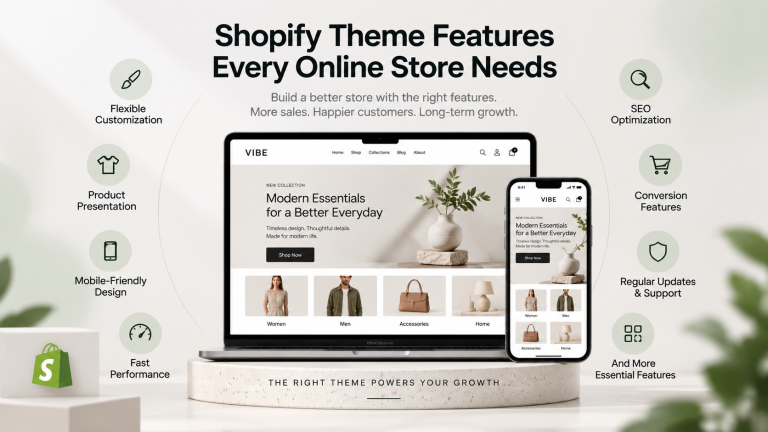
One of the most important decisions when selecting essential Shopify apps is determining which features should be handled by your theme and which should be provided by an app.
A Shopify theme can often handle features such as:
- Homepage sections
- Product card layouts
- Product galleries
- Quick view
- Quick add
- Product badges
- Mega menus
- Collection layouts
- Cart drawers
- Promotional banners
- Brand showcase sections
- Responsive design
Apps may be more suitable for:
- Advanced email automation
- Loyalty programs
- Subscription billing
- Specialized shipping integrations
- Advanced analytics
- External customer support
- Review collection
- Complex product personalization
The division is not always fixed. Some features can be implemented through theme development, apps, or a combination of both.
A flexible theme can reduce the number of apps you need, especially when it already includes the features required by your store.
Can Too Many Shopify Apps Affect Store Performance?
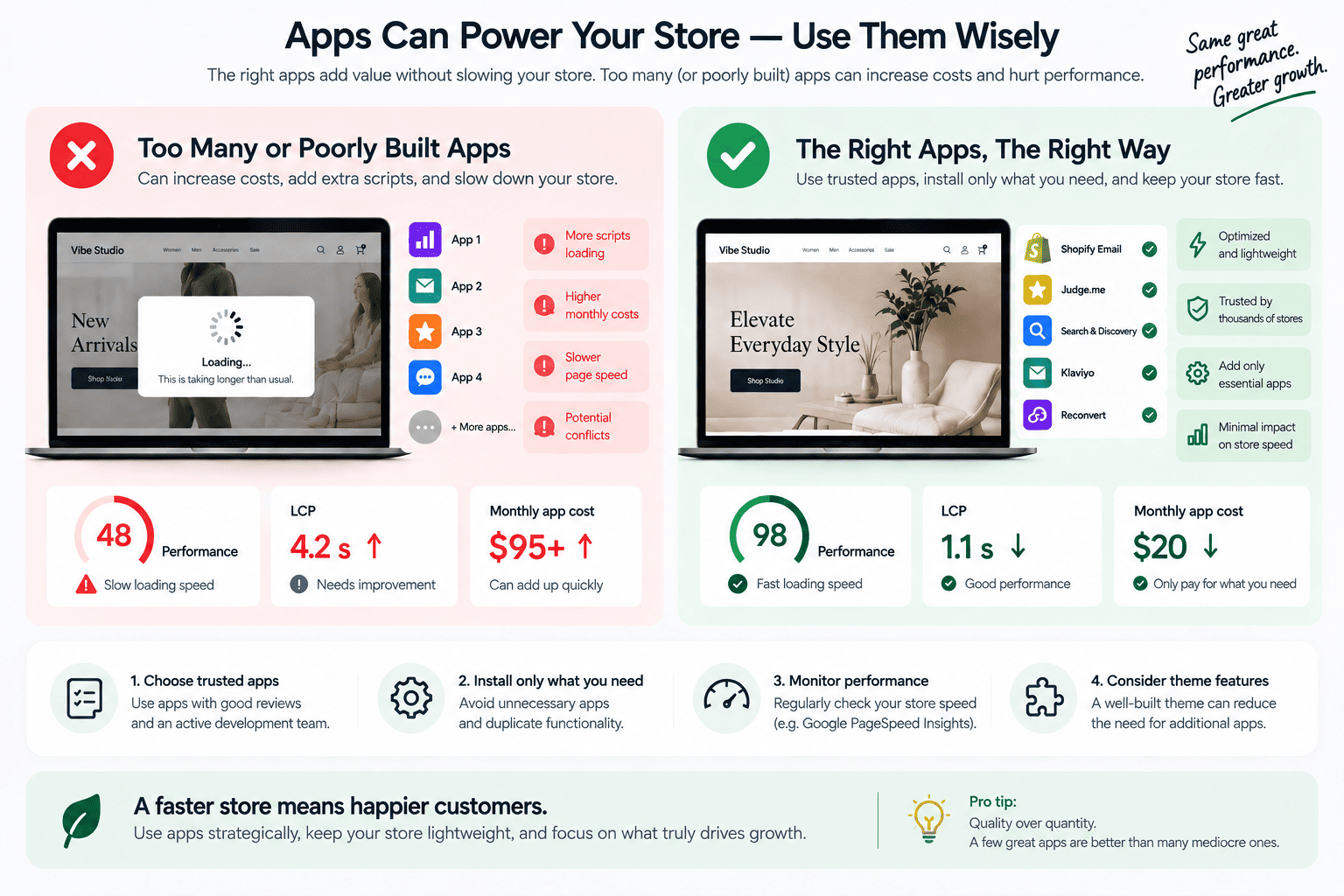
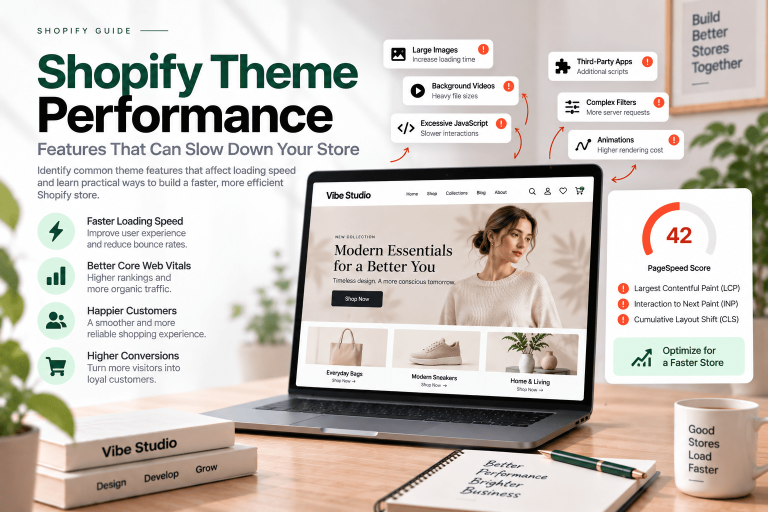
Installing multiple apps can introduce additional scripts, widgets, and external requests. The impact depends on how each app is built and how it interacts with your theme.
Too many unnecessary apps may lead to:
- Higher monthly costs
- Duplicate functionality
- More complex troubleshooting
- Conflicting features
- Additional JavaScript
- Storefront performance issues
- Difficult app removal
After installing an app, test important pages such as your homepage, product pages, collection pages, and cart.
Pay attention to:
- Page loading speed
- Largest Contentful Paint
- Interaction to Next Paint
- Cumulative Layout Shift
- Mobile usability
- JavaScript execution
An app can be valuable, but its benefits should justify the additional technical and financial costs.
How to Choose the Right Shopify Apps
Use the following checklist before installing any new Shopify app:
1. Identify the Problem
Understand what you want to improve before searching for a solution.
2. Check Native Shopify Features
Determine whether Shopify already provides the required functionality.
3. Review Your Theme
Check whether the feature is already included in your Shopify theme or can be added through theme customization.
4. Compare Pricing
Review monthly costs, usage limits, free plans, and additional charges.
5. Check Compatibility
Confirm that the app works with your theme, cart, customer accounts, and other installed apps.
6. Read Recent Reviews
Pay attention to feedback about customer support, reliability, performance, and compatibility.
7. Test Before Launching
Whenever possible, test the app in a development or duplicate theme before making it available to customers.
A Practical Shopify App Strategy for New Stores
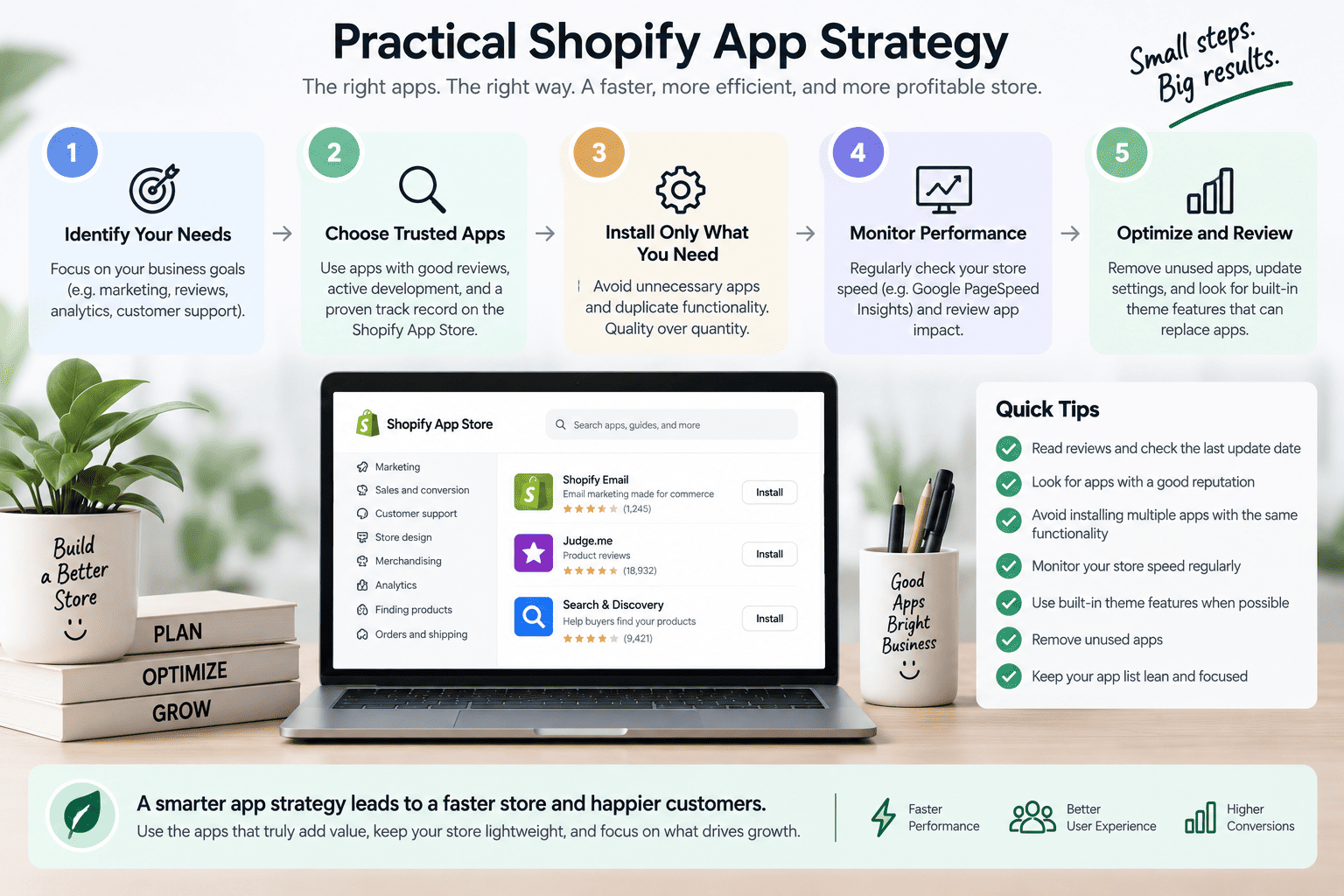
New merchants do not need to install every available app immediately.
A practical approach is to build your store in stages.
Stage 1: Build the Foundation
Start with:
- A suitable Shopify theme
- Product and collection setup
- Navigation
- Payment and shipping settings
- Essential store pages
- Basic analytics
Stage 2: Add Important Customer Features
Consider adding:
- Product reviews
- Email marketing
- Customer support
- Wishlist functionality
- Product recommendations
Stage 3: Add Advanced Functionality
As your store grows, evaluate whether you need:
- Advanced search
- Loyalty programs
- Subscription tools
- Specialized shipping apps
- Advanced reporting
- Workflow automation
Review your app stack regularly and remove tools that no longer provide meaningful value.
The Best Shopify App Stack Is Not the Biggest One
The best Shopify app strategy is based on relevance, usability, and long-term value.
A fashion store may need wishlist and review functionality, while an electronics store may prioritize search and product comparison. A subscription business may require recurring billing, while a service-based business may need forms and booking tools.
The right essential Shopify apps should help you:
- Improve the customer experience
- Support marketing activities
- Increase product discovery
- Simplify store operations
- Reduce unnecessary development work
- Support future business growth
Your Shopify theme should provide a strong foundation, while apps should extend your store when additional functionality is genuinely necessary.
Final Thoughts
Essential Shopify apps can help you improve your store’s functionality, customer experience, and ecommerce operations. From reviews and email marketing to search, support, shipping, and analytics, the right tools can support different stages of your business.
However, you do not need to install every available app. Start with a flexible Shopify theme, identify your business requirements, and select apps that solve specific problems.
A well-planned combination of theme features, Shopify’s native tools, and third-party apps can help you build a more effective and manageable online store.
If you need a Shopify theme with flexible sections, ecommerce-focused features, and a strong foundation for customization, explore Vibe Studio’s Shopify theme solutions. We also provide Shopify theme development, custom features, SEO, and speed optimization services.