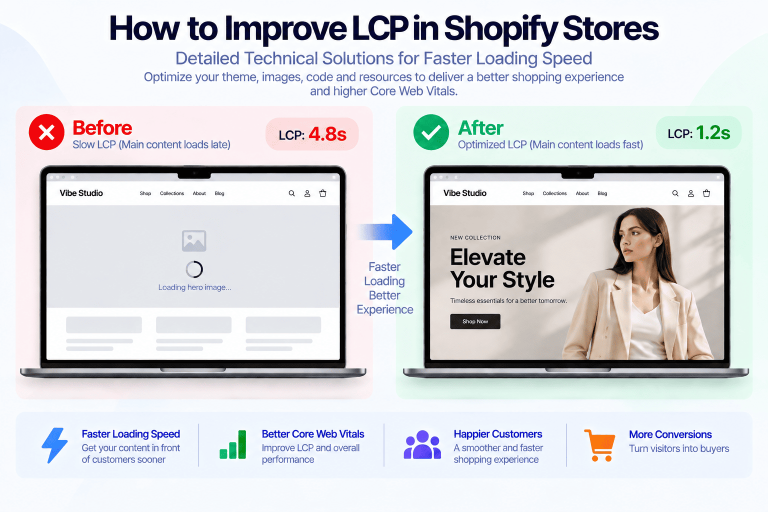
Does Changing Your Shopify Theme Affect SEO? What You Need to Check

Changing your Shopify theme can improve your store’s design, functionality, and performance. However, a theme migration may also affect important SEO elements, including metadata, content structure, page speed, and technical optimization.
Understanding the connection between changing Shopify theme SEO and website performance helps you protect your existing search visibility while creating a better shopping experience.
Whether you are switching to a premium Shopify theme or developing a custom storefront, careful planning can reduce SEO risks and support long-term growth.
Table of contents
- Does Changing Your Shopify Theme Affect SEO?
- What Changes When You Switch Shopify Themes?
- Changing Shopify Theme SEO: Essential Elements to Check
- How Shopify Theme Changes Affect Website Performance
- Changing Shopify Theme SEO Migration Checklist
- Common SEO Mistakes When Changing Shopify Themes
- How to Test a New Shopify Theme Before Publishing
- When Should You Consider a New Shopify Theme?
- How a Well-Developed Shopify Theme Supports SEO
- Final Thoughts
Does Changing Your Shopify Theme Affect SEO?
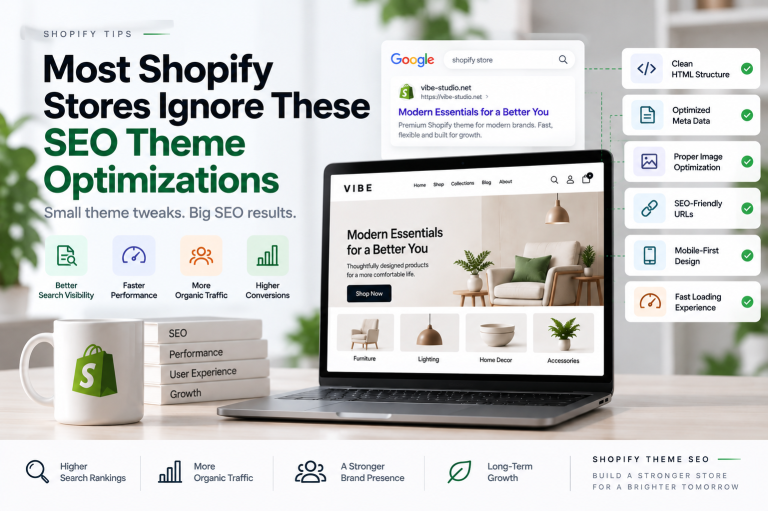
Yes, changing your Shopify theme can affect SEO, but the impact depends on how the new theme is developed, customized, and configured.
A Shopify theme change does not automatically cause search rankings to drop. However, problems can occur when a new theme removes important content, changes heading structures, affects metadata, introduces performance issues, or breaks existing customizations.
The relationship between changing Shopify theme SEO depends on several factors:
- Preservation of important website content
- Correct title tags and meta descriptions
- Consistent URL structures
- Proper heading hierarchy
- Structured data implementation
- Mobile responsiveness
- Website loading performance
Before publishing a new theme, review these elements to ensure your redesign supports both users and search engines.
What Changes When You Switch Shopify Themes?
A Shopify theme controls the visual design and structure of your storefront. When you switch themes, some settings and customizations may not transfer automatically.
Understanding these changes is an important part of managing changing Shopify theme SEO effectively.
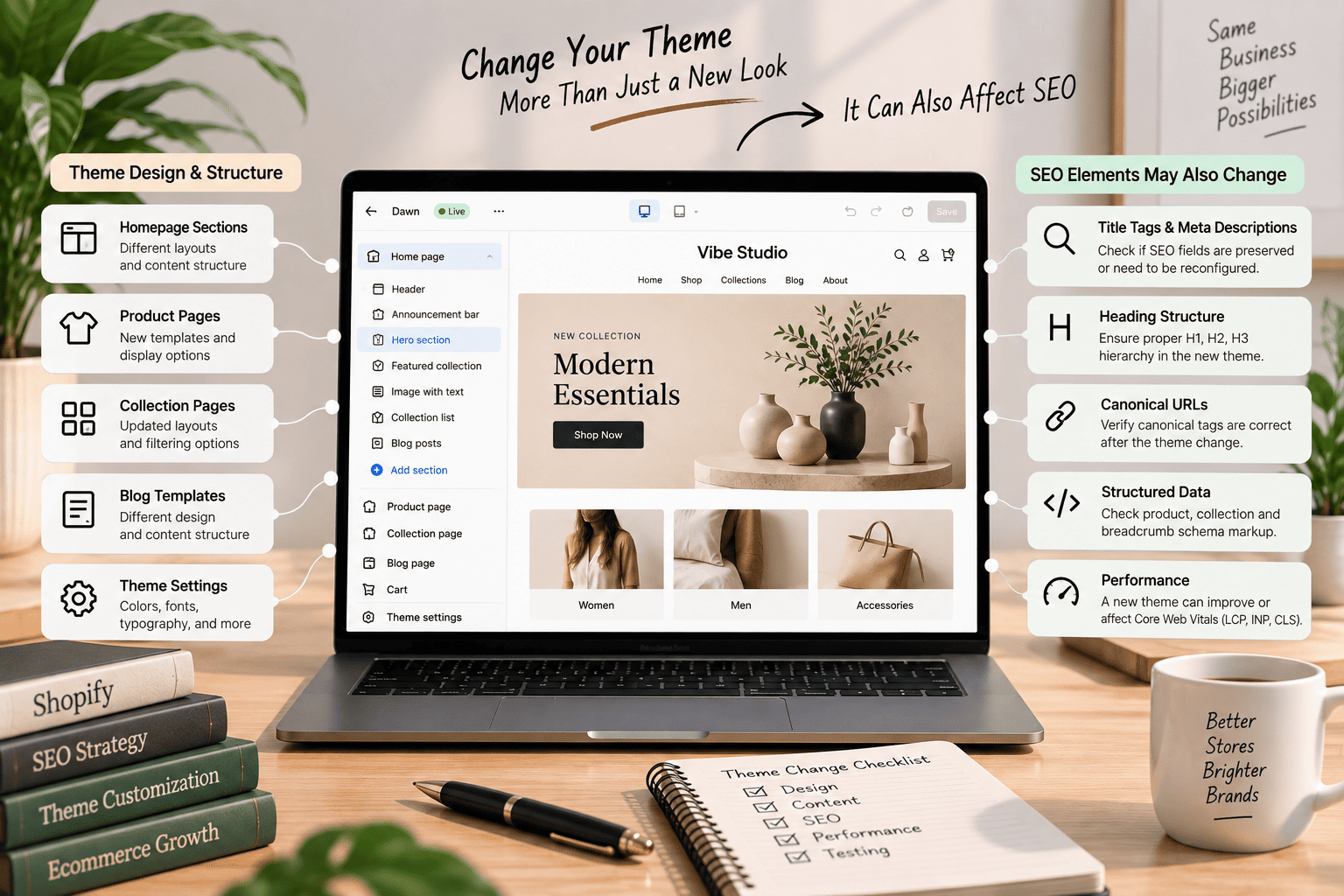
Theme-Specific Settings and Content
Each theme may use different settings, sections, and templates. Some content configured in your previous theme may need to be recreated manually.
Pay particular attention to:
- Homepage sections
- Collection page layouts
- Product page content
- Blog templates
- Navigation menus
- Promotional banners
- Custom liquid sections
Your product descriptions, collection descriptions, and blog content should remain available after the migration. Removing useful content can affect relevance and search visibility.
Custom Code and SEO Integrations
Many Shopify stores use custom code or third-party integrations for SEO and marketing. These features may include:
- Custom metadata fields
- Structured data
- Breadcrumbs
- SEO-related scripts
- Product review integrations
- Search and filtering tools
- Analytics and tracking scripts
When changing your Shopify theme, check whether these features still work correctly. If custom code is missing or incompatible with the new theme, important functionality may be affected.
Changing Shopify Theme SEO: Essential Elements to Check
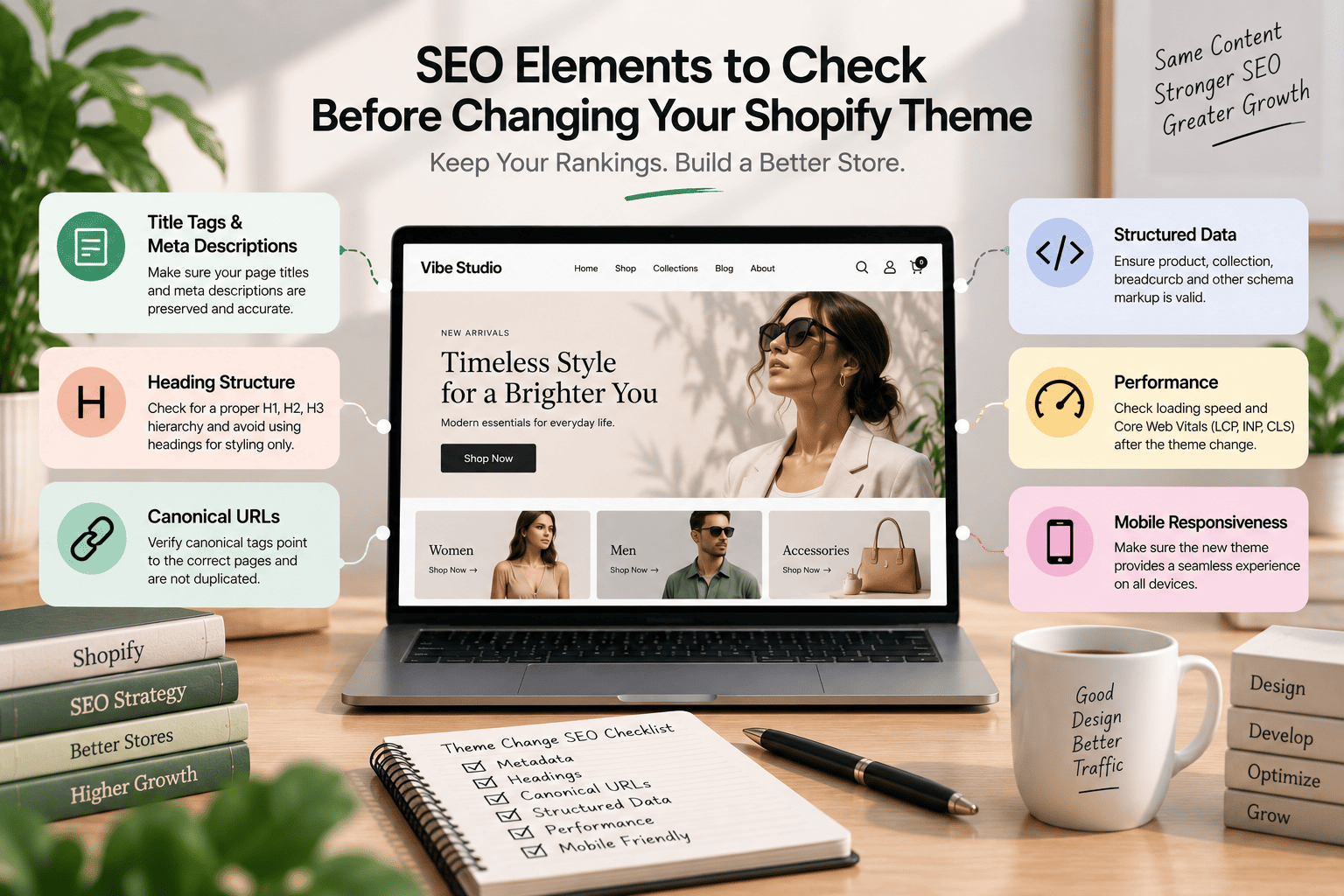
A successful theme migration requires more than transferring the visual design. You should also review the technical SEO elements that support your existing search performance.
Title Tags and Meta Descriptions
Title tags and meta descriptions help search engines and users understand each page. Shopify generally allows these elements to be managed through the page, product, collection, and blog settings.
After changing your theme, confirm that:
- Important page titles remain accurate
- Meta descriptions are still available
- Product and collection metadata is preserved
- SEO apps continue working correctly
- Duplicate or empty metadata is avoided
Although a theme change may not directly replace your metadata, custom SEO functionality can be affected if the new theme uses different templates or integrations.
Heading Structure
Headings help organize page content and communicate its topic. A well-structured page should normally have a clear primary heading and logically organized subheadings.
Check whether the new theme:
- Uses one relevant H1 heading per page
- Includes descriptive H2 and H3 headings
- Avoids using headings only for visual styling
- Preserves important product and collection titles
- Maintains a logical content hierarchy
Poor heading structure can make pages harder to understand for both visitors and search engines.
Canonical URLs
Canonical tags help search engines identify the preferred version of a page. Shopify handles many canonical URL functions automatically, but custom theme code or apps can influence how they are implemented.
During a theme migration, verify that canonical tags:
- Point to the correct page URL
- Do not reference an incorrect domain
- Are not duplicated unnecessarily
- Work correctly on products, collections, and blog pages
URL consistency is an important part of technical SEO when changing your Shopify theme.
Structured Data
Structured data provides search engines with additional information about page content. Shopify themes may include structured data for products, organizations, breadcrumbs, and other elements.
Review the new theme’s structured data to identify:
- Missing product information
- Incorrect prices or availability
- Duplicate schema markup
- Invalid properties
- Conflicts between theme code and SEO apps
Use appropriate testing tools to check whether the markup is valid and accurately represents the page.
How Shopify Theme Changes Affect Website Performance
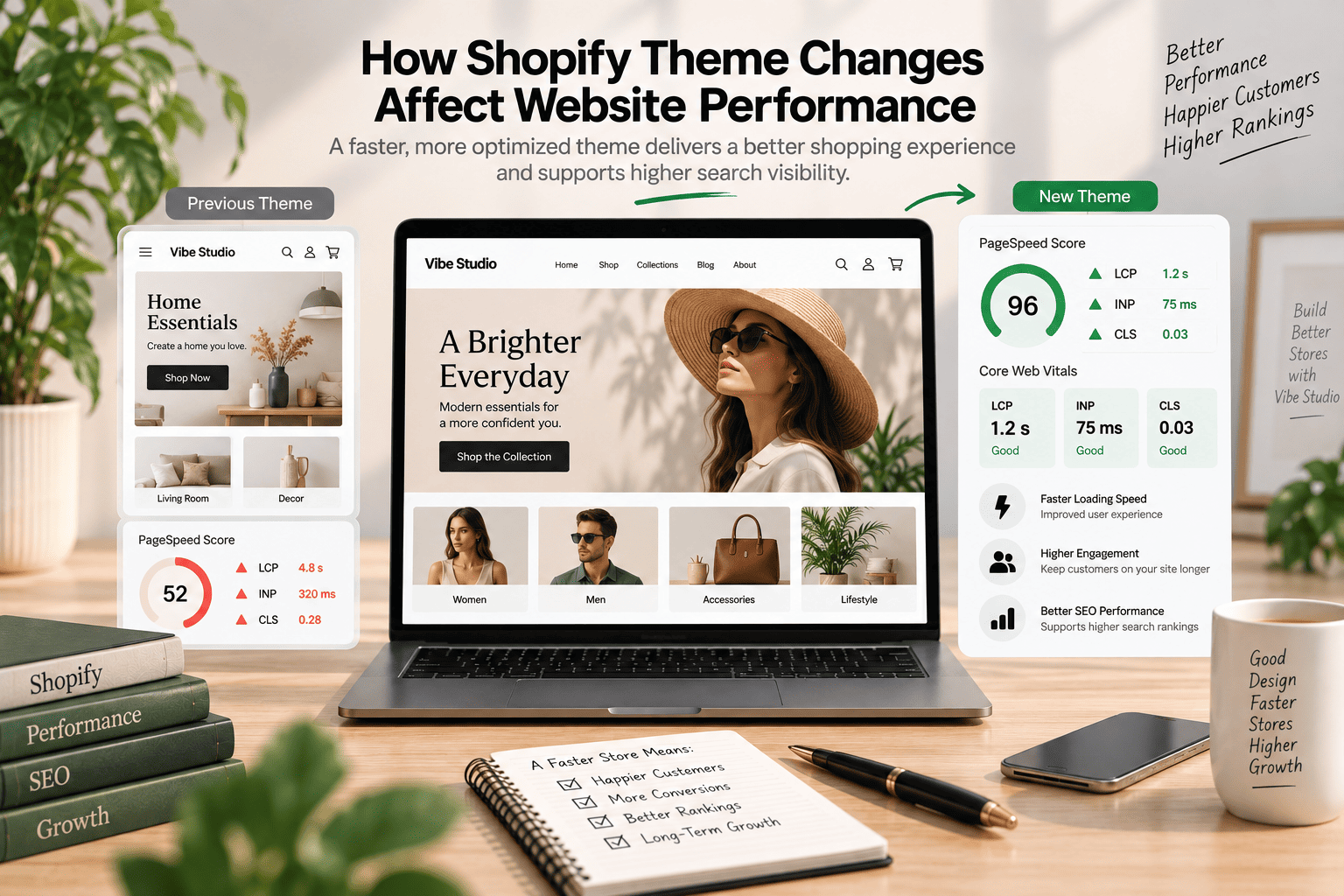
Website performance is another important consideration when changing Shopify theme SEO. A new theme may improve loading speed, but it can also introduce additional scripts, animations, apps, and external resources.
A visually attractive theme is not automatically a fast theme. Performance depends on how efficiently the theme loads assets and renders content.
Review Core Web Vitals
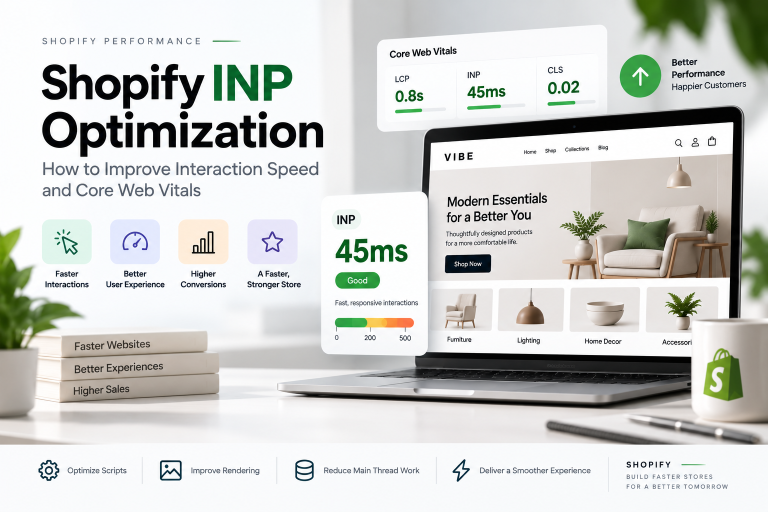
Core Web Vitals measure important aspects of the user experience, including loading, interactivity, and visual stability.
Pay attention to:
- Largest Contentful Paint (LCP): How quickly the main content becomes visible
- Interaction to Next Paint (INP): How quickly the page responds to user interactions
- Cumulative Layout Shift (CLS): How much the page layout moves unexpectedly
You can learn more about performance improvements in our guides to:
- How to Improve LCP in Shopify Stores: Detailed Technical Solutions
- Shopify INP Optimization: How to Improve Interaction Speed and Core Web Vitals
- How to Reduce CLS in Shopify Stores (Detailed Technical Solutions)
Avoid Unnecessary Theme Features
Additional features can increase the amount of CSS, JavaScript, and external resources loaded by a page.
Before publishing a new theme, review whether you really need:
- Multiple animation effects
- Unused sliders
- Excessive popups
- Unnecessary third-party scripts
- Duplicate app functionality
- Heavy video backgrounds
A well-developed theme should provide useful functionality without adding unnecessary technical overhead.
Changing Shopify Theme SEO Migration Checklist
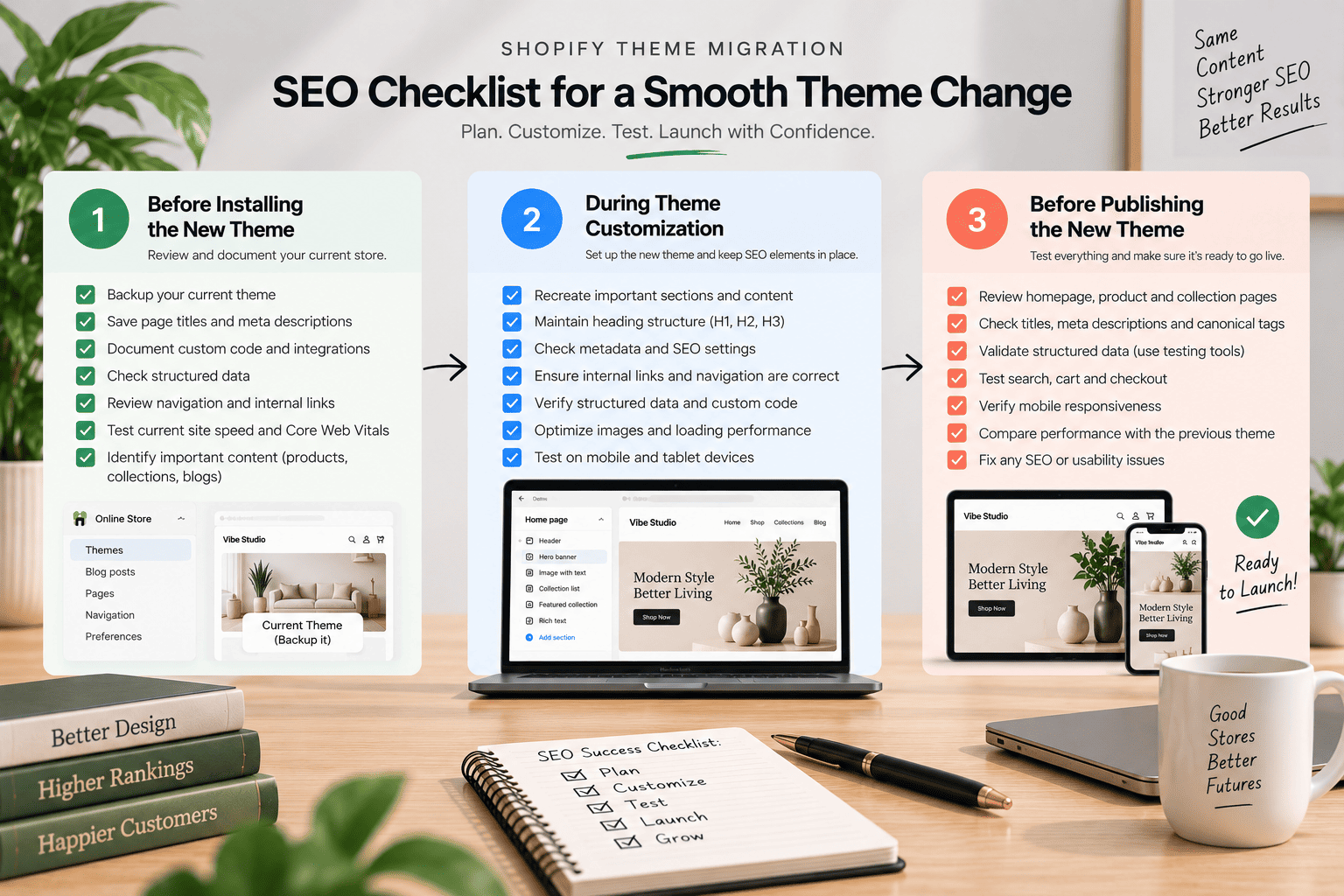
Use this checklist to reduce potential problems during your theme migration.
Before Installing the New Theme
Before making changes, document your existing store’s important SEO and performance elements.
Review the following:
- Current page titles and meta descriptions
- Main heading structures
- Custom Liquid code
- SEO app configurations
- Structured data
- Navigation and internal links
- Website speed and Core Web Vitals
- Important product and collection content
You should also keep a backup of your current theme so that you can review or recover customizations when necessary.
During Theme Customization
While preparing the new theme, compare its structure with your existing storefront.
Make sure the new theme:
- Includes relevant content sections
- Uses descriptive headings
- Maintains important internal links
- Supports mobile devices
- Loads images efficiently
- Uses accessible navigation
- Preserves important custom functionality
This stage is a good opportunity to improve your store’s design while maintaining essential SEO elements.
For more advanced changes, custom Shopify development can help you build features around your business requirements.
Before Publishing the New Theme
Complete a final review before making the new theme live.
Test the following:
- Homepage
- Product pages
- Collection pages
- Cart and search functionality
- Blog posts
- Navigation menus
- Mobile layouts
- Contact forms
- Promotional features
- Structured data
Also compare the new theme’s performance with the previous version. A new design should support usability without creating unnecessary loading problems.
Common SEO Mistakes When Changing Shopify Themes
Several common mistakes can create SEO problems during a theme migration.
Ignoring Existing Customizations
Custom code may support important features that are not included in the new theme. Failing to document these changes can lead to missing functionality or incorrect page output.
Review customizations before removing or replacing your existing theme.
Removing Useful Content
Some redesigns focus heavily on visual presentation and remove product descriptions, collection text, FAQs, or internal links.
Useful content should not be removed simply to create a cleaner layout. Instead, reorganize it in a way that improves readability and user experience.
Using Too Many Unnecessary Features
Extra features can add scripts and increase maintenance requirements. Choose theme functionality based on your store’s actual needs.
A streamlined theme can make it easier to manage performance and technical SEO over time.
Forgetting Mobile Testing
A theme that looks good on desktop may have layout or usability issues on mobile devices.
Test different screen sizes, navigation menus, product galleries, buttons, and checkout-related interactions before publishing.
Publishing Without Comparing Performance
If you do not compare the previous and new themes, you may miss performance regressions.
Use performance testing tools to review loading behavior and identify opportunities for improvement.
How to Test a New Shopify Theme Before Publishing
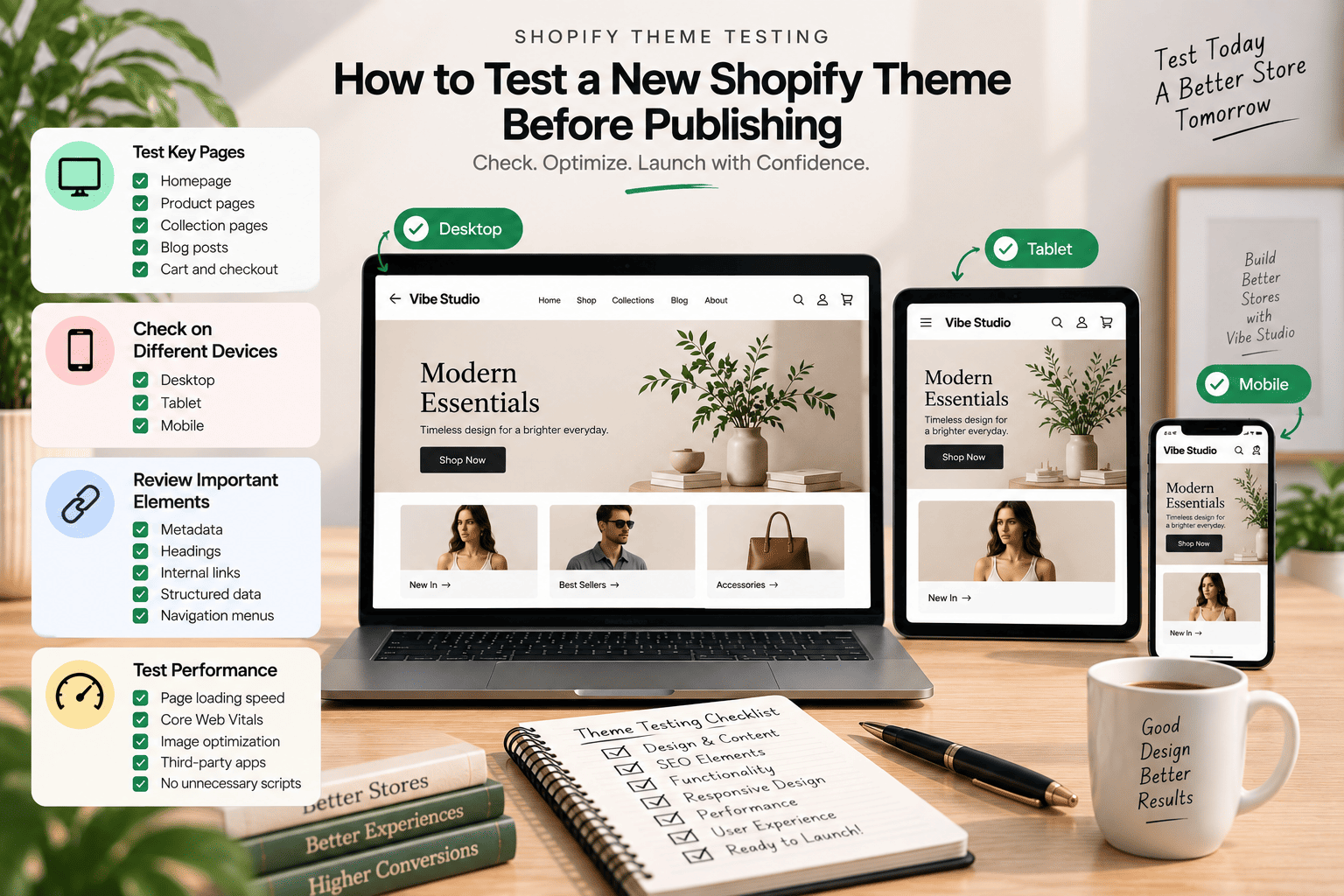
Testing is an essential part of changing Shopify theme SEO. Shopify allows you to customize and preview unpublished themes before making them active.
Test Important Page Templates
Review the main templates used throughout your store, including:
- Homepage
- Product pages
- Collection pages
- Search results
- Blog pages
- Cart page
- Custom landing pages
Check content visibility, headings, links, images, and interactive elements.
Test Different Devices
Review your theme on desktop, tablet, and mobile devices. Pay attention to:
- Navigation usability
- Text readability
- Image sizing
- Button placement
- Horizontal scrolling
- Layout shifts
- Loading behavior
A responsive design supports a more consistent experience across different devices.
Review Search and Indexing Signals
Before publishing, inspect the page source and relevant SEO settings. Check that important pages include appropriate metadata, canonical tags, and structured data.
After publishing, continue monitoring your store using available search performance and analytics tools. This helps you identify unexpected changes after the migration.
When Should You Consider a New Shopify Theme?
Changing your Shopify theme may be worth considering when your existing theme no longer meets your store’s needs.
Common reasons include:
- Outdated visual design
- Poor mobile experience
- Limited customization options
- Slow loading performance
- Incompatible features
- Difficult content management
- Lack of support for new business requirements
However, a redesign should begin with a clear assessment of your current theme. Some problems may be resolved through targeted Shopify theme customization rather than a complete replacement.
The right approach depends on your store’s technical requirements, budget, content structure, and long-term goals.
How a Well-Developed Shopify Theme Supports SEO
A well-developed Shopify theme can provide a strong foundation for technical and on-page SEO.
Important characteristics include:
- Clean and organized code
- Responsive layouts
- Efficient asset loading
- Flexible content sections
- Semantic HTML
- Accessible navigation
- Proper heading structures
- SEO-friendly templates
- Compatibility with essential integrations
Theme features alone cannot guarantee higher search rankings. However, a technically sound theme can make it easier to maintain content quality, usability, and website performance.
Final Thoughts
Changing your Shopify theme can create opportunities to improve design, functionality, mobile usability, and performance. However, the migration should be planned carefully to protect important SEO elements.
Before publishing a new theme, review metadata, headings, content, structured data, internal links, and Core Web Vitals. Test the new design across different devices and compare its performance with your previous theme.
A successful theme migration is not only about creating a new appearance. It is about building a better storefront while preserving the technical foundation that supports your search visibility.
If you need help developing or optimizing your Shopify theme, Vibe Studio can help you create a fast, flexible, and SEO-friendly storefront.