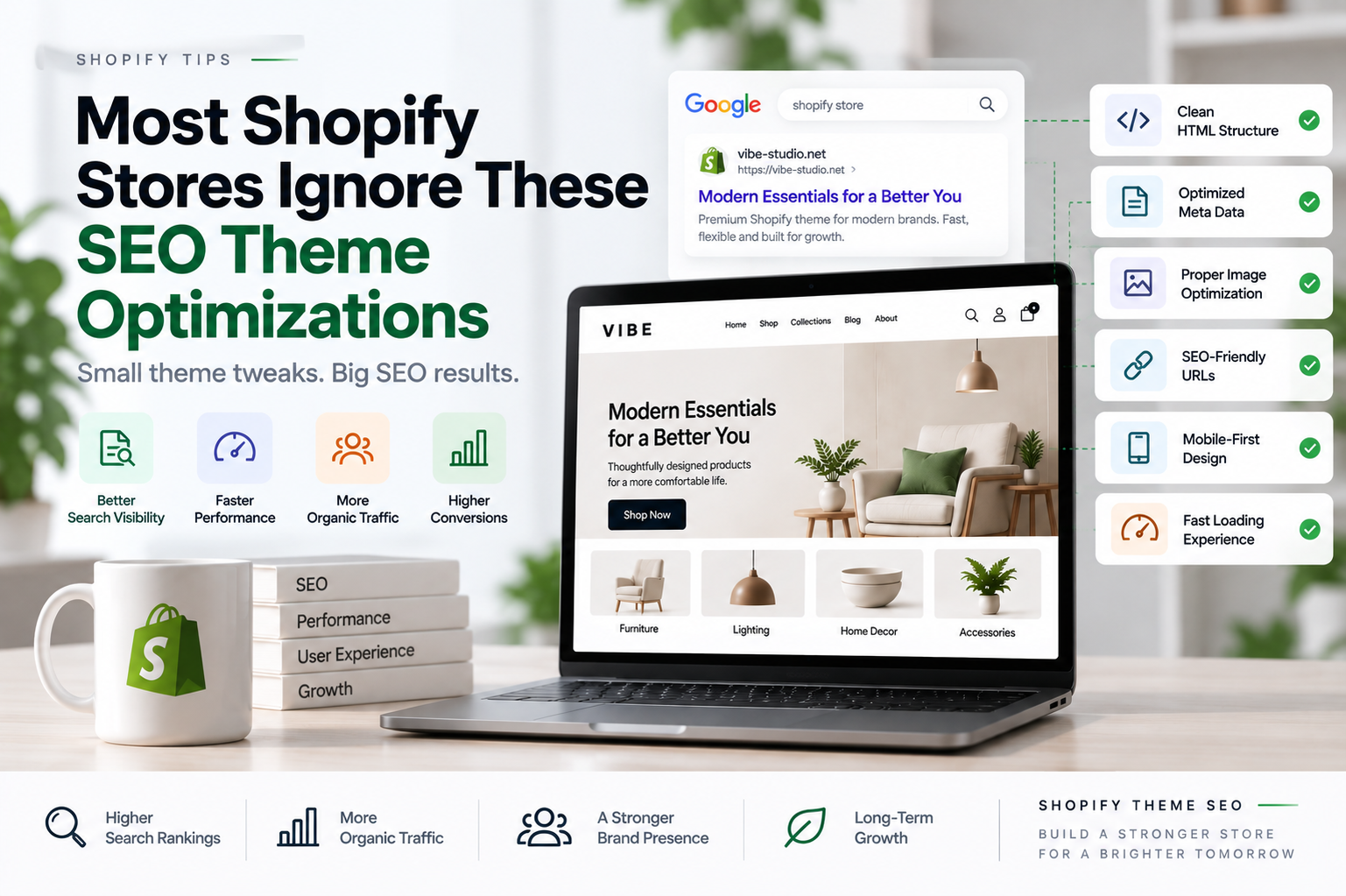
Most Shopify Stores Ignore These SEO Theme Optimizations
Many Shopify store owners invest heavily in content marketing, product descriptions, and link building. While these strategies are important, one critical SEO factor is often overlooked: theme optimization.
Your Shopify theme affects everything from page speed and Core Web Vitals to mobile usability and search engine crawling. Even with excellent content, technical issues within your theme can prevent your store from reaching its full ranking potential.
In this article, we’ll cover some of the most commonly overlooked Shopify theme optimizations that can help improve SEO performance and create a better experience for your customers.
Table of contents
- Why Theme Optimization Matters for SEO
- 1. Optimize Image Delivery
- 2. Remove Unused JavaScript
- 3. Fix Layout Shifts
- 4. Improve Mobile Navigation
- 5. Use Proper Heading Hierarchy
- 6. Optimize Internal Linking
- 7. Reduce Third-Party App Dependencies
- 8. Implement Structured Data Correctly
- 9. Prioritize Core Web Vitals
- 10. Audit Your Theme Regularly
- Final Thoughts
Why Theme Optimization Matters for SEO
Search engines want to deliver the best possible experience to users. If your website loads slowly, shifts unexpectedly during loading, or performs poorly on mobile devices, rankings can suffer.
A properly optimized Shopify theme helps:
- Improve page speed
- Enhance Core Web Vitals
- Increase crawl efficiency
- Reduce bounce rates
- Improve mobile experience
- Support higher conversion rates
The good news is that many of these improvements can be implemented without changing your entire website design.
1. Optimize Image Delivery
Images are often the largest assets on an ecommerce website.
Many Shopify stores upload high-resolution images without considering performance impacts. Large image files can dramatically slow down page loading times, especially on mobile devices.
To improve image performance:
- Use modern formats such as WebP
- Upload appropriately sized images
- Enable responsive image loading
- Add descriptive alt text
- Avoid unnecessary image sliders
Faster image delivery improves both user experience and search engine performance.
2. Remove Unused JavaScript
Over time, many Shopify stores accumulate scripts from apps that are no longer actively used.
Unused JavaScript can:
- Delay page rendering
- Increase loading times
- Negatively impact Core Web Vitals
Review installed apps regularly and remove scripts that no longer provide value. Loading only the scripts required for a specific page can significantly improve performance.
3. Fix Layout Shifts
Nothing frustrates users more than content moving around while a page loads.
This issue is measured by Google’s Cumulative Layout Shift (CLS) metric.
Common causes include:
- Images without dimensions
- Dynamic content injections
- Late-loading banners
- Unoptimized web fonts
Reserve space for images and dynamic sections to ensure a stable browsing experience.
4. Improve Mobile Navigation
Google uses mobile-first indexing, meaning the mobile version of your website is the primary version used for ranking.
A well-optimized Shopify theme should provide:
- Clear navigation menus
- Easy-to-tap buttons
- Fast page loading
- Readable typography
- Minimal visual clutter
If customers struggle to navigate your store on mobile devices, search engines may view the experience as lower quality.
5. Use Proper Heading Hierarchy
Many themes unintentionally create heading structure issues.
A properly structured page should include:
- One H1 heading
- Logical H2 sections
- Supporting H3 headings where needed
Headings help search engines understand page content and improve accessibility for visitors using assistive technologies.
6. Optimize Internal Linking
Internal links help search engines discover and understand your website.
Many Shopify stores miss opportunities to connect related content.
Useful internal linking strategies include:
- Related products
- Featured collections
- Blog article recommendations
- Buying guides
- Product comparison pages
A strong internal linking structure distributes authority throughout your store and helps visitors discover additional content.
7. Reduce Third-Party App Dependencies
Apps can add valuable functionality, but each additional app often introduces extra CSS, JavaScript, and network requests.
Before installing a new app, consider whether the feature can be implemented directly within your theme.
Fewer external dependencies often lead to:
- Faster loading times
- Better performance scores
- Improved user experience
8. Implement Structured Data Correctly
Structured data helps search engines better understand your content.
Important schema types for Shopify stores include:
- Product Schema
- Breadcrumb Schema
- Organization Schema
- FAQ Schema
- Review Schema
Proper implementation can improve how your pages appear in search results and increase click-through rates.
9. Prioritize Core Web Vitals
Core Web Vitals remain one of the most important technical SEO benchmarks.
Focus on improving:
Largest Contentful Paint (LCP)
Reduce the loading time of primary content by optimizing images, fonts, and critical resources.
Interaction to Next Paint (INP)
Minimize JavaScript execution and improve responsiveness.
Cumulative Layout Shift (CLS)
Prevent unexpected movement of content during page loading.
Even small improvements in these metrics can have a noticeable impact on user satisfaction.
10. Audit Your Theme Regularly
SEO is not a one-time task.
As your store grows, new apps, content, and features can introduce performance issues.
A regular theme audit should include:
- Page speed testing
- Mobile usability checks
- Broken link reviews
- Schema validation
- Image optimization analysis
By identifying issues early, you can maintain a strong technical foundation for long-term SEO growth.
Final Thoughts
Many Shopify stores focus exclusively on content and backlinks while overlooking technical theme optimization. However, the theme is often the foundation that determines how efficiently search engines can crawl your site and how users experience your store.
By optimizing images, reducing unnecessary scripts, improving Core Web Vitals, and strengthening mobile usability, you can create a Shopify store that performs better for both customers and search engines.
Small technical improvements made today can lead to stronger rankings, increased organic traffic, and better conversion rates over time.