Premium Shopify Themes: Features, Benefits, and How to Choose One
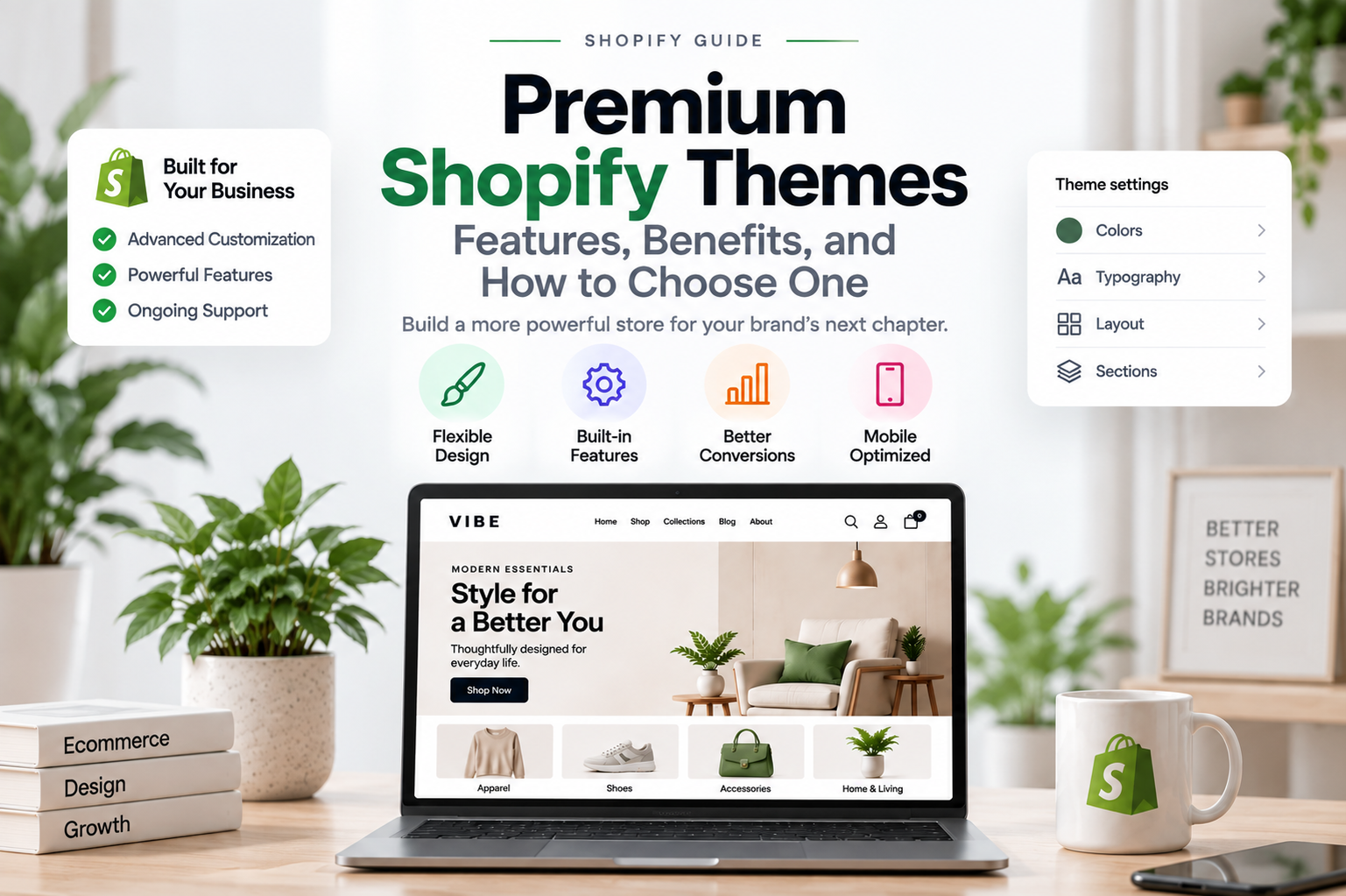
Choosing the right Shopify theme can have a significant impact on how your online store looks, performs, and grows. While free themes can provide everything a new store needs to get started, premium Shopify themes are designed for merchants who want more flexibility, advanced features, stronger customization options, and a more distinctive storefront.
However, choosing a premium theme is not simply about finding the theme with the most features or the highest price. The right theme should fit your products, brand, customers, performance requirements, and long-term business goals.
In this guide, we’ll look at what premium Shopify themes offer, their main benefits, the features worth considering, and how to choose the right option for your store.
Table of contents
- What Are Premium Shopify Themes?
- Why Choose a Premium Shopify Theme?
- Premium Shopify Theme Features to Look For
- Premium Shopify Themes vs Free Themes
- Are Premium Shopify Themes Worth It?
- When Should You Choose a Premium Shopify Theme?
- When a Premium Theme May Not Be Necessary
- How to Choose the Right Premium Shopify Theme
- Premium Shopify Themes and Custom Development
- Premium Shopify Theme vs Custom Shopify Theme
- Common Mistakes When Choosing a Premium Theme
- How Much Should You Spend on a Premium Shopify Theme?
- The Right Premium Shopify Theme Depends on Your Store
- Final Thoughts
What Are Premium Shopify Themes?
Premium Shopify themes are paid themes designed to provide more advanced design options, functionality, customization capabilities, and support than many basic free themes.
Instead of building every part of your storefront from scratch, a premium theme gives you a professionally designed foundation that you can adapt to your brand and products.
Depending on the theme, you may get features such as:
- Advanced product cards
- Product filtering and sorting
- Quick Add and Quick View
- Mega menus
- Multiple homepage layouts
- Advanced collection layouts
- Product recommendations
- Color swatches
- Promotional banners
- Sticky shopping features
- Advanced cart experiences
- Flexible content sections
- Additional typography and color controls
- Responsive mobile layouts
The exact feature set varies from one theme to another. This is why you should evaluate the actual capabilities of a theme rather than assuming every premium theme provides the same functionality.
If you’re still deciding between free and paid options, our guide to free vs premium Shopify themes provides a broader comparison of the two approaches.
Why Choose a Premium Shopify Theme?
A premium theme can provide more than an attractive storefront. Its real value comes from combining design, functionality, flexibility, and convenience in one solution.
For a growing ecommerce business, this can reduce the amount of development work required to create a polished shopping experience.
More Design Flexibility
One of the biggest advantages of a premium theme is greater control over the visual presentation of your store.
Depending on the theme, you may be able to customize:
- Homepage sections
- Product layouts
- Collection pages
- Header and navigation
- Promotional areas
- Typography
- Color schemes
- Content blocks
- Image layouts
- Product cards
This flexibility allows you to create a storefront that feels more closely connected to your brand.
A fashion store, for example, may need large editorial images and visual storytelling, while a store with hundreds of products may prioritize navigation, filters, and product discovery.
The best theme gives you enough flexibility to support the way your business actually sells.
More Built-In Features
Premium themes often include functionality that would otherwise require apps or custom development.
These features can include:
- Product filtering
- Quick View
- Quick Add
- Product recommendations
- Mega menus
- Promotional banners
- Advanced product cards
- Cart drawers
- Color swatches
Having these capabilities built into the theme can simplify store management and reduce the number of third-party tools you need.
However, more features do not automatically make a theme better. Unused functionality can add complexity and potentially affect performance.
The goal should be to choose a theme with the right features, not simply the most features.
Better Product Presentation
Product presentation is particularly important for ecommerce stores.
Customers need to understand what you’re selling quickly, especially when they are browsing collection pages or search results.
A well-designed premium theme may provide more options for presenting products, including:
- Multiple image layouts
- Product galleries
- Color swatches
- Product badges
- Secondary product images
- Variant information
- Promotional labels
- Related products
These features can help customers compare products and discover relevant items more efficiently.
More Control Over Branding
A strong ecommerce brand requires more than a logo and a primary color.
Typography, spacing, buttons, cards, image treatment, navigation, and promotional elements all contribute to the overall visual identity of a store.
Premium themes often provide more controls for these elements, allowing merchants to create a more consistent and recognizable storefront without custom coding every small change.
Premium Shopify Theme Features to Look For
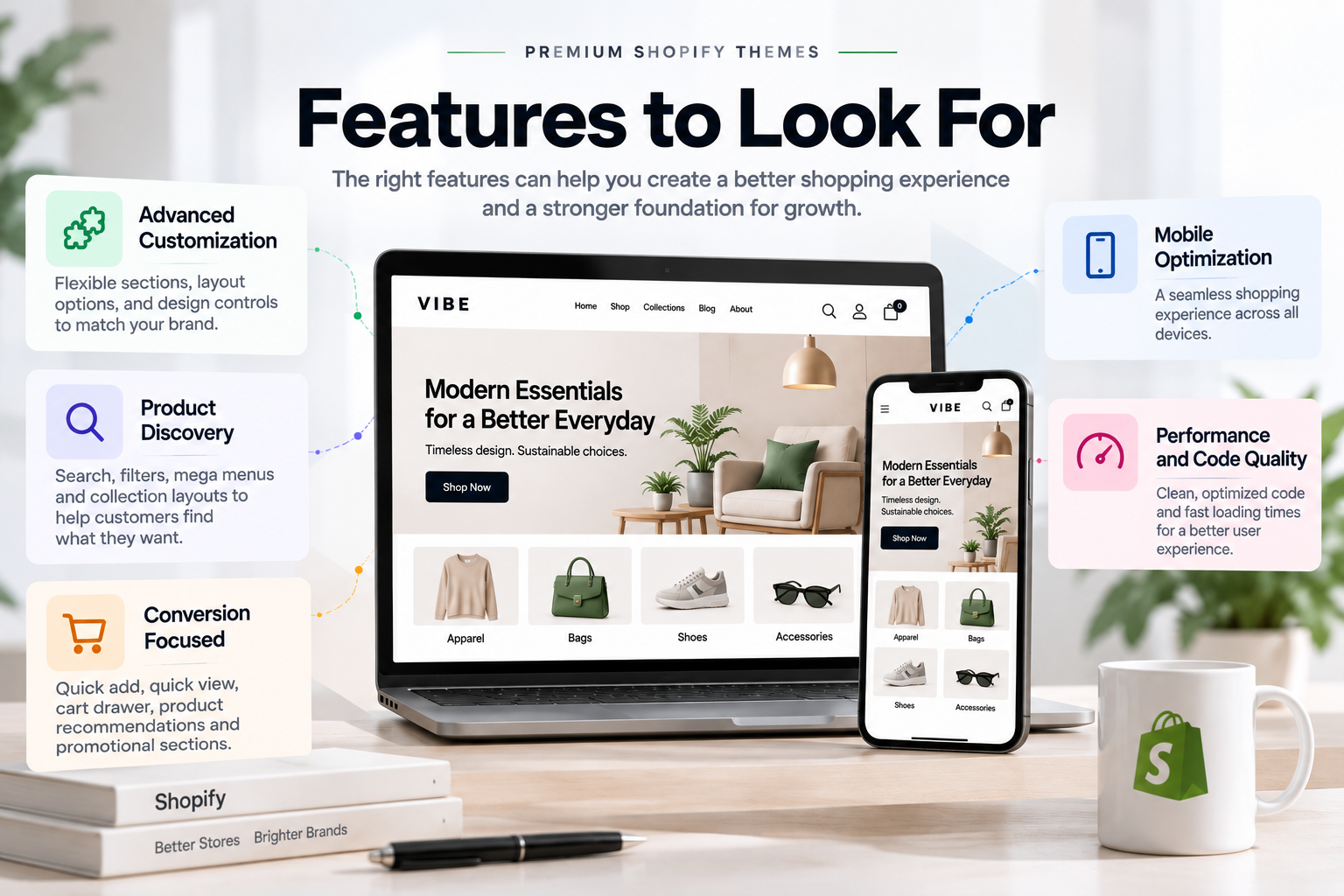
Not every feature deserves equal attention when you’re evaluating a theme.
Instead of choosing a theme because its feature list is long, focus on capabilities that directly improve your customers’ shopping experience.
Advanced Customization
Look for a theme with a flexible section system rather than a fixed homepage structure.
For example, you may start with:
- Hero banner
- Featured collection
- Best sellers
- Product grid
As your business grows, you may want to add:
- Editorial content
- Customer testimonials
- Brand logos
- Promotional banners
- Product recommendations
- Custom content sections
A flexible theme makes it easier to evolve your storefront without rebuilding the entire website.
Product Discovery Features
As your catalog grows, product discovery becomes increasingly important.
Useful features include:
- Search
- Product filtering
- Sorting
- Collection navigation
- Mega menus
- Breadcrumbs
- Related products
- Recently viewed products
These tools help customers move through your catalog with less friction.
A premium theme that provides strong product discovery can therefore be particularly valuable for stores with many products or collections.
Conversion-Focused Features
Some premium themes include features designed to make the purchasing process more convenient.
Examples include:
- Quick Add
- Quick View
- Sticky Add to Cart
- Cart drawer
- Product recommendations
- Promotional bars
- Free shipping indicators
- Trust information
These features can support the shopping journey, but they should be used thoughtfully.
Adding every possible conversion feature can make a page crowded and potentially create a worse experience.
The best implementation is usually the one that makes important information and actions easier to find.
Mobile Optimization
Your theme should provide a strong experience across desktop, tablet, and mobile devices.
When evaluating a theme, test:
- Navigation
- Product grids
- Product images
- Variant selection
- Filters
- Search
- Add-to-cart interactions
- Cart experience
Don’t rely only on a responsive screenshot.
Open the actual demo on a mobile device and interact with it. Check whether menus are easy to use, buttons are accessible, product information is readable, and important actions remain easy to find.
Performance and Code Quality
A premium price does not automatically mean better performance.
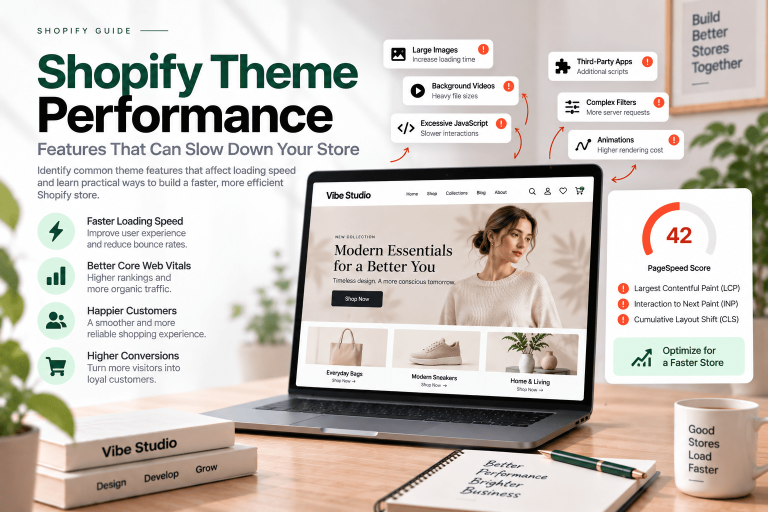
A theme with many features can still become slow if it relies on excessive JavaScript, large assets, unnecessary animations, inefficient code, or third-party scripts.
When evaluating a theme, consider:
- Page loading speed
- JavaScript usage
- Image optimization
- Mobile responsiveness
- Layout stability
- Interaction performance
- Third-party scripts
Performance depends on more than the theme itself. Apps, tracking scripts, images, fonts, and store configuration can all affect the final result.
For more technical information, see our guide to Shopify theme performance and our articles on Shopify INP optimization and reducing CLS in Shopify stores.
Premium Shopify Themes vs Free Themes
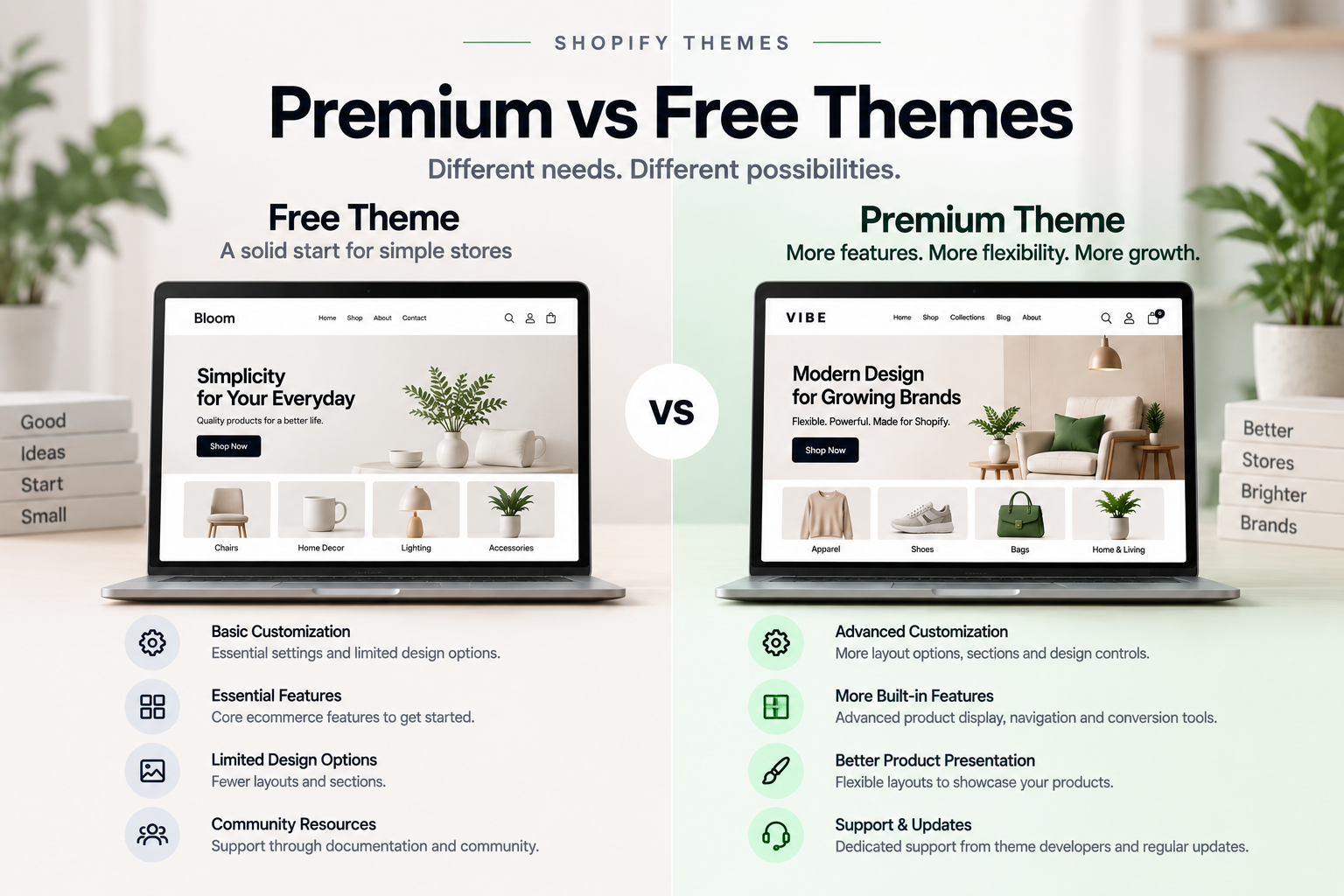
The difference between free and premium themes is not simply that one costs money and the other doesn’t.
Free themes can be excellent for new businesses, smaller catalogs, and merchants with relatively simple requirements.
Premium themes become more attractive when you need greater flexibility, more advanced functionality, specialized layouts, or additional support.
| Requirement | Free Theme | Premium Theme |
|---|---|---|
| Basic storefront | Excellent | Excellent |
| Basic customization | Usually available | Usually more extensive |
| Advanced layouts | Limited to moderate | Often extensive |
| Built-in ecommerce features | Essential | Often more advanced |
| Specialized design | More limited | More options |
| Support | Varies | Often included |
| Updates | Available | Available |
| Initial cost | Lower | Higher |
Neither option is automatically better.
The right choice depends on what your store needs and how much flexibility you expect to require.
For a more detailed comparison, read our guide to Free vs Premium Shopify Themes: Which Is Right for Your Store?.
Are Premium Shopify Themes Worth It?
For many growing ecommerce stores, a premium theme can be a worthwhile investment.
The value is not limited to the purchase price. You should also consider the development time, app costs, customization work, maintenance, support, and future growth that the theme can support.
For example, imagine that your store needs:
- Product filtering
- Advanced collection layouts
- Quick View
- Promotional sections
- Product recommendations
- A flexible product page
You could build these capabilities individually through apps and custom development, or you could choose a theme that already provides many of them.
That doesn’t mean a premium theme is always cheaper.
It means you should evaluate the total value of the solution rather than looking only at the theme’s purchase price.
A more expensive theme may be worthwhile if it saves development time and provides functionality you would otherwise have to build yourself.
On the other hand, paying for dozens of features you will never use may not provide much additional value.
When Should You Choose a Premium Shopify Theme?
A premium theme may be a good choice when:
- You want a more distinctive storefront.
- Your business depends heavily on product presentation.
- You need advanced ecommerce features.
- You have a growing product catalog.
- You want more control over page layouts.
- You want to reduce reliance on multiple apps.
- You want access to theme documentation and support.
- You expect your store to grow over time.
Premium themes can be particularly useful when your business has moved beyond the limitations of a basic storefront but doesn’t yet require a fully custom theme.
If you’re looking for a ready-made foundation, you can also explore our Shopify themes to compare available options.
When a Premium Theme May Not Be Necessary
A premium theme isn’t the right answer for every store.
A free theme may be enough if:
- You’re testing a new business idea.
- Your catalog is small.
- Your design requirements are simple.
- You don’t need advanced features.
- Your initial budget is limited.
- You’re comfortable with basic customization.
There is no advantage in paying for functionality that your store doesn’t need.
The objective should be to choose the right foundation for your business, not simply the most expensive option.
How to Choose the Right Premium Shopify Theme
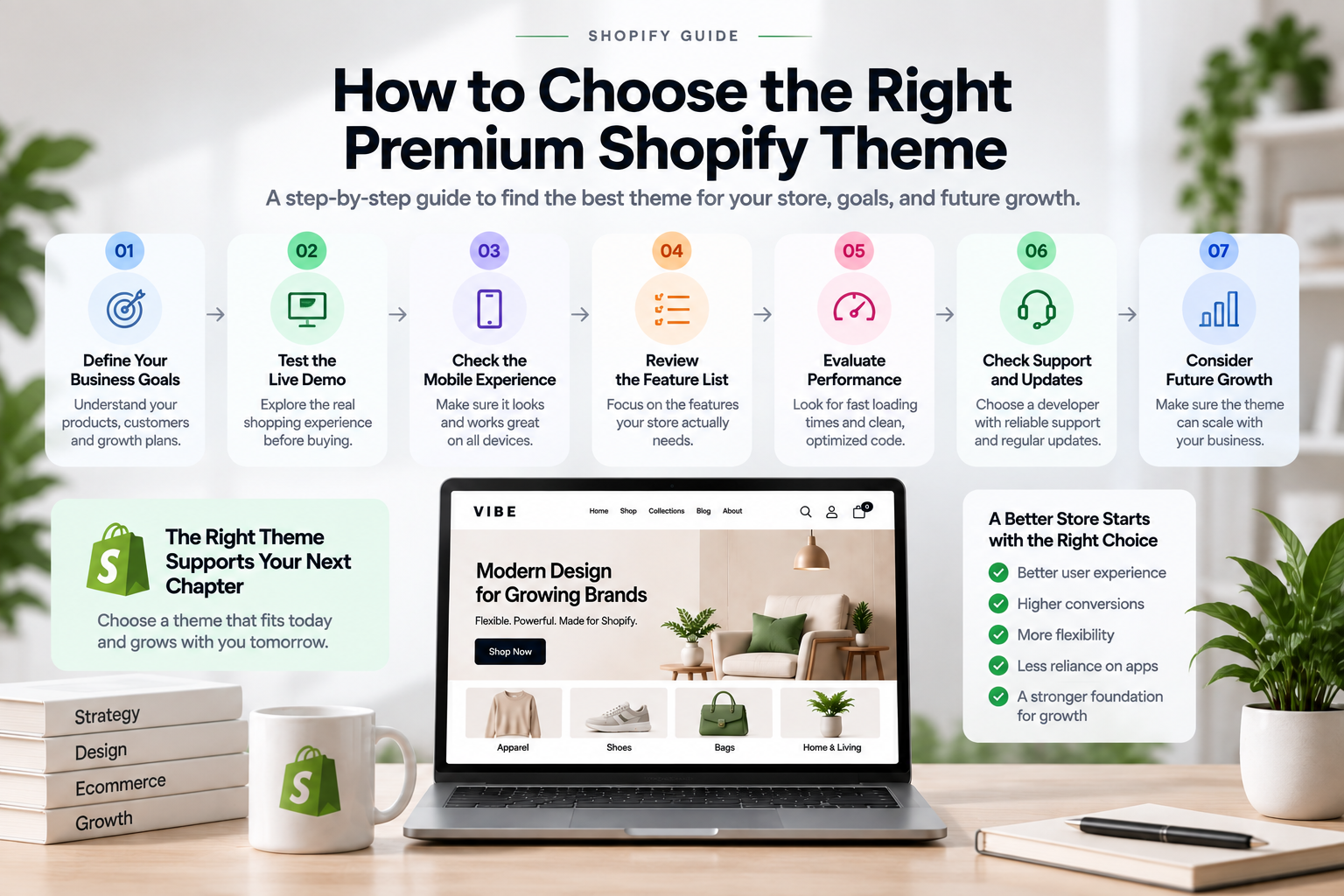
Choosing a premium theme based only on its homepage design can lead to problems later.
A theme may look impressive in a demo while being difficult to customize, poorly suited to your products, or unnecessarily heavy.
Before purchasing, evaluate the following areas.
1. Start With Your Business Goals
First, identify what your store actually needs.
Ask yourself:
- What products do I sell?
- How large is my catalog?
- Who are my customers?
- What makes my brand different?
- How important is visual storytelling?
- What features do customers need?
- How do I expect the store to grow?
Your answers should guide your theme selection.
For example, a fashion brand may prioritize visual presentation and editorial layouts, while a large catalog store may need advanced filtering and search.
2. Test the Live Demo
Always interact with the live demo before making a purchase.
Explore:
- Homepage
- Collection pages
- Product pages
- Search
- Navigation
- Cart
- Mobile layouts
Don’t just scroll through the homepage.
Open products, test filters, interact with the navigation, change variants, add products to the cart, and see how the experience behaves.
3. Check the Mobile Experience
Desktop screenshots can make almost any theme look impressive.
Mobile is where usability problems often become more obvious.
Check:
- Menu interactions
- Product image sizes
- Button placement
- Product cards
- Filtering
- Variant selection
- Add-to-cart behavior
- Cart navigation
If possible, test the actual demo on several screen sizes before making your decision.
4. Review the Feature List
Create a list of features your store genuinely needs.
Then compare that list with the theme’s capabilities.
Don’t choose a theme simply because it has the longest feature list.
A theme with 30 features you never use may be less valuable than a theme with 10 well-designed features that directly support your customers.
For more guidance on the functionality a modern ecommerce storefront may need, see our guide to Shopify theme features.
5. Evaluate Performance
Performance should be part of your buying decision.
Use performance testing tools to evaluate the live demo and look for signs of:
- Heavy JavaScript
- Large images
- Layout shifts
- Slow interactions
- Excessive animations
- Third-party scripts
Keep in mind that the final performance of your store will also depend on your own content, apps, images, tracking scripts, and configuration.
A well-built theme provides a strong starting point, but optimization continues after installation.
6. Check Support and Updates
A Shopify store is not a one-time project.
Your theme needs to remain compatible with Shopify’s platform and your store’s requirements as they evolve.
Look for a developer that provides:
- Clear documentation
- Regular updates
- Theme support
- Installation guidance
- Troubleshooting resources
- Transparent changelogs
Good documentation can save significant time when configuring or customizing a theme.
7. Consider Future Growth
Your store today may look very different from your store two years from now.
Consider whether the theme can accommodate:
- More products
- More collections
- New markets
- More promotional campaigns
- Additional content
- New merchandising strategies
A theme that works perfectly for a small catalog may become restrictive when your business expands.
Premium Shopify Themes and Custom Development
A premium theme can provide a strong starting point, but it doesn’t mean your store has to remain exactly as the theme developer designed it.
You can often customize the theme to better match your brand and business requirements.
Examples include:
- Custom sections
- Unique product layouts
- Specialized collection pages
- Custom promotional components
- Advanced product interactions
- Third-party integrations
- Custom navigation
- Performance improvements
However, there is a point where extensive modifications to an existing theme may become more complicated than building a tailored solution.
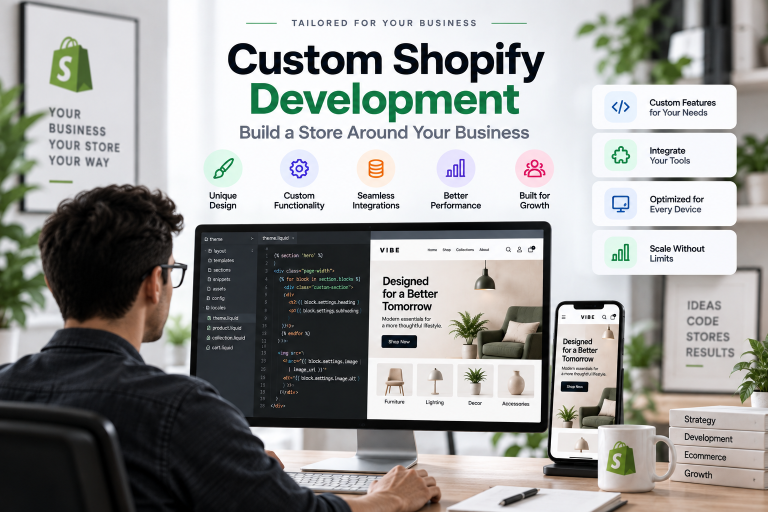
This is where custom Shopify development can make sense.
If your store has unique requirements that cannot be efficiently handled through theme settings, apps, or standard customization, a custom Shopify solution can provide significantly more control.
You can learn more about our custom Shopify development services if your store requires functionality beyond a standard premium theme.
Premium Shopify Theme vs Custom Shopify Theme
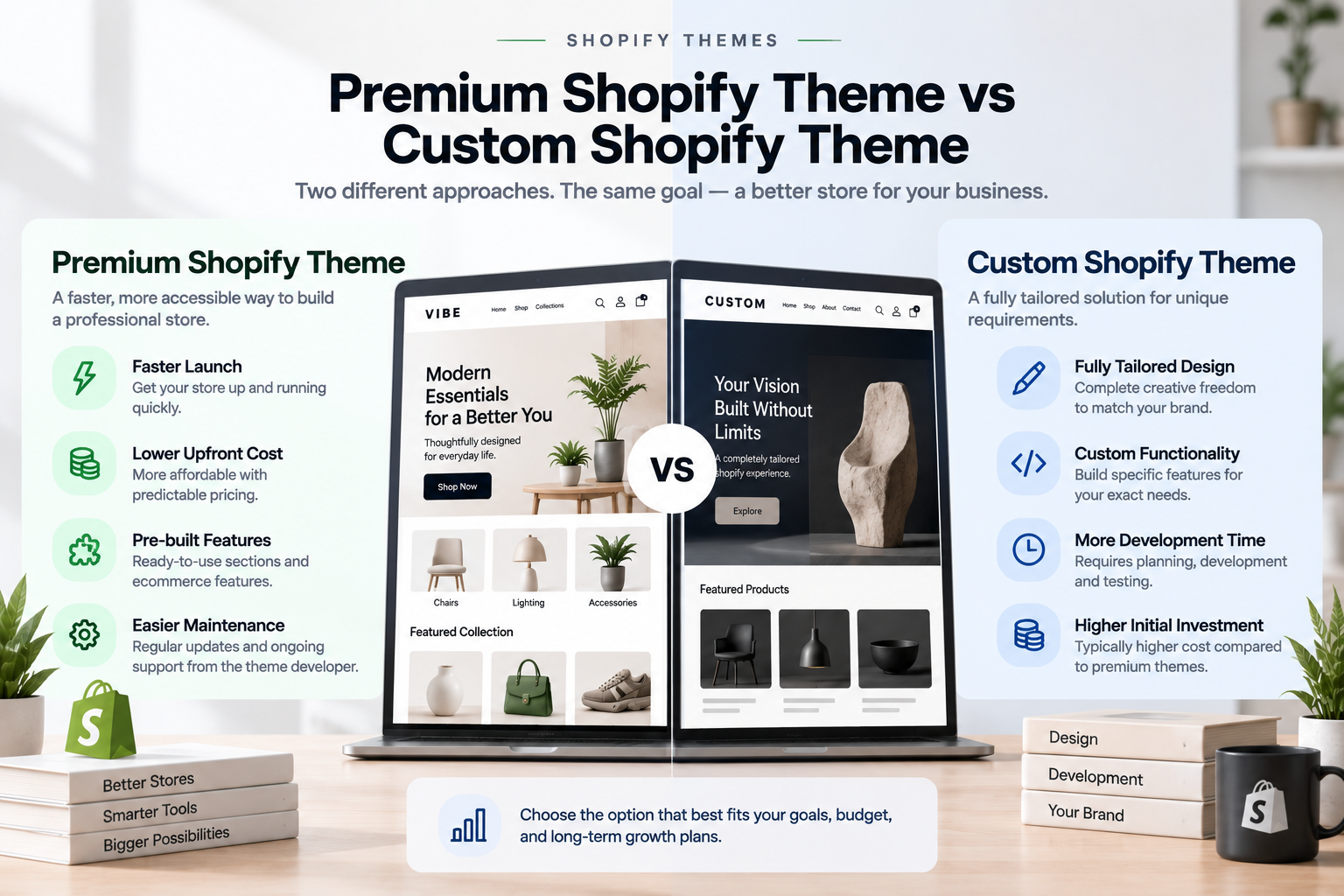
Premium and custom themes solve different problems.
A premium theme provides a ready-made foundation with professional design and built-in functionality.
A custom Shopify theme is developed specifically around your business requirements.
| Premium Theme | Custom Theme | |
|---|---|---|
| Starting point | Ready-made | Built for your business |
| Development time | Lower | Higher |
| Customization | High | Very high |
| Initial cost | Lower | Higher |
| Unique functionality | Depends on theme architecture | Fully tailored |
| Best for | Most growing stores | Unique requirements |
A premium theme may be the better choice when you want to launch quickly and your requirements fit within an existing theme architecture.
A custom theme may be more appropriate when you need a highly specific user experience, unique functionality, or complete control over the storefront.
If your requirements cannot be efficiently achieved through an existing theme, custom Shopify development may be the better long-term solution.
Common Mistakes When Choosing a Premium Theme
Even experienced merchants can make mistakes when selecting a theme.
Choosing Based Only on Appearance
A beautiful homepage doesn’t guarantee good navigation, mobile usability, performance, or product presentation.
Always test the complete shopping experience.
Buying Too Many Features
More features can mean more complexity.
Choose functionality that directly supports your customers and business goals.
Ignoring Mobile Experience
A theme can look excellent on a desktop screen but feel difficult to use on mobile.
Always test the actual storefront on mobile devices.
Ignoring Performance
A visually impressive theme can still create a poor user experience if its assets and code are not optimized.
Performance should be considered before purchasing, not after your store is launched.
Not Thinking About Future Growth
Your theme should be able to evolve with your business.
Consider your future product catalog, content strategy, navigation, marketing campaigns, and functionality before committing to a theme.
How Much Should You Spend on a Premium Shopify Theme?
There is no universal budget that works for every business.
Instead of asking only:
“How much does this theme cost?”
also ask:
“What value will this theme provide?”
Consider the potential value of:
- Development time saved
- Apps you may no longer need
- Customization work
- Design work
- Maintenance
- Support
- Future upgrades
- Improved shopping experience
A more expensive theme can be a better investment if it significantly reduces development work and provides functionality your store genuinely needs.
At the same time, paying more for features you will never use doesn’t necessarily create more value.
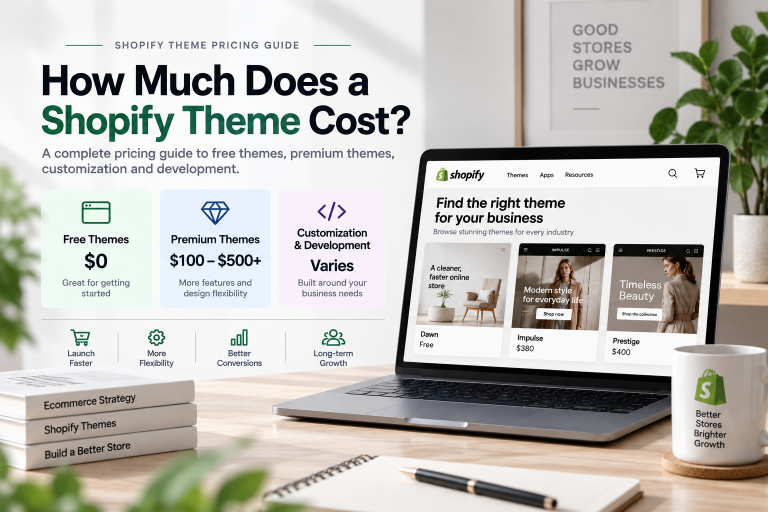
If you’re planning your budget, our upcoming guide on Shopify theme cost can help you understand the different costs involved in free, premium, and custom theme approaches.
The Right Premium Shopify Theme Depends on Your Store
There is no single best premium Shopify theme for every business.
A fashion store may prioritize:
- Visual storytelling
- Product imagery
- Color swatches
- Collection navigation
- Editorial layouts
A large catalog store may care more about:
- Search
- Filtering
- Sorting
- Mega menus
- Product discovery
A growing ecommerce brand may prioritize:
- Customization
- Performance
- Mobile experience
- Scalability
- Flexible sections
Your theme should support the way your business actually operates.
The goal isn’t to find the theme with the most impressive demo.
The goal is to find a theme that gives your customers a better shopping experience while giving your business enough flexibility to grow.
Final Thoughts
Premium Shopify themes can provide a powerful foundation for ecommerce businesses that need more than a basic storefront. They can combine professional design, advanced features, flexible customization, mobile-friendly layouts, documentation, and support in a single solution.
But the most expensive or feature-rich theme isn’t necessarily the best choice.
Before making a decision, evaluate the things that matter most to your store: design flexibility, product presentation, navigation, conversion features, mobile experience, performance, SEO, support, updates, and future growth.
Start with your business requirements, then choose a theme that supports them.
If you need help choosing a Shopify theme, customizing an existing theme, or building a custom Shopify storefront around your business requirements, our team can help.
Need something more specific? We can help with custom sections, theme customization, performance optimization, unique ecommerce functionality, and complete custom Shopify theme development.