Custom Shopify Development: Build a Store Around Your Business
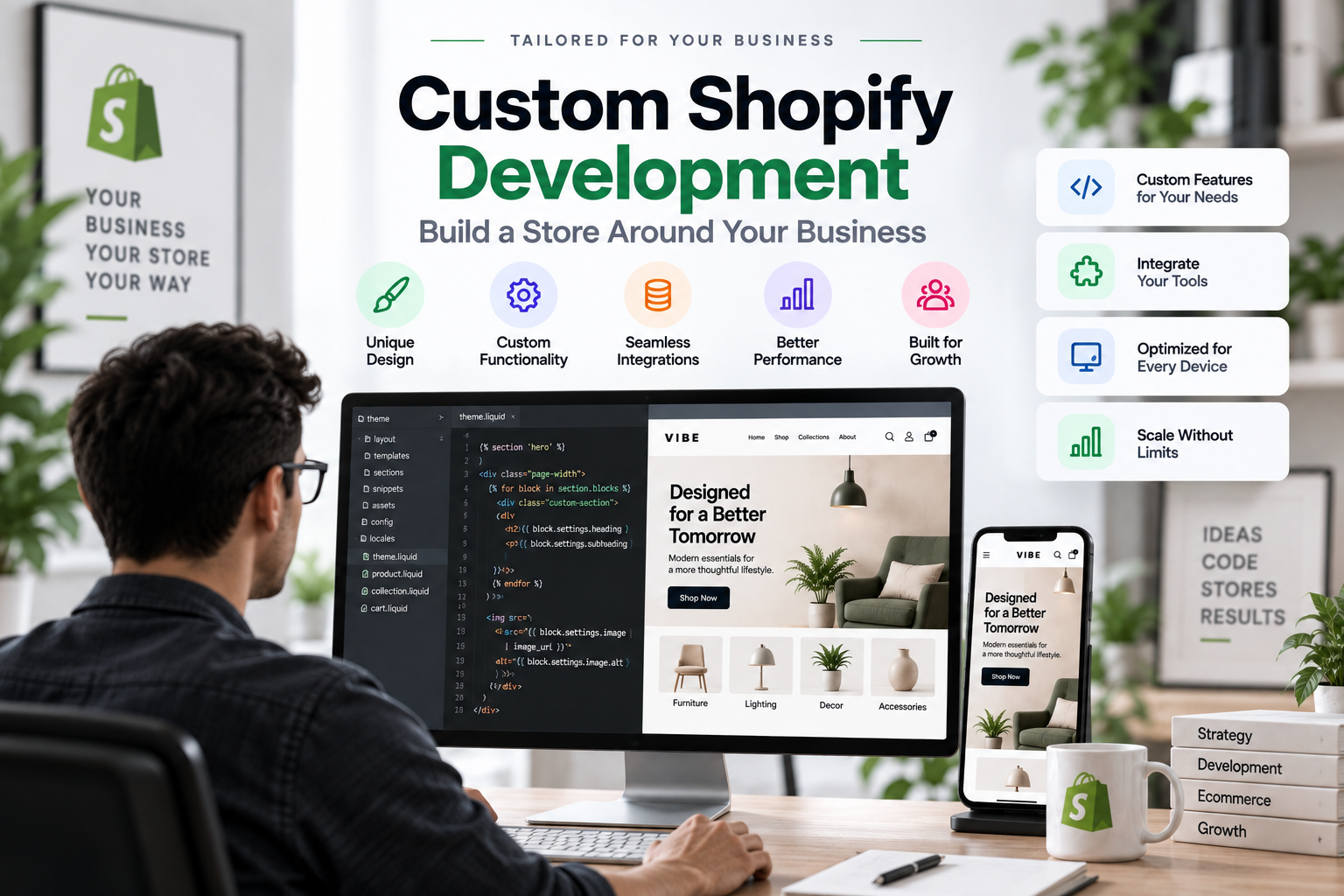
Custom Shopify development is the process of designing, developing, and extending a Shopify store around the specific needs of a business rather than relying entirely on a pre-built theme.
A Shopify theme provides the foundation for your storefront, including layouts, product pages, navigation, cart functionality, and other common ecommerce features. Custom development goes further by changing how those components work or creating experiences that are not available through standard theme settings.
This can include custom storefront sections, unique product displays, advanced filtering, specialized shopping experiences, custom integrations, performance improvements, and functionality designed around a company’s internal workflows.
The goal is not simply to make a Shopify store look different. The goal is to build a storefront that works the way the business needs it to work.
For some businesses, a well-designed premium Shopify theme is more than enough. For others, the limitations of an existing theme can eventually become a barrier to growth.
That is where custom Shopify development becomes valuable.
Table of contents
- Why Businesses Choose Custom Shopify Development
- Custom Shopify Development vs Theme Customization
- When Should You Consider Custom Shopify Development?
- What Can Be Customized in Shopify?
- Custom Shopify Development and Performance
- Custom Development Can Reduce App Dependency
- Custom Shopify Development for Growing Brands
- Should You Build a Custom Shopify Theme From Scratch?
- How the Custom Shopify Development Process Works
- How Much Does Custom Shopify Development Cost?
- Common Mistakes in Custom Shopify Development
- Custom Shopify Development and SEO
- Who Needs Custom Shopify Development?
- Custom Shopify Development vs Premium Themes
- The Right Approach Depends on Your Business
- Final Thoughts
Why Businesses Choose Custom Shopify Development
A Shopify store often starts with a relatively simple goal: get products online and start selling.
As the business grows, however, its requirements usually become more specific.
You may need a different product discovery experience, a custom product configurator, a unique landing page structure, integration with another platform, or a faster storefront that has been carefully optimized around your actual customer journey.
Instead of changing the business to fit the theme, custom development allows the storefront to adapt to the business.
Build Around Your Business Model
Every ecommerce business operates differently.
A fashion brand may need sophisticated product filtering and variant selection. A furniture store may need room-based navigation and detailed product specifications. A B2B business may need account-specific pricing and purchasing workflows.
A generic theme cannot always accommodate these requirements elegantly.
Custom Shopify development allows the storefront structure to reflect the way customers actually shop.
Create a Unique Brand Experience
Your Shopify store is more than a product catalog.
It is part of your brand identity.
Custom development gives you greater control over the visual hierarchy, interactions, layouts, animations, product presentation, and content structure of the storefront.
This makes it possible to create an experience that feels designed specifically for your brand rather than looking like a slightly modified version of a common theme.
Add Functionality That Themes Do Not Provide
Modern Shopify themes include an impressive number of built-in features, but there will always be situations where a business needs something more specific.
For example, you may need:
- A custom product builder
- Advanced product filtering
- Custom collection navigation
- Interactive product comparisons
- Personalized shopping experiences
- Custom bundle functionality
- Specialized promotional sections
- Store locator functionality
- Custom pickup or delivery experiences
- Third-party API integrations
- Custom customer account features
Custom development allows these requirements to be addressed without forcing the business into an unsuitable template.
Custom Shopify Development vs Theme Customization
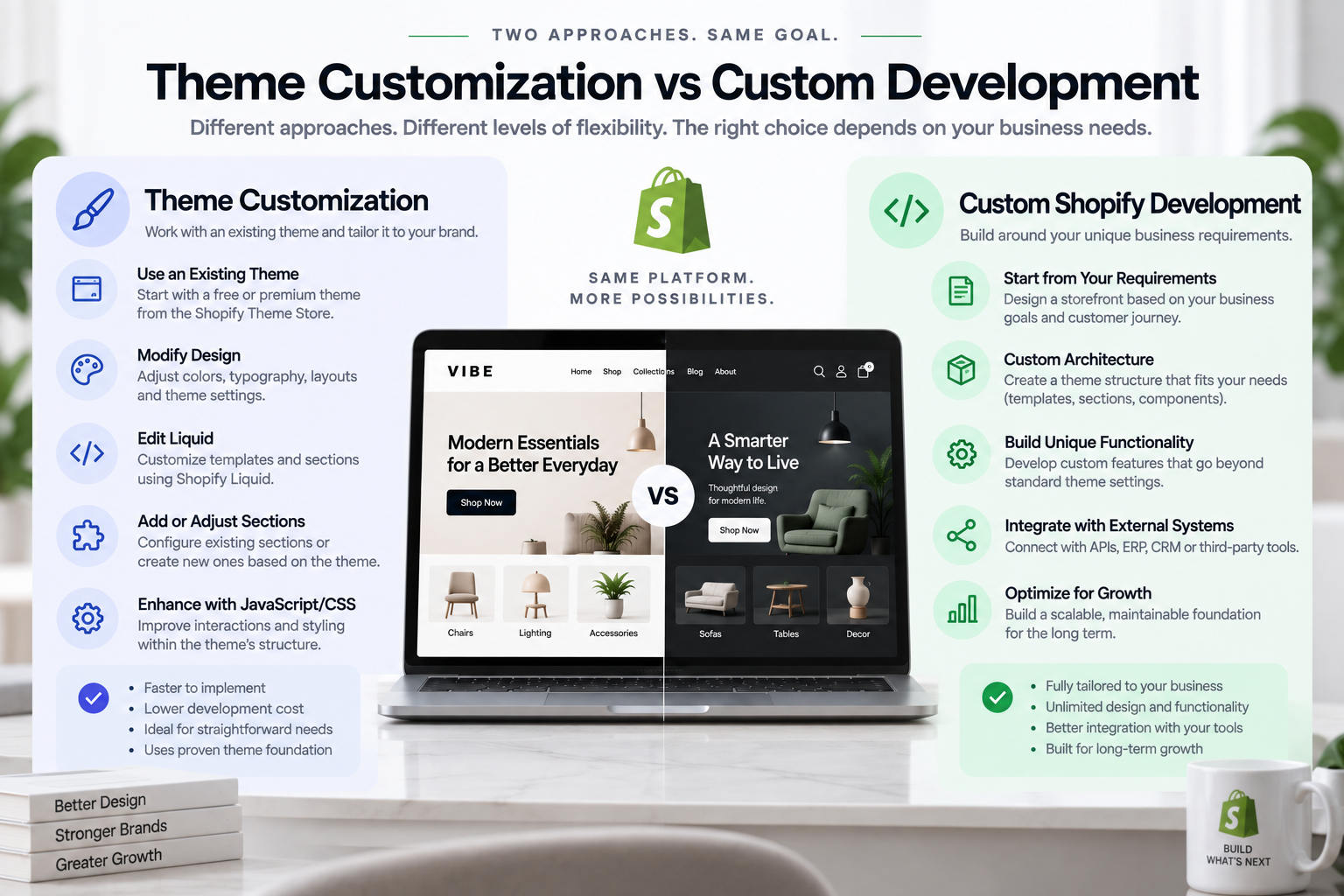
These two concepts are often confused.
Theme customization means modifying an existing Shopify theme. This might involve changing colors, typography, layouts, sections, Liquid templates, CSS, or JavaScript.
Custom Shopify development is broader.
It can involve modifying the theme extensively, creating custom components, developing new functionality, integrating external systems, or building a storefront architecture specifically around business requirements.
A useful way to think about the difference is:
Theme customization changes an existing foundation.
Custom development can change or extend the foundation itself.
For many stores, the best solution is somewhere between the two.
A strong Shopify developer may start with a high-quality theme and customize it extensively instead of building everything from zero.
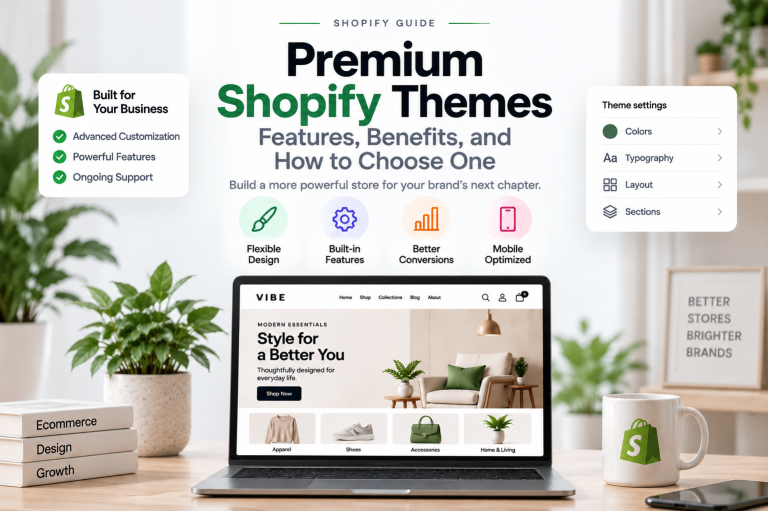
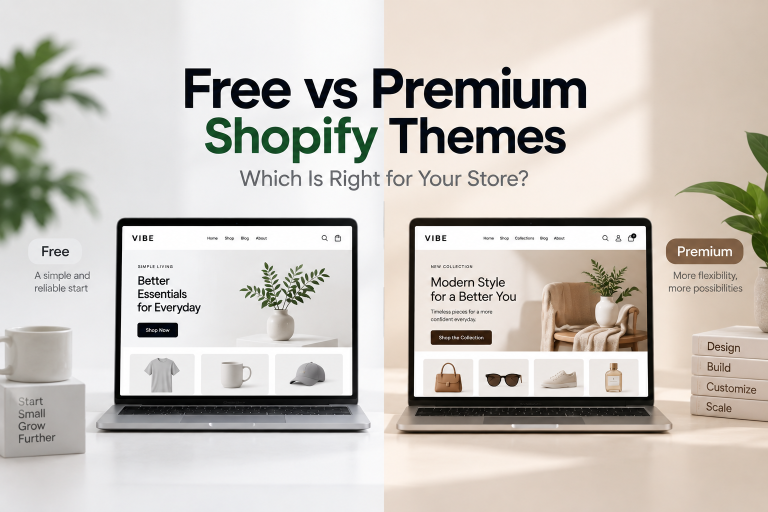
If you are still deciding between the two approaches, our guide to Premium Shopify Themes: Features, Benefits, and How to Choose One explains when a premium theme may be enough and when you may need something more flexible.
When Should You Consider Custom Shopify Development?
Custom development is not automatically the best choice for every Shopify store.
If your requirements are straightforward, a free or premium Shopify theme may provide everything you need.
Custom development becomes more attractive when your business has requirements that cannot be handled efficiently through standard theme settings and apps.
Your Store Has Outgrown Its Theme
A theme may work perfectly when your store has a small product catalog and a simple customer journey.
Over time, you may add more collections, products, markets, content, and functionality.
Eventually, you may find yourself adding workarounds to solve problems that the original theme was never designed to handle.
This is a common sign that your storefront architecture needs to evolve.
Your Customer Journey Is Highly Specific
Some businesses have a shopping process that does not fit the standard:
Homepage → Collection → Product → Cart → Checkout
For example, customers may need to:
- Select a product category
- Choose a configuration
- Compare options
- Customize the product
- Add additional components
- Review the complete configuration
- Add the result to cart
Trying to force this experience into a standard theme can create unnecessary complexity.
Custom development allows the interface to follow the customer journey instead.
You Need Unique Business Logic
Some functionality depends on rules specific to your business.
For example:
- Different products may require different options.
- Certain products may only be available in specific locations.
- Some customers may see different content.
- Products may need to be grouped according to custom rules.
- Shipping or pickup information may need to be displayed dynamically.
- Product recommendations may depend on specific attributes.
These requirements often require custom logic rather than simple theme settings.
You Depend on Too Many Apps
Apps can be extremely useful for extending Shopify.
However, adding apps indefinitely can create problems.
Each app may introduce JavaScript, CSS, external requests, UI elements, or dependencies that affect the storefront.
If several apps are being used to reproduce functionality that could be implemented more efficiently within the theme, custom development may be worth considering.
What Can Be Customized in Shopify?
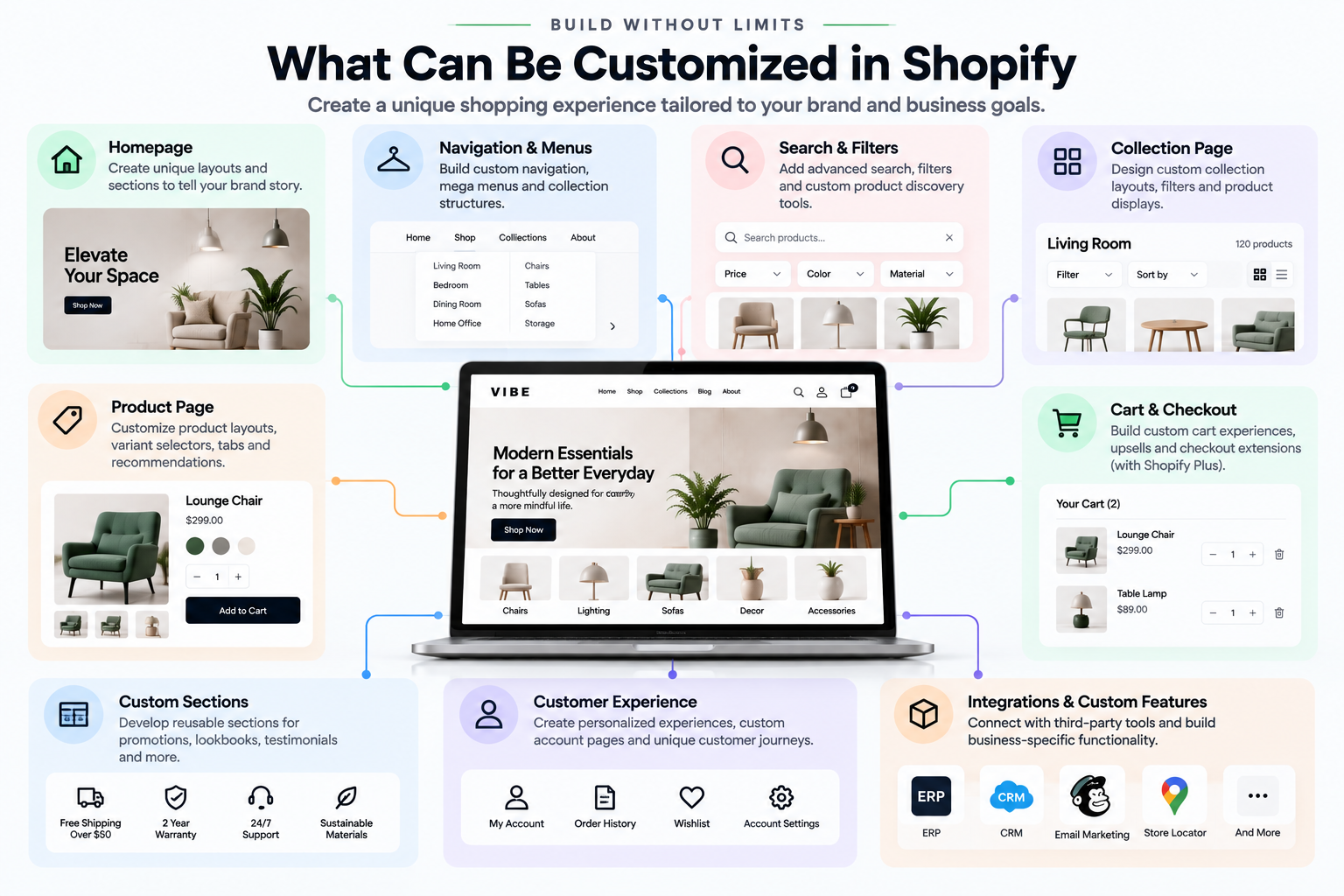
Custom Shopify development can cover almost every part of the storefront experience.
Custom Homepage Sections
You can create sections specifically for your content strategy and customer journey.
Examples include:
- Interactive hero sections
- Custom product showcases
- Editorial content blocks
- Lookbooks
- Brand collections
- Product comparison sections
- Interactive promotional banners
- Custom testimonials
- Dynamic content sections
The advantage is that these sections can be built around the exact content and interaction requirements of the store.
Custom Product Pages
The product page is one of the most important areas for customization.
Depending on the business, you may need:
- Custom variant selectors
- Color swatches
- Size guides
- Product recommendations
- Custom product information tabs
- Ingredient or specification sections
- Product comparison tools
- Interactive media
- Custom purchase options
- Dynamic availability information
The objective is to help customers understand the product and make a purchase decision with less friction.
Custom Collection Pages
Collection pages can also be redesigned around the way customers discover products.
Custom functionality may include:
- Advanced filters
- Custom sorting
- Dynamic product grids
- Color filtering
- Category navigation
- Collection-specific layouts
- Quick add
- Quick view
- Infinite scrolling or optimized pagination
Good collection architecture can make a large catalog significantly easier to navigate.
Custom Cart Experiences
The cart does not have to be a basic list of products.
Depending on your business model, you can create:
- Cart drawers
- Product recommendations
- Cross-sell sections
- Gift wrap options
- Promotional progress bars
- Custom messages
- Delivery information
- Pickup availability
- Bundle suggestions
The important principle is to add functionality that helps customers complete their purchase rather than simply adding more interface elements.
Custom Shopify Development and Performance
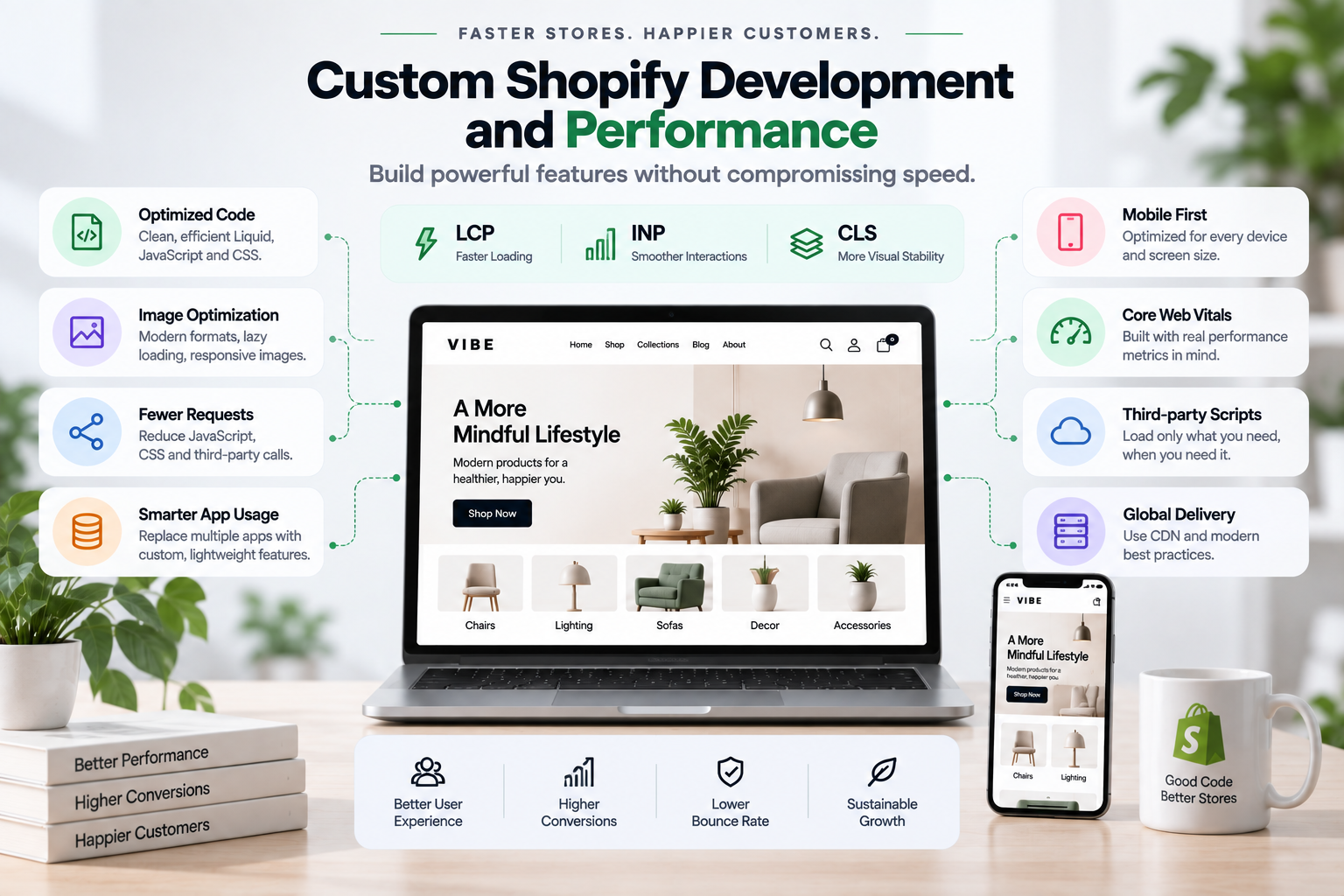
Custom functionality should never come at the expense of storefront performance.
In fact, performance should be considered part of the development process from the beginning.
A custom implementation can sometimes be faster than combining multiple apps that perform similar tasks, but poorly written custom code can create the opposite result.
A performance-focused Shopify development process should consider:
- JavaScript execution
- CSS size
- Third-party scripts
- Image loading
- Lazy loading
- DOM complexity
- Network requests
- Mobile performance
- Core Web Vitals
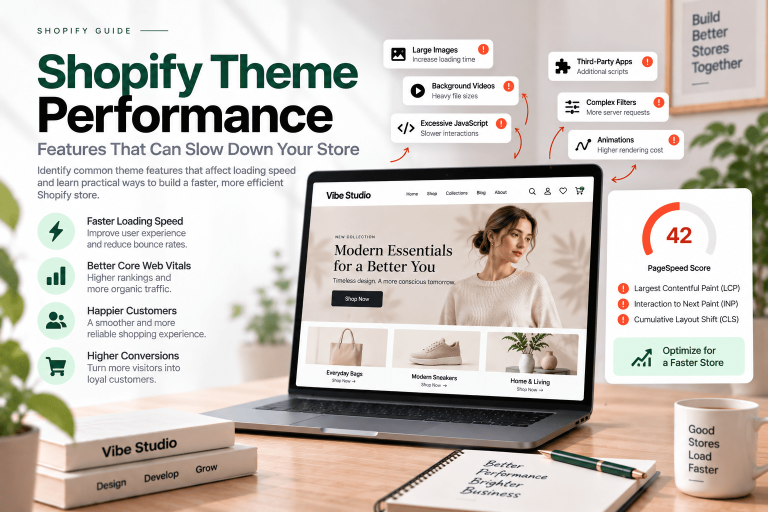
Interaction performance is particularly important for stores with highly interactive interfaces. If you are working on this area, see our guide to Shopify INP Optimization: How to Improve Interaction Speed and Core Web Vitals.
Layout stability is another important consideration. Custom components should reserve the appropriate space for images, media, dynamic content, and interactive elements to reduce unexpected movement. Our guide to How to Reduce CLS in Shopify Stores covers the technical side in more detail.
The best custom development is not simply feature-rich.
It is efficient.
Custom Development Can Reduce App Dependency
Shopify apps provide a convenient way to add functionality without development work.
But there are situations where relying on too many apps becomes inefficient.
For example, imagine a store using separate apps for:
- Quick product interactions
- Product recommendations
- Custom badges
- Promotional banners
- Product filtering
- Gift wrapping
- Store pickup
- Custom cart functionality
If these apps each add scripts and styles to the storefront, their combined impact can become significant.
A custom implementation may allow some of these experiences to be consolidated into the theme.
This does not mean apps should be avoided.
Apps are often the right solution.
The better question is:
Is an app the most efficient way to solve this particular problem?
Custom Shopify Development for Growing Brands
A storefront that works today may not be the right storefront for tomorrow.
As your business grows, you may introduce:
- More products
- More collections
- New markets
- New customer segments
- Additional sales channels
- More complex promotions
- New integrations
- Larger content libraries
Custom development can provide a stronger foundation for these changes.
Instead of repeatedly patching the storefront whenever a new requirement appears, you can build reusable components and a more structured theme architecture.
This is especially valuable for brands that plan to invest heavily in their Shopify store as a long-term sales channel.
Should You Build a Custom Shopify Theme From Scratch?
Not necessarily.
Building everything from scratch can provide maximum control, but it also requires more planning, development time, testing, and maintenance.
For many businesses, starting with a strong premium theme and customizing it is a better balance.
A premium theme can provide a reliable foundation for:
- Responsive layouts
- Product templates
- Collection templates
- Navigation
- Cart functionality
- Theme settings
- Reusable sections
- Ecommerce features
Custom development can then be used where the business needs something unique.
This hybrid approach can provide the advantages of both strategies.
Premium Theme + Custom Development
This approach is often useful when you want to launch quickly but still need a differentiated storefront.
For example:
Premium theme
Provides the foundation.
Custom development
Adds the business-specific functionality.
Performance optimization
Ensures the additional functionality does not unnecessarily slow down the store.
Ongoing improvements
Allow the storefront to evolve as the business grows.
This can be significantly more practical than treating a completely custom theme as the only path to a unique Shopify store.
How the Custom Shopify Development Process Works
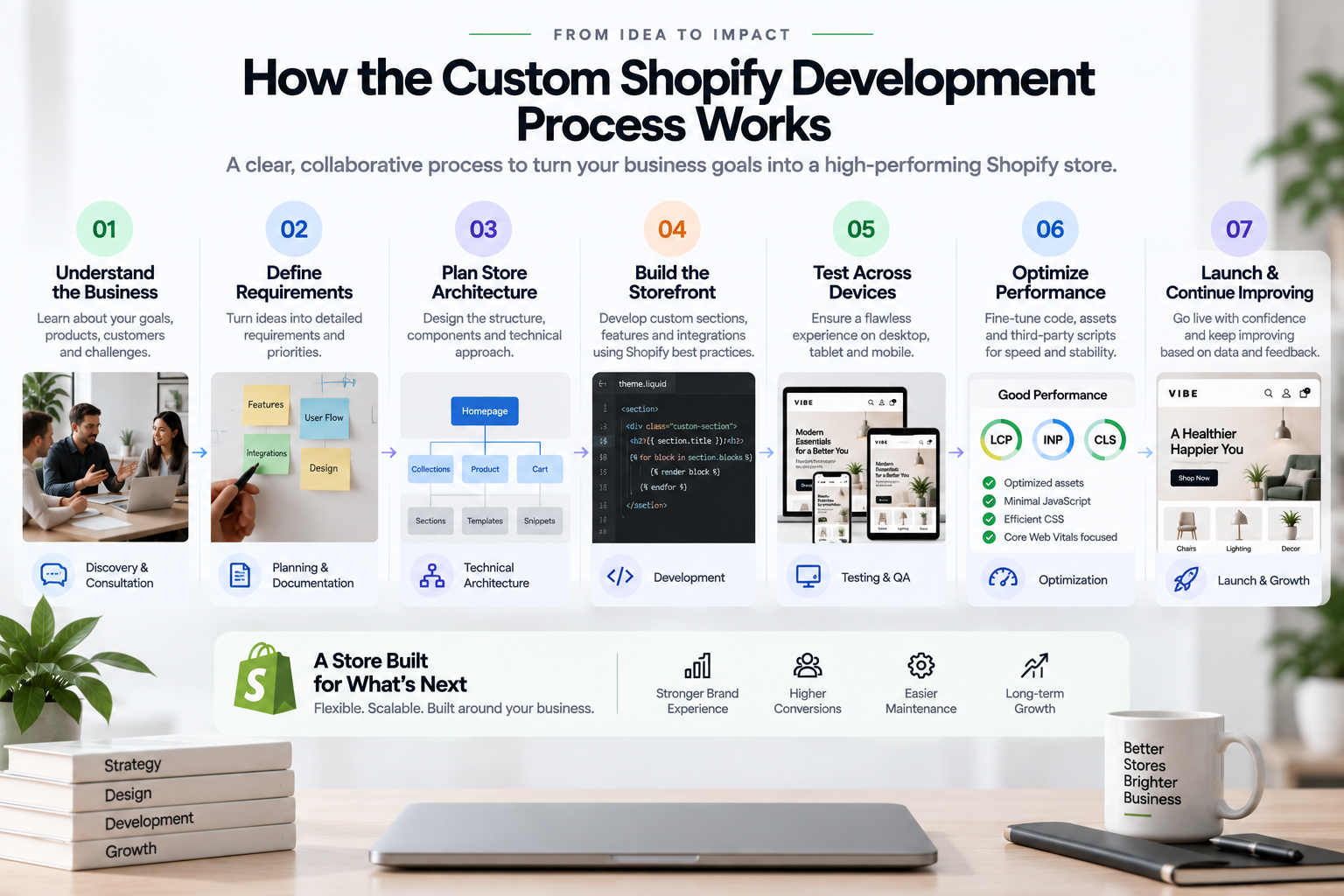
A successful project should begin with business requirements, not code.
1. Understand the Business
Before development starts, identify:
- What the business sells
- Who the customers are
- How customers shop
- What makes the brand different
- What problems the current storefront has
- What the business expects to achieve
This creates the foundation for the project.
2. Define the Requirements
Next, separate requirements into categories.
Essential
Features that the store cannot operate without.
Important
Features that significantly improve the customer experience.
Optional
Features that may be added later.
This prevents the project from becoming unnecessarily complex.
3. Plan the Store Architecture
The development team should determine how the components will fit together.
This may include:
- Templates
- Sections
- Snippets
- Custom elements
- JavaScript modules
- CSS architecture
- Metafields
- Metaobjects
- Shopify APIs
- Third-party integrations
A good architecture makes future changes easier.
4. Build the Storefront
Once the architecture is established, development can begin.
The implementation should focus on reusable components rather than one-off code whenever possible.
This makes the theme easier to maintain and extend.
5. Test Across Devices
A Shopify store needs to work across desktop, tablet, and mobile.
Testing should cover:
- Navigation
- Product selection
- Variant changes
- Cart interactions
- Forms
- Search
- Filtering
- Interactive components
- Accessibility
- Browser compatibility
Mobile testing deserves particular attention because many ecommerce customers browse and purchase from mobile devices.
6. Optimize Performance
After functionality is implemented, the storefront should be tested for performance.
This includes reviewing Core Web Vitals, JavaScript execution, image loading, network requests, and third-party scripts.
Performance should be treated as an ongoing engineering concern rather than something checked only at launch.
7. Launch and Continue Improving
A Shopify store is never truly finished.
After launch, analytics and customer behavior can reveal opportunities for improvement.
You may discover that customers struggle with a particular section, rarely use a feature, or abandon the shopping journey at a specific point.
Custom development gives you the flexibility to continue improving those experiences.
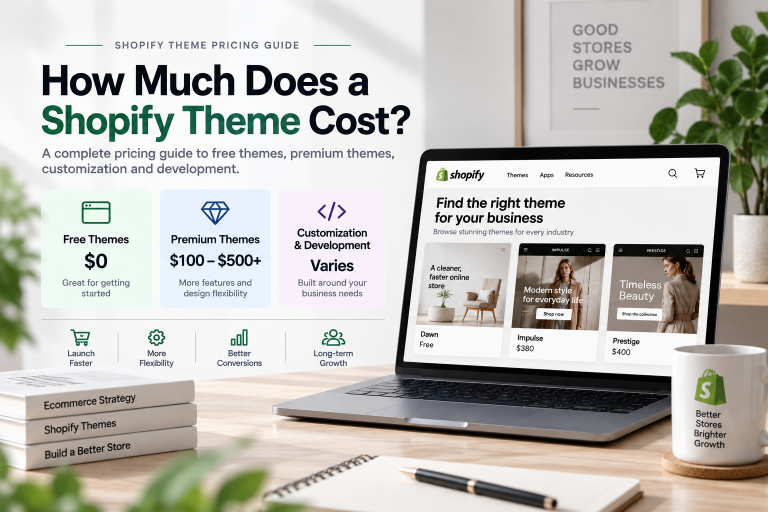
How Much Does Custom Shopify Development Cost?
The cost of custom Shopify development varies significantly depending on the scope of the project.
A relatively small customization may involve a few custom sections or product-page improvements.
A larger project may include:
- Complete theme customization
- Custom storefront architecture
- Advanced product functionality
- Multiple integrations
- Custom customer experiences
- Performance optimization
- Extensive testing
The development cost should therefore be evaluated based on requirements rather than a fixed price for “a custom Shopify store.”
It is also important to consider the long-term cost.
A cheaper implementation that requires frequent fixes or depends heavily on multiple apps may become more expensive over time.
A well-structured implementation can reduce maintenance and make future improvements easier.
Common Mistakes in Custom Shopify Development
Custom development provides flexibility, but flexibility without planning can create unnecessary complexity.
Building Features Nobody Needs
Not every impressive interaction improves a store.
Features should have a clear purpose.
Ask whether a feature improves usability, product discovery, conversion, operational efficiency, or another measurable business objective.
Ignoring Performance
Adding custom JavaScript, animations, and third-party integrations without performance considerations can make a store slower.
Every feature has a cost.
That cost should be evaluated before implementation.
Creating Too Much One-Off Code
A theme filled with highly specific code can become difficult to maintain.
Reusable components and consistent architecture make future development much easier.
Focusing Only on Desktop
A beautiful desktop storefront can still provide a poor mobile experience.
Custom development should be tested from the beginning on smaller screens rather than treating mobile as a final adjustment.
Rebuilding Everything Unnecessarily
Custom does not automatically mean everything needs to be rebuilt.
If Shopify or an existing theme already solves a problem effectively, use that foundation.
The purpose of custom development is to solve the gaps, not create complexity for its own sake.
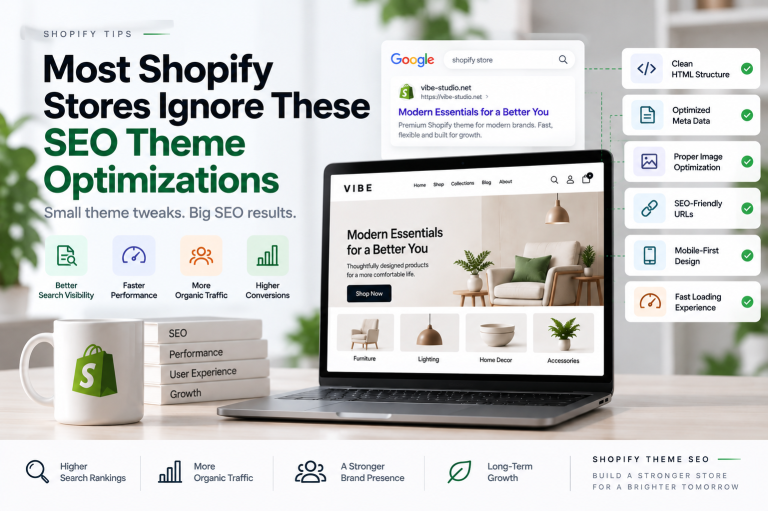
Custom Shopify Development and SEO
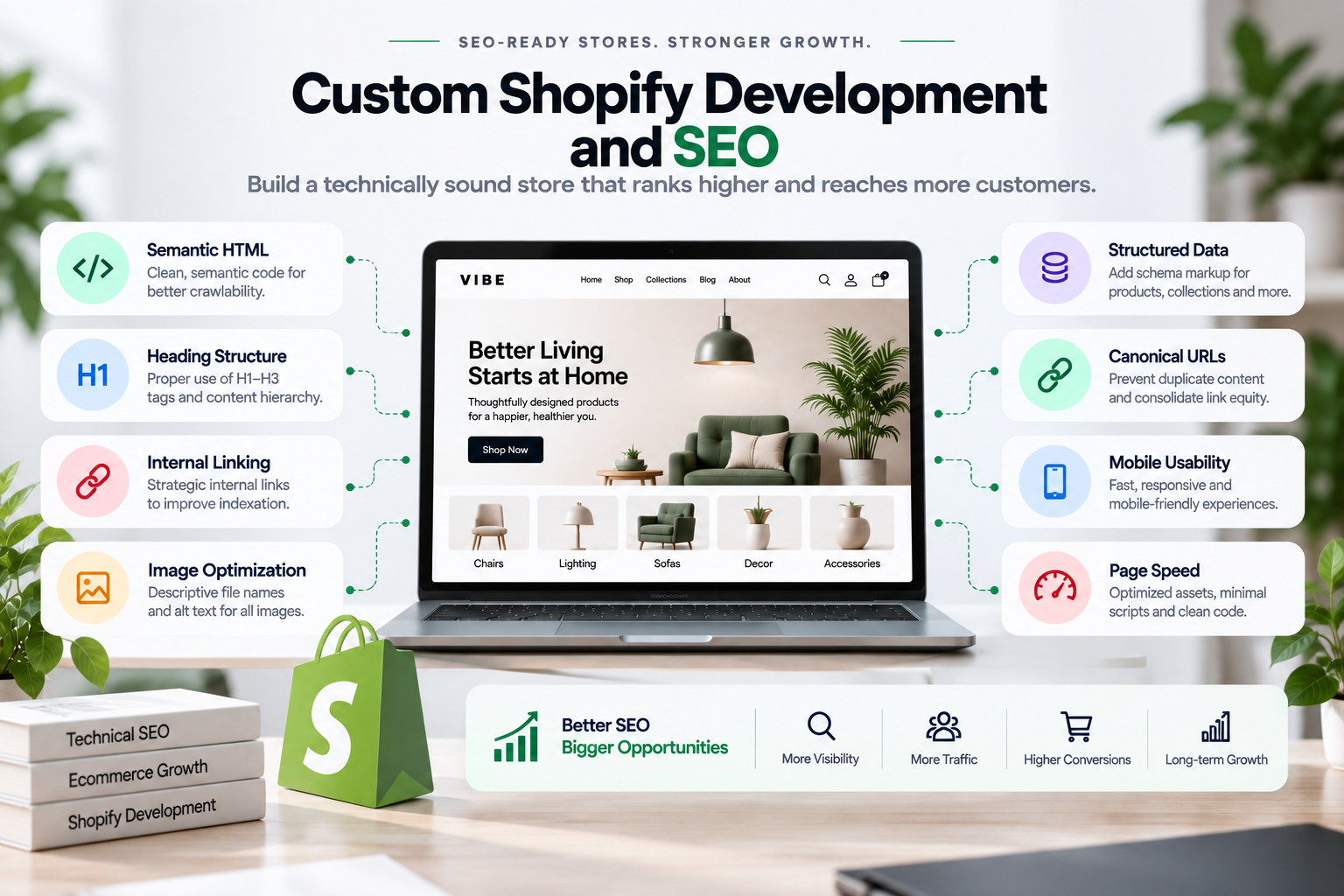
Custom development can also influence organic search performance.
The storefront should provide a technically sound foundation for search engines while maintaining a strong user experience.
Important considerations include:
- Semantic HTML
- Proper heading structure
- Crawlable navigation
- Internal linking
- Descriptive image alt text
- Structured data
- Canonical URLs
- Fast loading
- Mobile usability
- Clean URL structures
SEO should be considered during development rather than added after the storefront has already been built.
This is particularly important when creating custom templates and navigation systems because technical decisions can influence how search engines understand the site’s content.
Who Needs Custom Shopify Development?
Custom development is particularly useful for businesses that have outgrown standard theme functionality.
It may be a good fit if:
- Your current theme limits your design
- Your customer journey is unusual
- You need functionality that themes cannot provide
- You rely on many apps for core storefront features
- You need custom integrations
- Your store has complex product requirements
- Performance is a major priority
- You want more control over future development
- Your brand needs a highly differentiated shopping experience
On the other hand, a standard or premium theme may be the better choice if your requirements are straightforward and you want to launch quickly with a lower development investment.
Custom Shopify Development vs Premium Themes
There is no universal winner between a premium theme and custom development.
They solve different problems.
A premium Shopify theme is generally a strong choice when you want:
- Faster implementation
- Professional design
- Built-in ecommerce features
- Lower initial development requirements
- Easier configuration
Custom Shopify development becomes more attractive when you need:
- Unique functionality
- Highly specific customer journeys
- Advanced integrations
- Greater control over the storefront
- A more specialized architecture
- Long-term flexibility
And in many cases, the best answer is both.
A premium theme can provide the foundation while custom development creates the differentiation.
The Right Approach Depends on Your Business
The biggest mistake is choosing a development approach before understanding the actual problem.
Instead, start with your business.
What do your customers need?
How do they discover products?
Where do they encounter friction?
Which parts of your current storefront are limiting growth?
Which features genuinely contribute to conversion or operational efficiency?
Once these questions are clear, it becomes much easier to decide whether you need a free theme, a premium theme, targeted customization, or a more comprehensive custom Shopify development project.
The goal should never be to build the most complicated Shopify store possible.
The goal is to build the right Shopify store for your business.
Final Thoughts
Custom Shopify development gives businesses the freedom to build a storefront around their products, customers, brand, and long-term goals.
It can be used to create unique shopping experiences, implement business-specific functionality, reduce unnecessary app dependencies, improve performance, and establish a stronger foundation for future growth.
But custom development is not about adding more code.
It is about solving the right problems with the right architecture.
For some businesses, a well-designed premium theme will be the smartest investment. For others, custom development can unlock experiences that a standard theme cannot provide.
And for growing brands, combining a strong Shopify theme with carefully planned custom development can provide the best balance between speed, flexibility, performance, and cost.
Build around your business, not around the limitations of your theme.
If your Shopify store needs custom functionality, a unique customer experience, or a more flexible theme architecture, let’s discuss what you want to build.