Free Shopify Apps Every New Store Should Try Before Launch
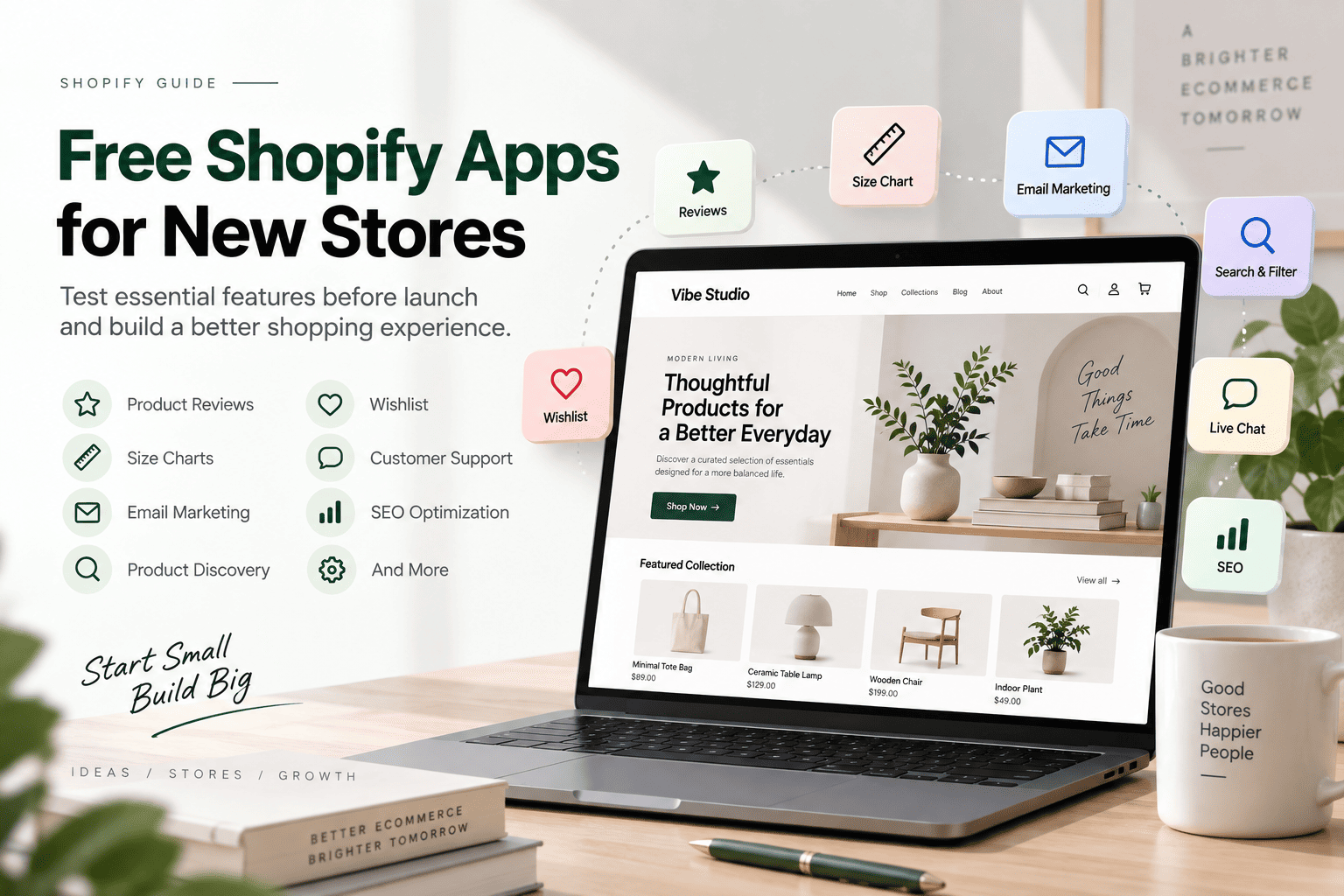
Launching a Shopify store requires more than choosing products and publishing a beautiful theme. You also need to test the shopping experience, customer communication, navigation, and essential store features.
Fortunately, many free Shopify apps for new stores offer free plans or free versions that let you experiment before investing in advanced tools or custom development.
In this guide, we explore useful Shopify apps for testing different store features before your online store goes live.
Note: App pricing and free-plan limits can change. Always check the current pricing information on the Shopify App Store before installing an app.
Table of contents
- Why Test Shopify Apps Before Launch?
- Free Shopify Apps for Product Reviews
- Free Shopify Apps for Size Charts and Size Guides
- Free Shopify Apps for Email Collection
- Free Shopify Apps for Product Discovery
- Free Shopify Apps for Wishlist and Product Comparison
- Free Shopify Apps for Customer Support
- Free Shopify Apps for SEO and Image Optimization
- Shopify Theme Features vs Free Apps
- How to Choose Free Shopify Apps Before Launch
- How to Test Shopify Apps Before Building Your Theme
- Frequently Asked Questions About Free Shopify Apps
- Final Thoughts
Why Test Shopify Apps Before Launch?
Testing Shopify apps before launch helps you understand which features your store actually needs. It can also prevent unnecessary development costs and reduce the risk of installing too many apps after your store is published.
For example, testing apps can help you determine whether your store needs:
- Product reviews and customer ratings
- Size charts and product measurement guides
- Email signup forms
- Advanced product filters
- Wishlist functionality
- Live chat
- SEO optimization tools
This process allows you to evaluate features in a real storefront environment before deciding whether to keep an app or build the functionality directly into your Shopify theme.
Free Shopify Apps for Product Reviews
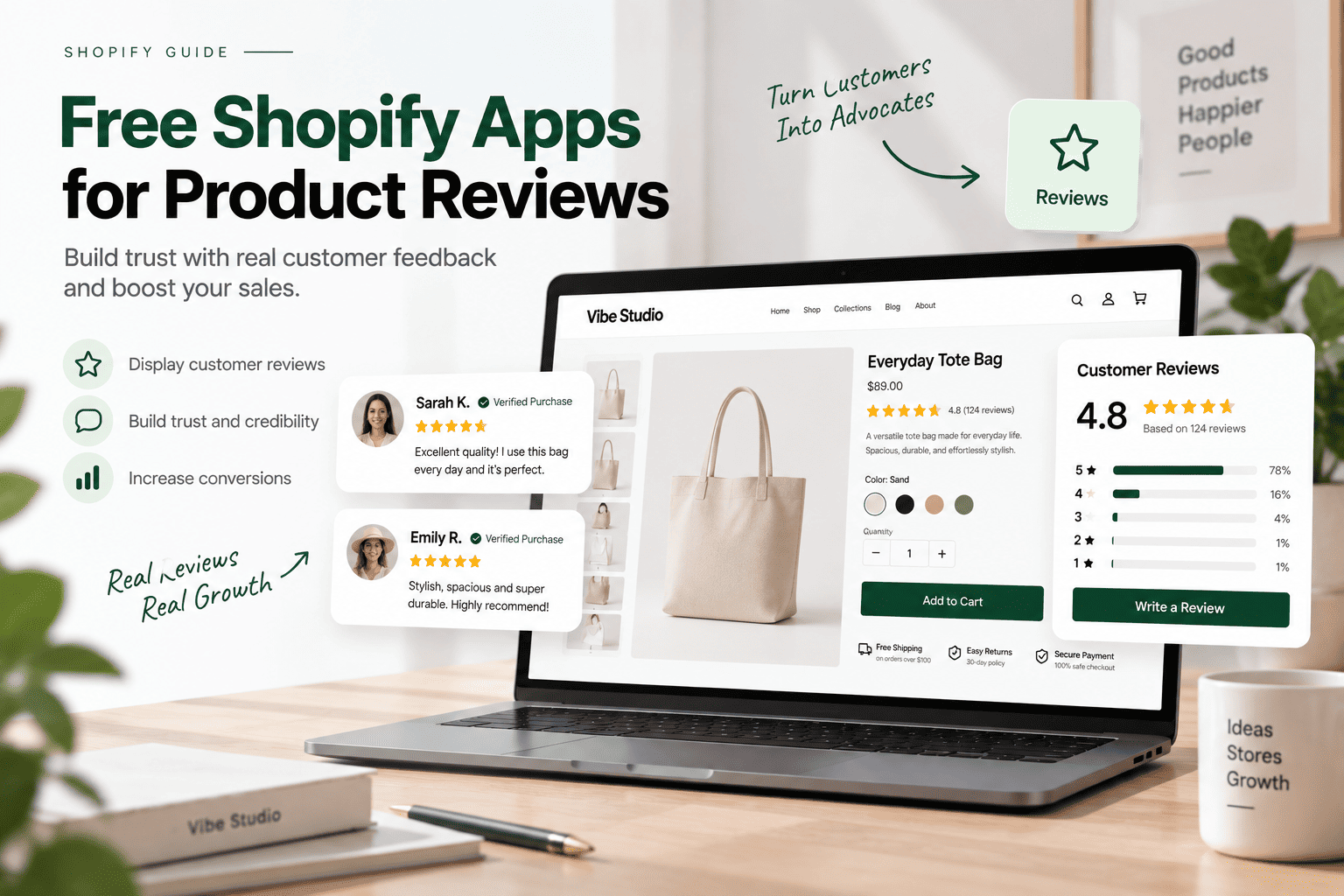
Product reviews help customers evaluate products and build confidence before purchasing. They are particularly useful for fashion, cosmetics, accessories, and other ecommerce categories.
The following apps can help you test review widgets, customer ratings, and user-generated content.
1. Judge.me Product Reviews
Pricing: Free plan available
Best for: Product reviews, ratings, and review requests
Judge.me allows merchants to collect and display product reviews, star ratings, and customer feedback. Its free plan makes it suitable for testing review functionality before choosing a more advanced solution.
What to test:
- Review widget placement
- Star rating display
- Review request emails
- Photo reviews
- Mobile layout
2. Loox – Product Reviews App
Pricing: Free plan or trial options may vary
Best for: Photo reviews and visual social proof
Loox focuses on visual product reviews, including customer photos and testimonials. It can be useful for testing how user-generated content fits into your product pages.
What to test:
- Photo review layouts
- Review placement
- Customer testimonials
- Product page design
- Mobile usability
3. Ali Reviews – Product Reviews
Pricing: Check the current free plan
Best for: Product reviews and customer-generated content
Ali Reviews provides tools for displaying customer feedback and product reviews. Merchants can use it to explore different ways to present social proof throughout their store.
What to test:
- Review display styles
- Photo reviews
- Product page integration
- Review customization
Product review apps have different limitations and pricing structures, so check the available features before selecting one for long-term use.
Free Shopify Apps for Size Charts and Size Guides
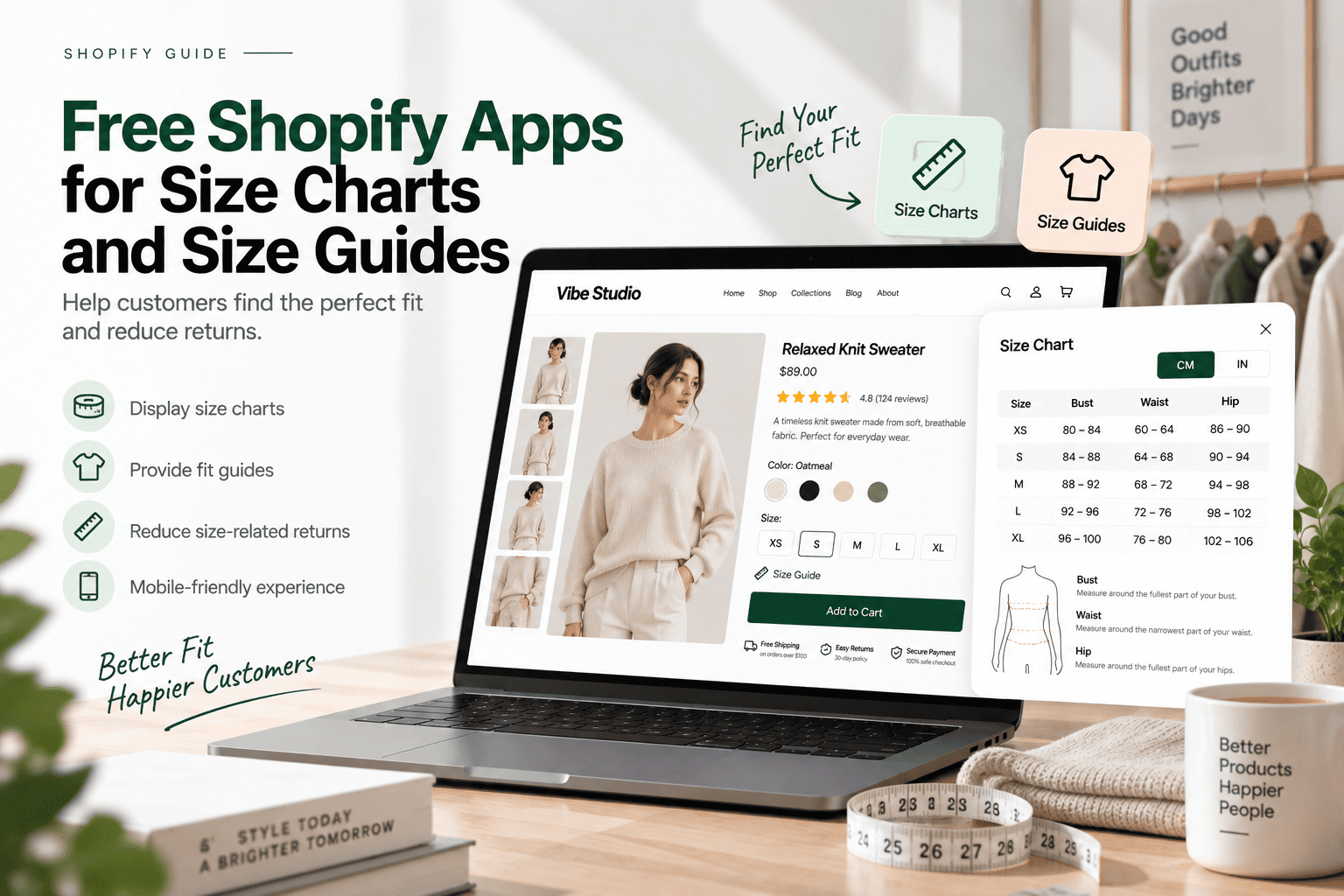
A size chart helps customers understand product measurements and choose the right size. This feature is especially important for fashion, footwear, and apparel stores.
Before developing a custom size chart in your Shopify theme, you can use a free app to test different layouts and product-specific measurement guides.
1. ESC – Size Charts & Size Guide
Pricing: Free plan availability should be checked
Best for: Customizable size charts and measurement guides
View ESC Size Charts & Size Guide
ESC helps merchants create size charts and display measurement information on product pages. It can be used to test different size guide layouts without requiring custom development.
What to test:
- Size chart placement
- Measurement tables
- Product-specific charts
- Popup and inline displays
- Mobile responsiveness
2. Kiwi Size Chart & Recommender
Pricing: Free plan or trial options may vary
Best for: Size charts and size recommendations
View Kiwi Size Chart & Recommender
Kiwi combines size charts with size recommendation features. It can help merchants understand whether customers need additional guidance when selecting product sizes.
What to test:
- Size recommendation flow
- Measurement tables
- Size chart placement
- Product-specific sizing
- Mobile experience
3. AVADA Size Chart
Pricing: Check the current plan structure
Best for: Product size guides and measurement tables
AVADA Size Chart provides tools for creating size guides and displaying measurement information. It can be useful for testing size chart designs before implementing a custom theme feature.
What to test:
- Size chart templates
- Measurement units
- Product assignments
- Chart visibility
- Theme compatibility
4. BF Size Chart & Size Guide
Pricing: Free plan availability should be checked
Best for: Basic size charts and product measurements
View BF Size Chart & Size Guide
BF Size Chart & Size Guide allows merchants to add measurement information to product pages. It is suitable for testing simple size guide functionality during the early stages of store development.
What to test:
- Chart customization
- Product assignment
- Measurement display
- Mobile layout
A free size chart app is useful for testing customer needs. However, a native theme feature may offer more control over design, performance, and integration with product metafields.
Free Shopify Apps for Email Collection
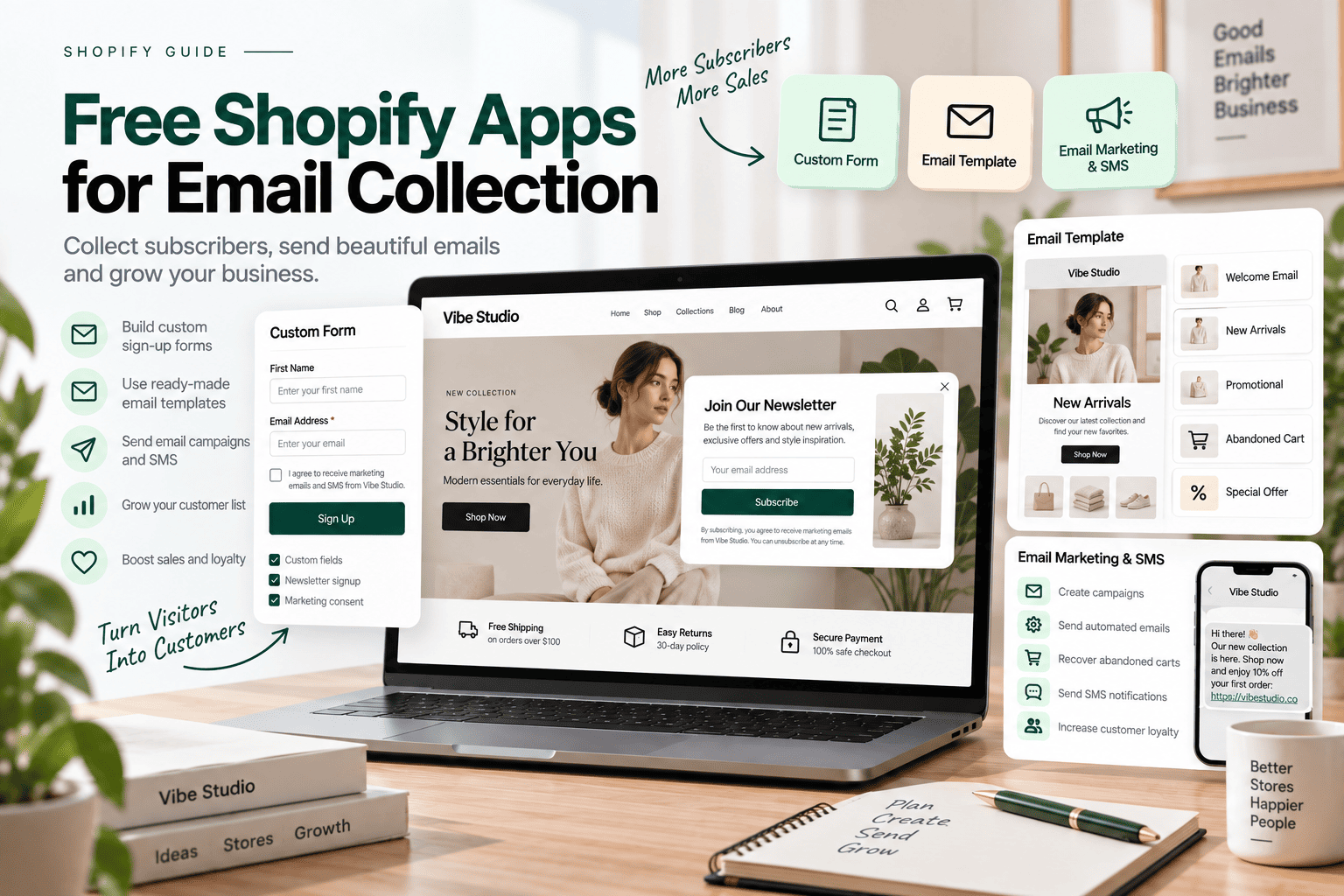
Email collection helps you build a customer list and test marketing campaigns before launch. You can use signup forms and email tools to evaluate how visitors respond to newsletters, discounts, and promotional offers.
1. Shopify Forms
Pricing: Free
Best for: Signup forms and customer information collection
Shopify Forms allows merchants to create forms for collecting customer information. It is a useful starting point for testing newsletter signup forms and promotional popups.
What to test:
- Popup timing
- Form placement
- Mobile usability
- Discount collection
- Customer segmentation
2. Shopify Email
Pricing: Free allowance available, subject to limits
Best for: Email campaigns and marketing automation
Shopify Email helps merchants create and send marketing emails directly from Shopify. You can use it to test welcome emails, product announcements, and promotional campaigns.
What to test:
- Email templates
- Product recommendations
- Brand consistency
- Campaign scheduling
- Email reports
3. Klaviyo: Email Marketing & SMS
Pricing: Free plan available with limitations
Best for: Email marketing and customer segmentation
Klaviyo provides email marketing and customer segmentation features. Its free plan can help new merchants explore basic email flows before adopting more advanced marketing strategies.
What to test:
- Welcome email flows
- Signup forms
- Customer segments
- Abandoned cart communication
- Automated campaigns
4. Omnisend Email Marketing & SMS
Pricing: Free plan or free allowance may apply
Best for: Email marketing, popups, and automation
Omnisend provides email marketing tools, signup forms, and automation features. It can help you compare different approaches to collecting and communicating with potential customers.
What to test:
- Signup forms
- Welcome campaigns
- Email templates
- Automation workflows
- Mobile email experience
Start with one email marketing platform instead of installing several similar apps. This makes testing easier and reduces unnecessary integrations.
Free Shopify Apps for Product Discovery
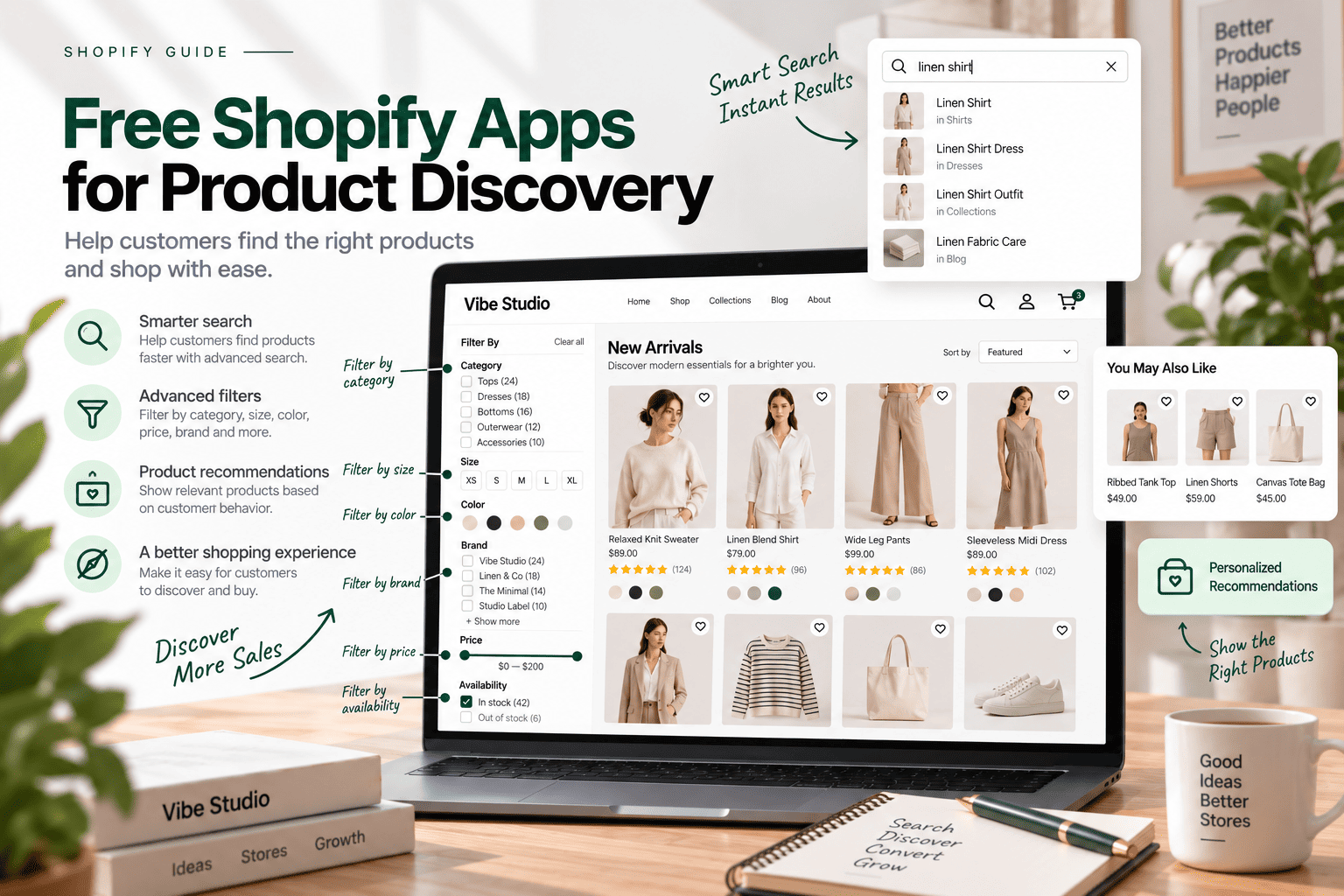
Product discovery includes search, filters, recommendations, and collection navigation. These features help customers find relevant products quickly.
Testing product discovery is particularly important for stores with many products, sizes, colors, or categories.
1. Shopify Search & Discovery
Pricing: Free
Best for: Search, filters, and product recommendations
View Shopify Search & Discovery
Shopify Search & Discovery helps merchants customize search and product discovery experiences. It is a practical first option because it is provided by Shopify and does not require an additional paid plan.
What to test:
- Search results
- Product filters
- Search synonyms
- Related products
- Complementary product recommendations
2. Boost AI Search & Filter
Pricing: Check the current free plan
Best for: Product filters and collection navigation
Boost AI Search & Filter can help merchants test advanced filtering options for stores with multiple product attributes.
What to test:
- Filter combinations
- Collection navigation
- Color and size filters
- Mobile filter interfaces
- Loading behavior
3. Searchanise Search & Filter
Pricing: Check the current plan and trial conditions
Best for: Search autocomplete and product filtering
Searchanise provides search and filtering tools that can be tested when the default Shopify search experience does not meet your catalog requirements.
What to test:
- Search autocomplete
- Search relevance
- Product filtering
- Search result layouts
- Mobile performance
Start with Shopify Search & Discovery before installing another search app. Your store may already have enough native functionality for its initial catalog.
Free Shopify Apps for Wishlist and Product Comparison
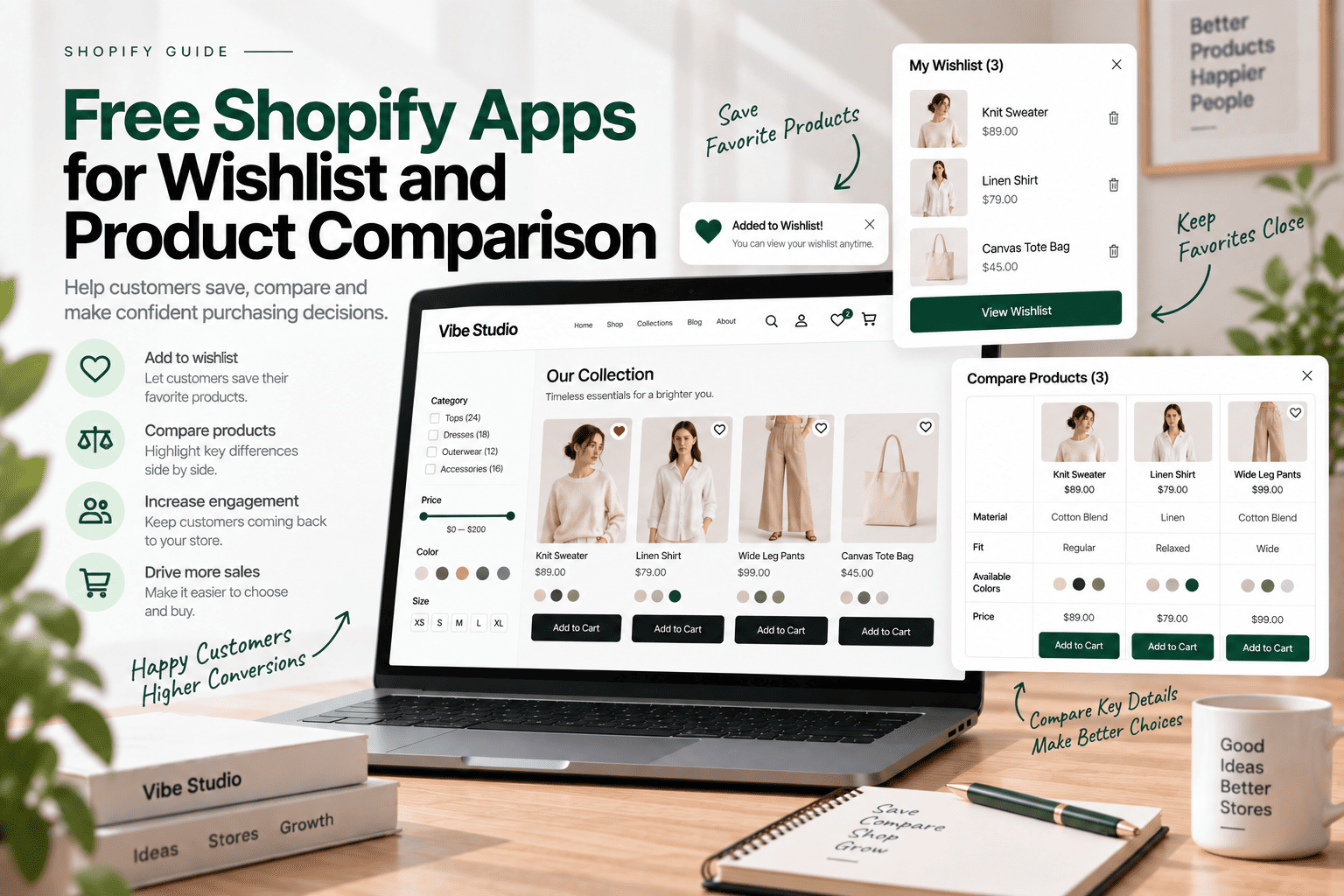
Wishlist and product comparison features allow customers to save products and evaluate different options before making a purchase.
These features can be useful for fashion, furniture, electronics, and other stores with multiple similar products.
1. Swym Wishlist Plus
Pricing: Free plan availability should be checked
Best for: Wishlist functionality
Swym Wishlist Plus allows merchants to test wishlist functionality and understand whether customers want to save products for later.
What to test:
- Add-to-wishlist buttons
- Guest wishlist behavior
- Wishlist page design
- Mobile experience
- Product card integration
2. Hulk AI Wishlist & Favorites
Pricing: Check the current free plan
Best for: Saved products and wishlist functionality
Hulk AI Wishlist & Favorites can help you test saved-product functionality and different wishlist interactions within your storefront.
What to test:
- Wishlist button placement
- Product card integration
- Guest and customer behavior
- Wishlist page layout
- Theme compatibility
3. Compareder – Product Compare
Pricing: Free plan available
Best for: Basic product comparison and variant comparison
View Compareder – Product Compare
Compareder helps Shopify stores add comparison buttons to product lists and product pages. Its free plan includes basic product comparisons, variant support, text customization, and responsive design.
What to test:
- Compare button placement
- Product and variant comparison
- Comparison layout on mobile
- Product list integration
- Theme compatibility
4. Snap Compare: Compare Products
Pricing: Free plan available
Best for: Comparing up to three products
View Snap Compare: Compare Products
Snap Compare allows customers to compare up to three products using basic attributes and product variants. The app supports comparison overlays, app blocks, and highlighting similarities and differences.
What to test:
- Compare button on product cards
- Comparison overlay and app block
- Product variant comparison
- Highlighting similarities and differences
- Mobile comparison experience
5. Equate – Product Compare
Pricing: Free for development stores; paid plan available for live stores
Best for: Testing product comparison during development
Equate – Product Compare provides comparison tables and customizable comparison layouts. Its free plan is intended for development stores, while live stores require the paid plan.
What to test:
- Comparison table layout
- Product page integration
- Comparison widget appearance
- Custom text and styling
- Theme compatibility and responsive design
Free Shopify Apps for Customer Support
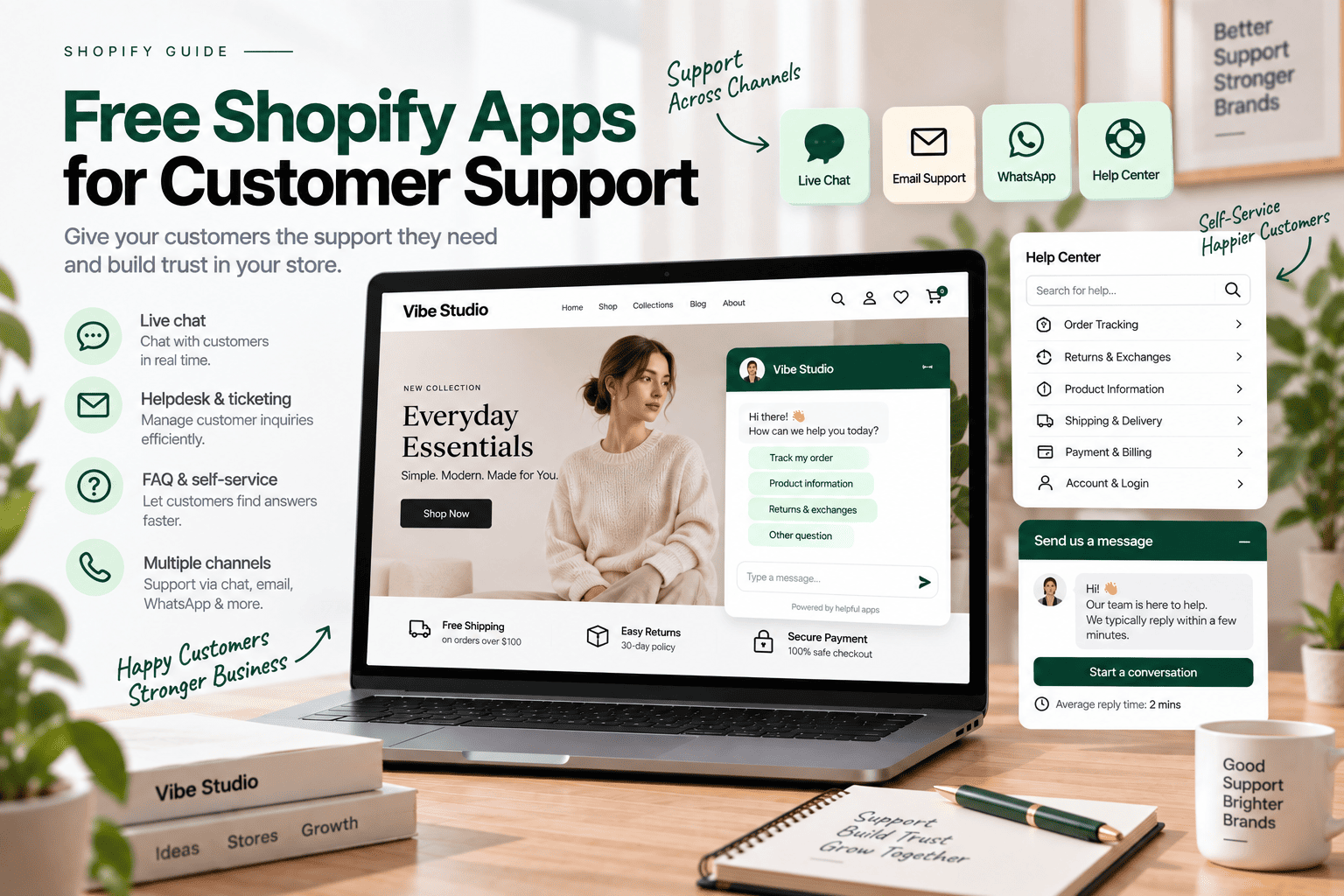
Customer support apps help Shopify stores connect with customers, answer questions, and resolve issues more efficiently. These free or free-plan tools make it easier to provide real-time assistance and build customer trust.
1. Shopify Inbox
Pricing: Free
Best for: Live chat and customer conversations
Shopify Inbox provides chat functionality for communicating with customers. It is a useful starting point for testing real-time support without purchasing a separate customer service platform.
What to test:
- Chat button placement
- Customer questions
- Automated responses
- Mobile chat experience
- Conversation management
2. Tidio – Live Chat & AI Chatbots
Pricing: Free plan available with limitations
Best for: Live chat and automated support
Tidio combines live chat with automated support features. It can help merchants test customer communication and identify common questions before launch.
What to test:
- Chat widget design
- Automated greetings
- Customer questions
- Mobile usability
- Response workflows
3. Chatra Live Chat + Chatbot
Pricing: Check the current free plan
Best for: Live chat and visitor communication
Chatra allows merchants to test live chat and customer interaction features. It can also help you identify questions that may later be addressed through an FAQ page.
What to test:
- Chat widget placement
- Offline messages
- Customer contact flow
- Notification settings
- Mobile chat experience
A simple chat app may be sufficient for a new store. You can expand your support system after learning which questions customers ask most frequently.
Free Shopify Apps for SEO and Image Optimization
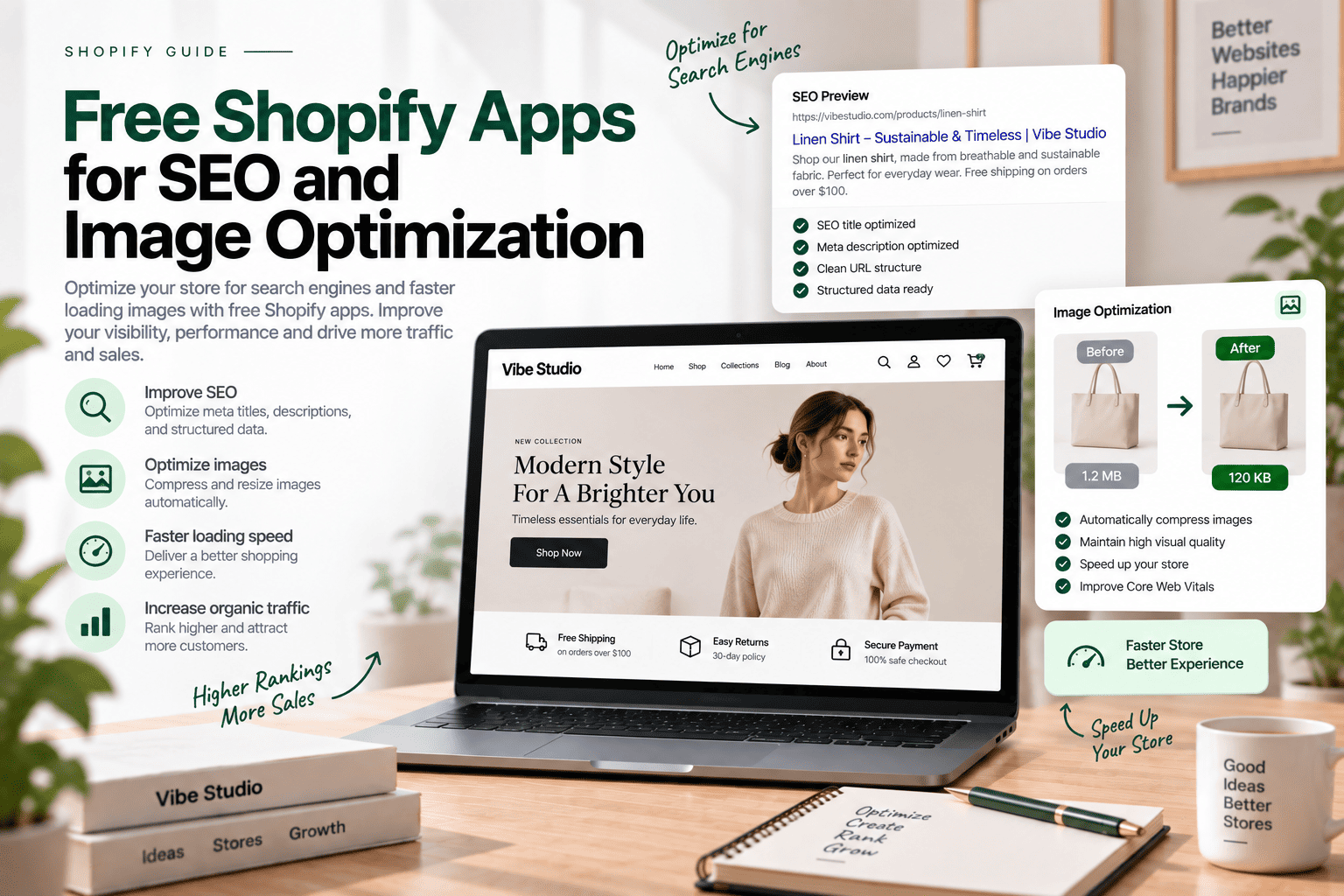
SEO and image optimization tools can help you identify technical issues before your store goes live. However, some optimization tasks can be handled directly through Shopify or your theme.
1. Tiny SEO Speed Image Optimizer
Pricing: Check the current free plan or free installation terms
Best for: Image optimization and SEO tasks
View Tiny SEO Speed Image Optimizer
Tiny SEO Speed Image Optimizer provides tools related to image optimization and SEO. It can help merchants review image sizes and identify optimization opportunities.
What to test:
- Image compression
- Image quality
- Alt text management
- Image loading behavior
- Mobile product images
2. Avada SEO & Image Optimizer
Pricing: Check the current free plan
Best for: SEO and image optimization
View Avada SEO & Image Optimizer
Avada provides SEO tools and image optimization features. It can help new merchants explore which tasks should be managed through an app or handled manually.
What to test:
- Image optimization
- SEO recommendations
- Metadata management
- Broken links
- Storefront compatibility
3. Plug In SEO
Pricing: Check the current free plan
Best for: SEO checks and recommendations
Plug In SEO helps merchants review common SEO issues and understand which areas may need further optimization.
What to test:
- SEO checks
- Metadata issues
- Broken links
- Content optimization
- SEO reports
SEO apps should support your optimization process rather than replace manual checks. Review page titles, meta descriptions, headings, internal links, and image alt text before publishing your store.
Shopify Theme Features vs Free Apps
Free apps are useful for testing features, but some functionality may be better implemented directly into your Shopify theme.
| Feature | Shopify Theme | Free App |
|---|---|---|
| Quick view | Can be integrated into the theme | May not be necessary |
| Product reviews | Theme controls presentation | App manages review data |
| Size chart | Can use product metafields | Useful for initial testing |
| Wishlist | Can be developed natively | Useful for validating demand |
| Product filters | Theme controls styling | App may provide advanced options |
| Email popup | Theme controls visual layout | App manages collection and automation |
| Product comparison | Can be developed as a custom feature | App helps test customer demand |
The right approach depends on the feature, integrations, maintenance requirements, and performance impact.
For example, quick view is closely connected to product cards and theme JavaScript. Developing it directly in the theme may provide greater control. Email marketing, on the other hand, often requires customer data management and automation that specialized apps already provide.
How to Choose Free Shopify Apps Before Launch
Installing every free app is not an effective testing strategy. Instead, evaluate each app using the following criteria.
1. Check the Free Plan
Some apps are completely free, while others provide limited free plans, free installation, or temporary trials.
Review the following details:
- Monthly usage limits
- Included features
- Branding restrictions
- Product or order limits
- Upgrade requirements
2. Test Mobile Usability
A feature that works well on desktop may create problems on smaller screens. Test popups, filters, chat widgets, reviews, and size charts on different mobile devices.
3. Review Theme Compatibility
Check whether the app works correctly with your theme’s:
- Product cards
- Product pages
- Cart
- Navigation
- Typography
- Colors
- Responsive layouts
4. Monitor Store Performance
Shopify apps may add JavaScript, CSS, tracking scripts, or external requests. These resources can affect loading and interaction performance.
Test your storefront before and after installing an app. If an app provides limited value or creates noticeable performance issues, consider removing it.
5. Avoid Duplicate Features
If your theme already includes wishlist, quick view, product badges, or advanced filters, another app may not be necessary.
Avoiding overlapping features can simplify maintenance and reduce potential conflicts between theme code and app integrations.
How to Test Shopify Apps Before Building Your Theme
A structured testing process can help you make better development decisions.
Step 1: Create a Test Store
Use a development or test store to experiment with apps without affecting your live storefront.
Step 2: Install Only Essential Apps
Choose one or two apps for each feature you want to evaluate. Avoid installing several apps that perform the same function.
Step 3: Test the Customer Journey
Review the complete shopping process, including:
- Homepage navigation
- Product discovery
- Product page interactions
- Size chart access
- Add-to-cart functionality
- Cart and checkout flow
- Customer support
Step 4: Check Performance
Compare your store’s performance before and after installing each app. Pay attention to loading speed, layout stability, and interaction responsiveness.
Step 5: Decide Between an App and a Native Feature
After testing, determine whether the feature should remain app-based or be developed directly into your Shopify theme.
A native feature may be suitable when you need greater control over the design, performance, or data structure.
Frequently Asked Questions About Free Shopify Apps
Are free Shopify apps really free?
Many Shopify apps offer completely free plans, while others provide limited features, free installation, or temporary trials. Check the app’s current pricing details before installing it.
How many Shopify apps should a new store install?
There is no fixed number of apps required for every Shopify store. Install only the apps that solve a clear business or customer experience problem.
Can free Shopify apps slow down a store?
Yes. Apps may add scripts, stylesheets, tracking resources, or external requests. The effect depends on how the app is implemented and which features are enabled.
Should I use an app or develop a theme feature?
Use an app to test a feature quickly. Consider custom theme development when you need better design control, tighter integration, or reduced dependence on third-party functionality.
Are free apps suitable for testing a Shopify theme?
Yes. Free apps can help you evaluate customer needs and determine which features should be included in your final Shopify theme.
Final Thoughts
Free Shopify apps provide a practical way to test essential storefront features before investing in custom development. Product reviews, size charts, email collection, product discovery, wishlists, customer support, and SEO tools can help you understand what your store needs.
However, free apps may include usage limits or paid upgrades. Review pricing details, test theme compatibility, and monitor performance before keeping an app in your final setup.
Many features can also be built directly into your Shopify theme without installing additional apps. This approach can help reduce ongoing costs, minimize performance issues, and avoid unnecessary dependencies on third-party providers. Before adding an app, consider whether the required functionality can be developed as part of your theme.
A well-developed Shopify theme should include features that support your business while maintaining flexibility, performance, and cost efficiency. Testing apps first allows you to make more informed decisions about your store’s design, functionality, and long-term development strategy.
If you need help building a Shopify theme with custom features, Vibe Studio can help you create a flexible, performance-focused storefront tailored to your business requirements. Need a custom Shopify theme or specific features? Don’t hesitate to contact us.